Screenshots
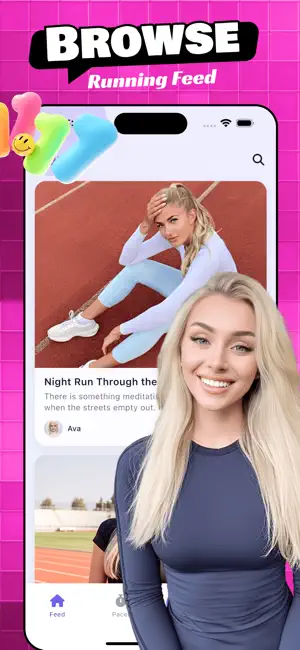

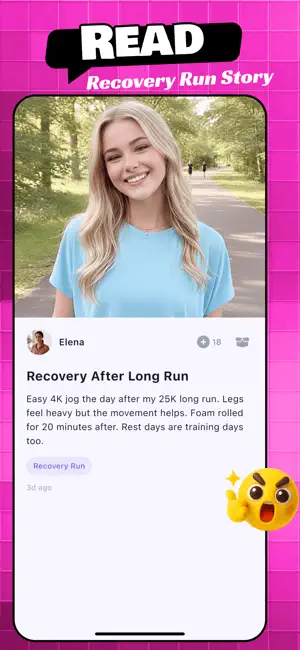

Icon palette
About this app
That feeling after a personal best — the burning lungs, the split-second glance at your watch, the quiet pride no one else saw — deserves more than a screenshot buried in your camera roll. Tavor grows with your stride. Every morning route, every race-day finish line, every pair of shoes broken in over hundreds of kilometers becomes part of a record you build run by run. Log your pace, your distance, the small details that only another runner would notice, and watch your own timeline fill with real proof of progress. Around you, a community of runners is doing the same. Scroll through someone else's trail photos from a route you have never tried. Discover how another runner transitioned from 5K to half-marathon. Find shoe reviews written by people who actually put three hundred miles on the sole before sharing their take. The feed is built by people who care about the same early alarms a…
App details
What you can learn from Tavor
Every shipping app on the App Store has gone through the same decisions you're working through right now: which screenshot goes first, what caption sits over it, which device frame to show, what color the background should be. The 4 screenshots above are Tavor's answers to those questions — they're public, they're real, and they made it through Apple's review.
Notice the first screenshot in particular. It's the one users see in search results and on the product page, and it's where most apps spend their best caption and tightest design. Look at the proportion of background to phone, where the text sits, what one thing the image is trying to communicate.
Want to see how other Sports apps approach the same problem? Browse more Sports apps in the showcase.
Take what works into your own screenshots
Open LaunchShots and design your App Store & Google Play screenshots — pick a device frame, drop captions, ship in minutes. Free, in your browser.
Open the screenshot editor →