Screenshot style breakdown
Sampled from 5 of Animo: 写真から動画 AI's App Store screenshots — background, accent and theme, measured by LaunchShots (not something Apple publishes).
#EC1CFC bg
#EE3BFC
#5464F4 accent
#FFFFFF text
Screenshots
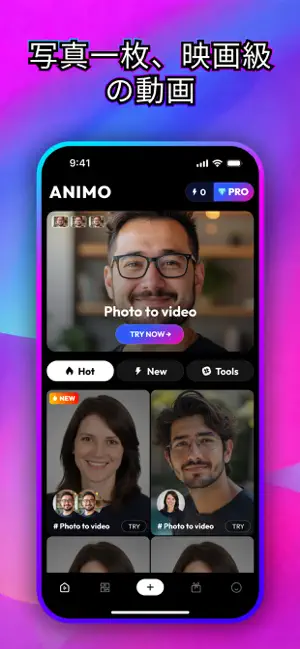
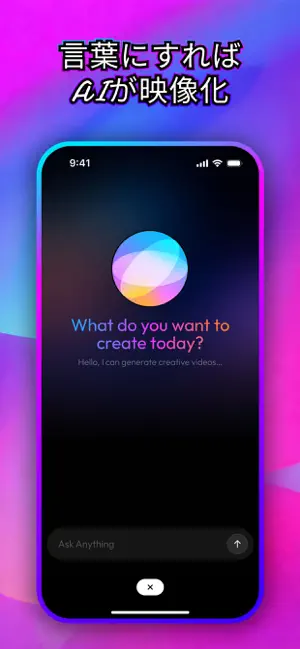

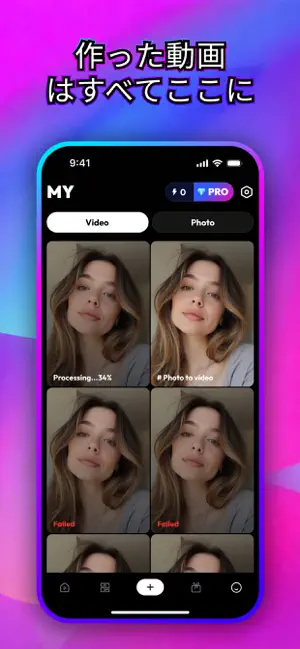
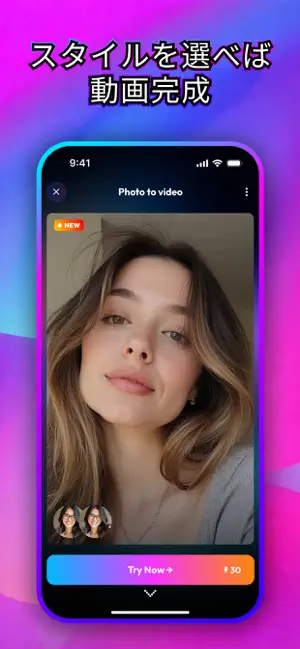
Icon palette
About this app
どんな動画も「雰囲気を決める」ところから始まりますが、Animo ではその部分がすでに用意されています。 Animo は、テンプレートライブラリを中心に据えた写真から動画・テキストから動画のアプリです。各テンプレートにはカメラの動き、テンポ、雰囲気があらかじめ組み込まれているので、空白の画面から組み立てるのではなく、方向性を選ぶだけで済みます。写真を加えるかプロンプトを入力すると、AI がその内容をテンプレートに流し込みます。SNS 向けに発信するクリエイターや、編集タイムラインを開かずに仕上がった動画がほしい人のために作られています。 テンプレートから始める テンプレートライブラリを開き、スタイルや動きで見ていきます。テンプレートはカメラの動き方、カットの速さ、全体の質感を決めるので、素材を加える前に方向性が決まります。手早く安定した見栄えがほしいときは、ここから始めてください。 写真、または言葉を加える 手元に画像がありますか?入れるだけで、Animo は選んだテンプレートの動きとタイミングに合わせて、その…
App details
What you can learn from Animo: 写真から動画 AI
Every shipping app on the App Store has gone through the same decisions you're working through right now: which screenshot goes first, what caption sits over it, which device frame to show, what color the background should be. The 5 screenshots above are Animo: 写真から動画 AI's answers to those questions — they're public, they're real, and they made it through Apple's review.
What the numbers say: Animo: 写真から動画 AI runs a dark set with one background colour (#EC1CFC) carried across every screenshot — the listing reads as a single poster when the shots sit side by side in search results. The accent colour we picked up, #5464F4, is the one to reuse for badges, arrows and highlighted words if you borrow this look. Hit Use this style to open the editor with these exact colours and drop your own screenshot in.
Notice the first screenshot in particular. It's the one users see in search results and on the product page, and it's where most apps spend their best caption and tightest design. Look at the proportion of background to phone, where the text sits, what one thing the image is trying to communicate.
Want to see how other Graphics & Design apps approach the same problem? Browse more Graphics & Design apps in the showcase.
Take what works into your own screenshots
Open LaunchShots and design your App Store & Google Play screenshots — pick a device frame, drop captions, ship in minutes. Free, in your browser.
Open the screenshot editor →Apps with a similar look
Closest background + accent colours among the listings we've analysed — useful when you want to see the same palette handled by a different team.