Chart position — tracked daily by LaunchShots
Screenshot style breakdown
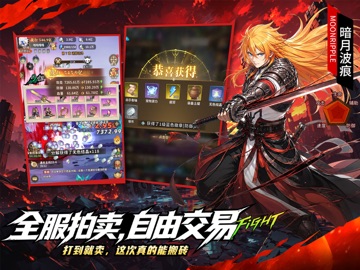
Sampled from 6 of 冒险与征途-3D放置RPG's App Store screenshots — background, accent and theme, measured by LaunchShots (not something Apple publishes).
#040404 bg
#272727
#642C74 accent
#FFFFFF text
Screenshots


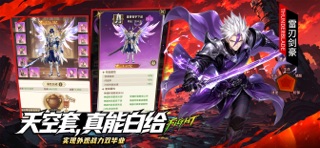
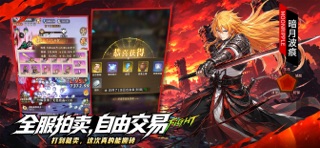
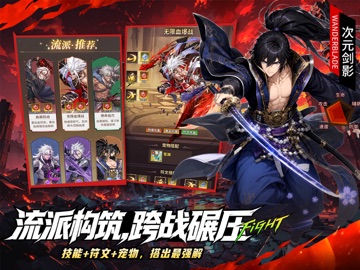
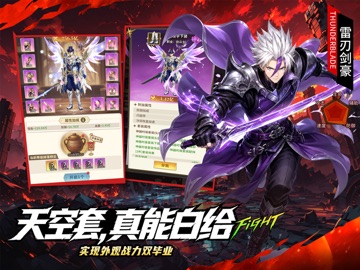
iPad screenshots




Icon palette
About this app
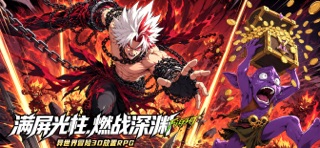
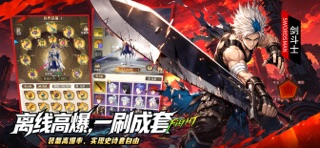
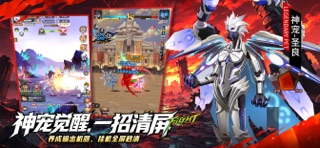
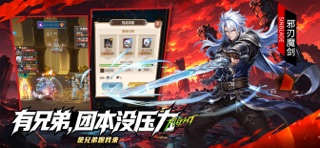
异世界冒险3D放置RPG手游《冒险与征途》重磅上线!告别横屏重度肝氪、装备碎装、低爆率、交易限制等痛点,单手畅享深渊刷宝与连招挂机双重乐趣!踏入艾兰西亚魔幻大陆,搭配专属战斗流派,开启无限刷宝冒险! 【满屏光柱,燃战深渊】还原深渊经典玩法,3D 建模复刻浮空、连击、霸体格斗手感,深渊爆装满屏光柱,单手操作或自动托管,碎片时间也能沉浸式刷宝。 【离线高爆,一刷成套】离线挂机持续产出装备,上线光柱爆不停,史诗掉落概率大幅提升,深渊、土罐双渠道出货,轻松集齐成套史诗,告别刷本不出货的焦虑。 【流派构筑,跨战碾压】搭配技能、符文、宠物打造专属流派,不靠纯数值硬冲,竞技场、星魔塔凭策略实现跨战力翻盘。 【躺平刷宝,轻松毕业】可托管可微操,海量土罐随心开;装备强化永不破碎,换装可继承强化不掉战力,躺平即可轻松毕业。 【有兄弟,团本没压力】交易行即将开放,组队共闯深渊副本,多元 PVE、PVP 玩法齐全,组队刷宝不孤单。
App details
What you can learn from 冒险与征途-3D放置RPG
Every shipping app on the App Store has gone through the same decisions you're working through right now: which screenshot goes first, what caption sits over it, which device frame to show, what color the background should be. The 16 screenshots above are 冒险与征途-3D放置RPG's answers to those questions — they're public, they're real, and they made it through Apple's review.
What the numbers say: 冒险与征途-3D放置RPG runs a dark set with one background colour (#040404) carried across every screenshot — the listing reads as a single poster when the shots sit side by side in search results. The accent colour we picked up, #642C74, is the one to reuse for badges, arrows and highlighted words if you borrow this look. Hit Use this style to open the editor with these exact colours and drop your own screenshot in.
Notice the first screenshot in particular. It's the one users see in search results and on the product page, and it's where most apps spend their best caption and tightest design. Look at the proportion of background to phone, where the text sits, what one thing the image is trying to communicate.
Want to see how other Games apps approach the same problem? Browse more Games apps in the showcase.
Take what works into your own screenshots
Open LaunchShots and design your App Store & Google Play screenshots — pick a device frame, drop captions, ship in minutes. Free, in your browser.
Open the screenshot editor →Apps with a similar look
Closest background + accent colours among the listings we've analysed — useful when you want to see the same palette handled by a different team.