Screenshots


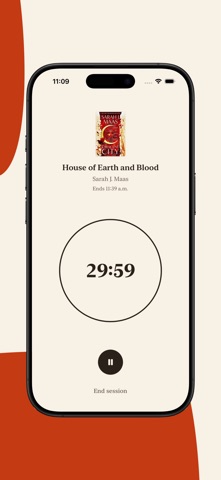
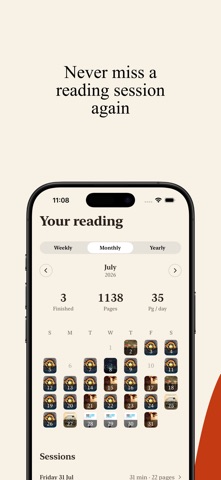


Icon palette
About this app
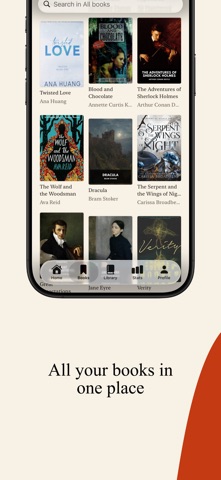
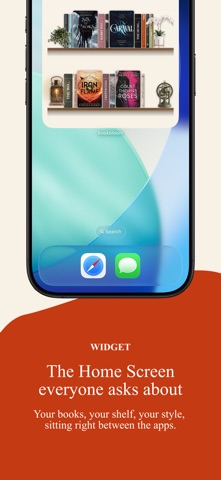
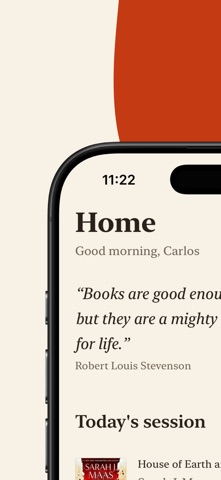
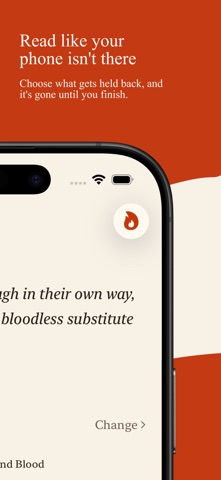
BloomReads is a bookshelf you build yourself, and then fill with the books you actually read. Choose the wallpaper, the wood, and what stands in the corners. Photograph the spine of your own copy so the shelf is made of your books, not of catalog art. Then sort the whole thing by color and watch it land. THE SHELF • 25 backdrops — plain paint, velvet, linen, knit, herringbone, damask, botanicals, starlight, toile, gingham • 18 shelf materials — walnut, oak, mahogany, ebony, birch, rosewood, painted white, sage, marble, brass, smoked glass • 14 ready-made looks if you would rather not decide: Cozy Autumn, Night Cove, Gilded Library, Morris Parlour, Starry Loft, Winter Cabin and more • 22 things to stand on the shelves — monstera, trailing ivy, orchids, candles, a brass lantern, an hourglass, a crystal ball, tarot cards, a quill, a teacup, a sleeping cat • 10 strings and garlands along …
App details
What you can learn from BloomReads - Personal Library
Every shipping app on the App Store has gone through the same decisions you're working through right now: which screenshot goes first, what caption sits over it, which device frame to show, what color the background should be. The 10 screenshots above are BloomReads - Personal Library's answers to those questions — they're public, they're real, and they made it through Apple's review.
Notice the first screenshot in particular. It's the one users see in search results and on the product page, and it's where most apps spend their best caption and tightest design. Look at the proportion of background to phone, where the text sits, what one thing the image is trying to communicate.
Want to see how other Book apps approach the same problem? Browse more Book apps in the showcase.
Take what works into your own screenshots
Open LaunchShots and design your App Store & Google Play screenshots — pick a device frame, drop captions, ship in minutes. Free, in your browser.
Open the screenshot editor →