Screenshot style breakdown
Sampled from 5 of 無料巡回バス's App Store screenshots — background, accent and theme, measured by LaunchShots (not something Apple publishes).
#FC8484 bg
#DD7474
#2C84CC accent
#111111 text
Screenshots
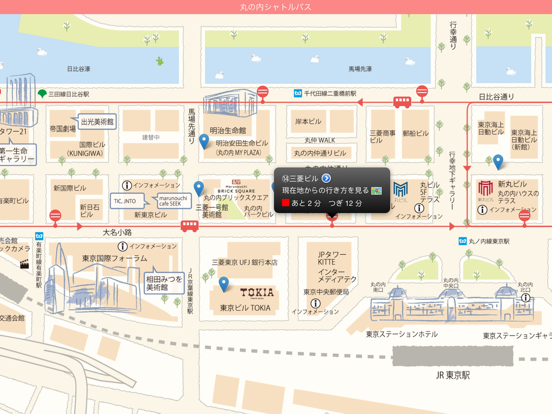
iPad screenshots
Icon palette
About this app
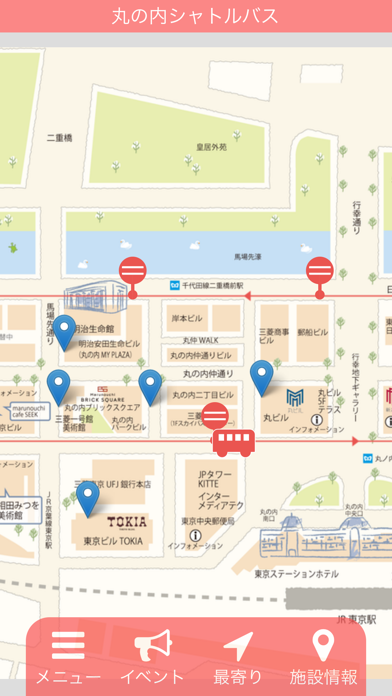
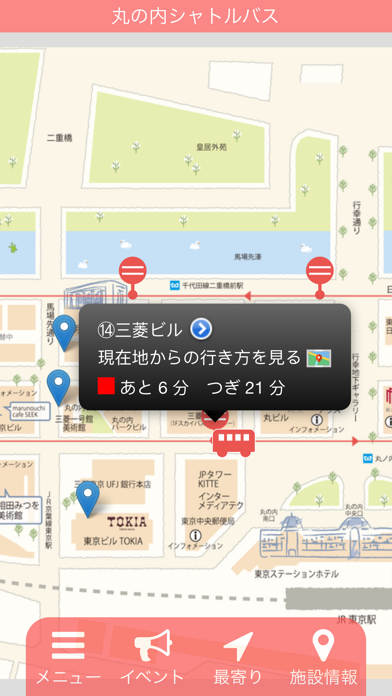
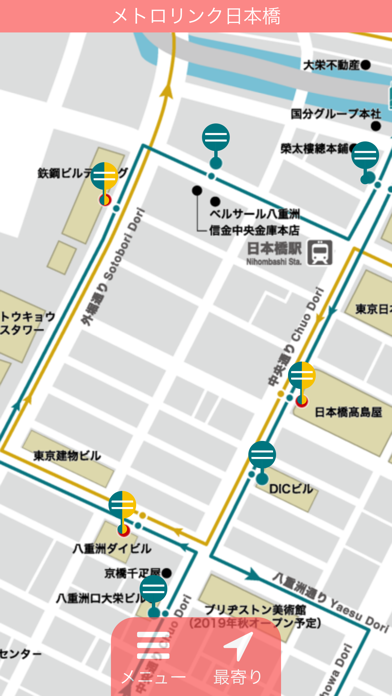
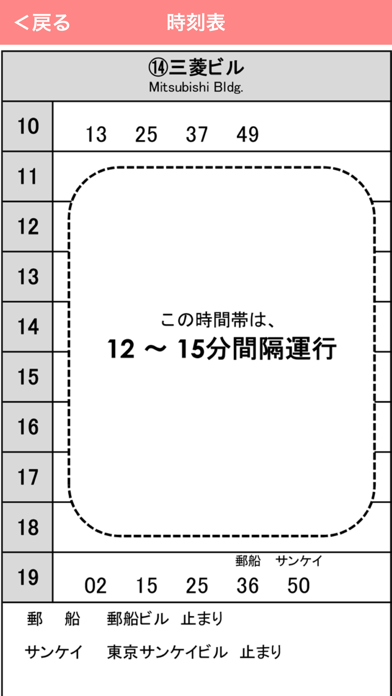
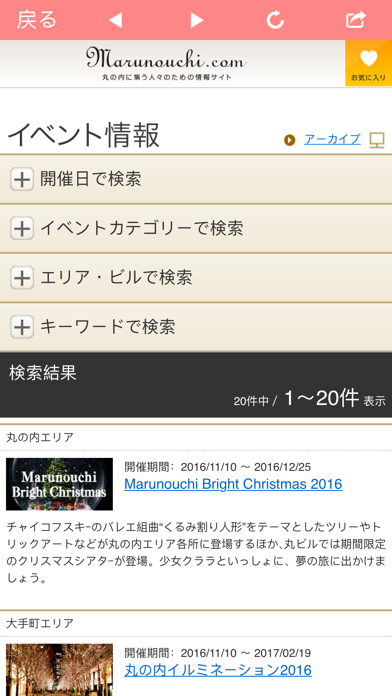
無料巡回バスアプリは、日の丸自動車興業が運営する「丸の内シャトルバス」「メトロリンク日本橋」「メトロリンク日本橋Eライン」の3路線の巡回バスの情報を確認することのできるアプリケーションです。 見易いイラストマップ上で、各路線のバスが現在どこにいるかを確認することができるほか、最寄りのバス停を調べたり、バスがあと何分で到着するかを確認することができます。その他、各バス停周辺の施設情報を確認できたり、地図アプリと連携して、各バス停までの経路検索を行うことも可能です。 大手町・丸の内・有楽町周辺、また日本橋・人形町周辺を移動される方は是非御利用下さい。
App details
What you can learn from 無料巡回バス
Every shipping app on the App Store has gone through the same decisions you're working through right now: which screenshot goes first, what caption sits over it, which device frame to show, what color the background should be. The 6 screenshots above are 無料巡回バス's answers to those questions — they're public, they're real, and they made it through Apple's review.
What the numbers say: 無料巡回バス runs a light set where the background shifts from screenshot to screenshot (first shot #FC8484) — each image has to stand on its own, so the captions carry more of the story. The accent colour we picked up, #2C84CC, is the one to reuse for badges, arrows and highlighted words if you borrow this look. Hit Use this style to open the editor with these exact colours and drop your own screenshot in.
Notice the first screenshot in particular. It's the one users see in search results and on the product page, and it's where most apps spend their best caption and tightest design. Look at the proportion of background to phone, where the text sits, what one thing the image is trying to communicate.
Want to see how other Travel apps approach the same problem? Browse more Travel apps in the showcase.
Take what works into your own screenshots
Open LaunchShots and design your App Store & Google Play screenshots — pick a device frame, drop captions, ship in minutes. Free, in your browser.
Open the screenshot editor →Apps with a similar look
Closest background + accent colours among the listings we've analysed — useful when you want to see the same palette handled by a different team.