Screenshot style breakdown
Sampled from 3 of 熱中症アラート: お天気ナビゲータ's App Store screenshots — background, accent and theme, measured by LaunchShots (not something Apple publishes).
#4C4C4C bg
#656565
#CC640C accent
#FFFFFF text
Screenshots
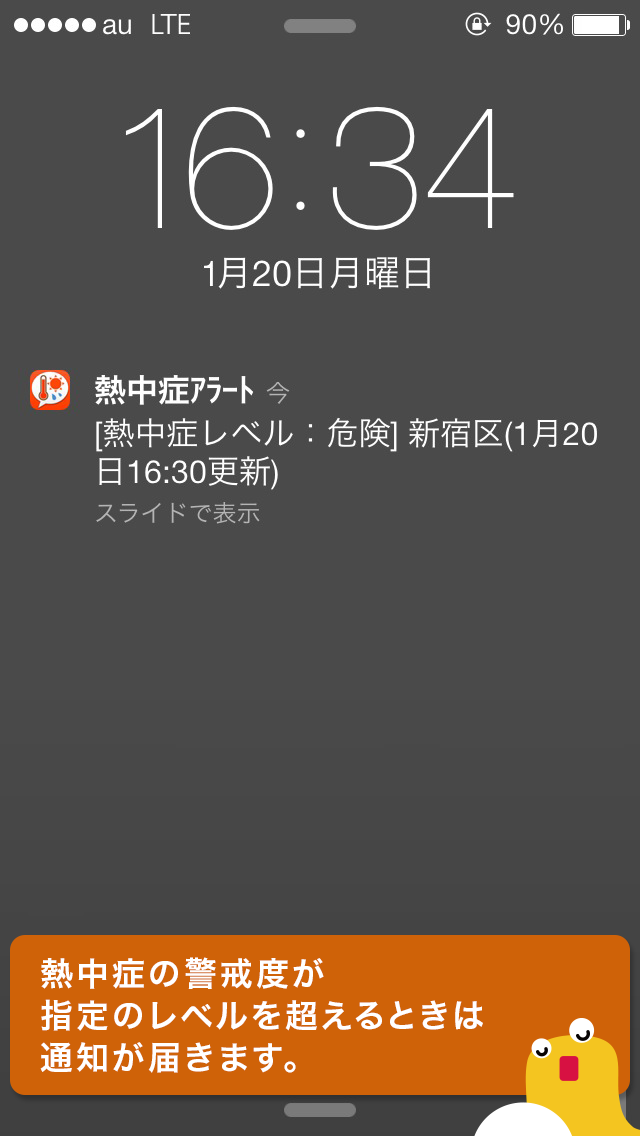
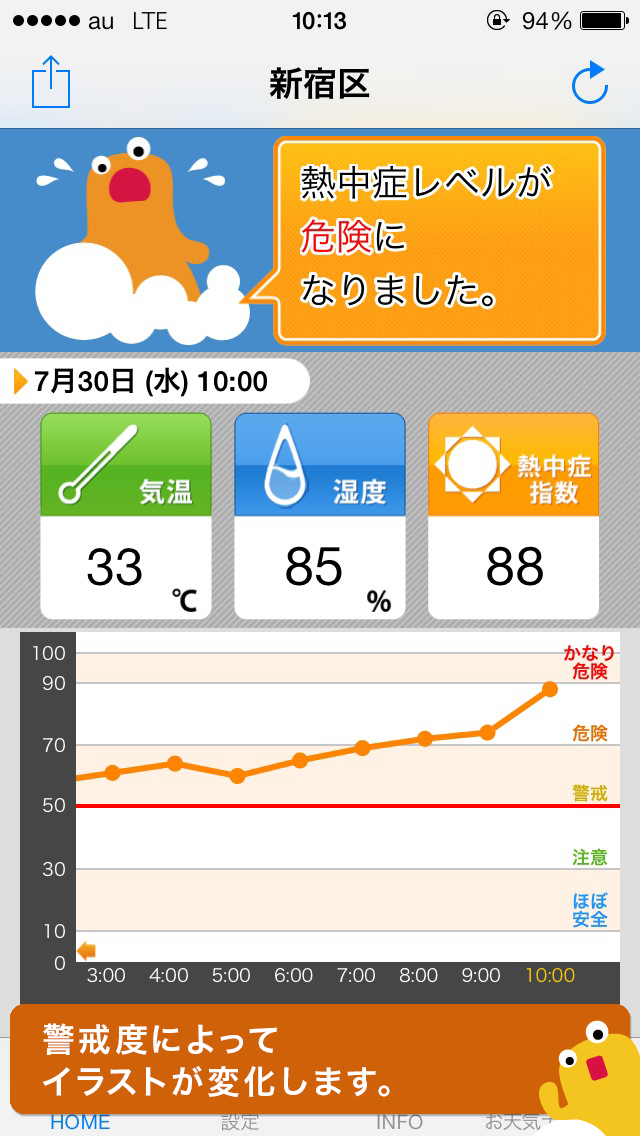
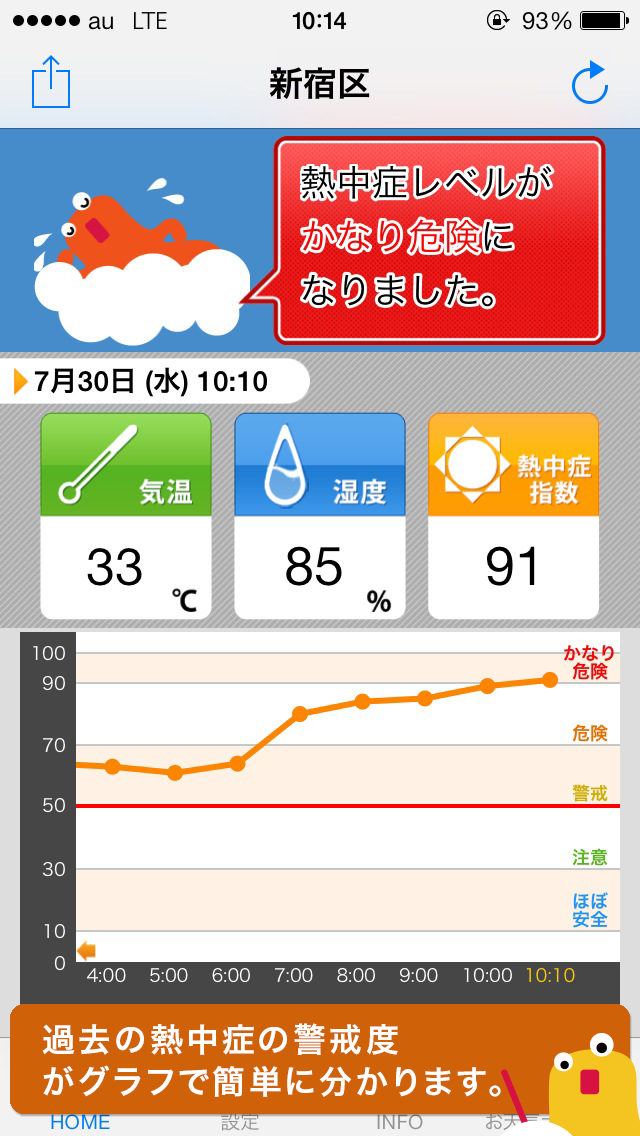
Icon palette
About this app
熱中症の危険をどこよりも早くお知らせ! 熱中症アラートは、現在の熱中症警戒レベルを簡単に 確認することができるアプリです。また、設定したレ ベルを超えると通知音やポップアップでもお知らせし ます。 ■熱中症レベルについて 熱中症指数に応じて、下記5段階で表示します。 90~(かなり危険) 70~(危険) 50~(警戒) 30~(注意) 0~(ほぼ安全) ■HOME画面 ・HOME画面では、現在の熱中症レベルに加え、過去24時間分の熱中症指数の推移も確認できます。 グラフ形式で表示するため、特に危険な時間帯も一目でわかります。 ・お天気総合サイト「お天気ナビゲータ」の公式キャラクター『てなびん』が、 熱中症レベルに応じて表情やコメントでアドバイスします! (コメントをタップすれば、お天気ナビゲータの熱中症予報も確認できます) ■設定について ・地域設定 市町村単位で設定できます。 ・通知設定 通知のオン/オフを切り替えることができます。 ・通知時間 通知時間を設定できます。 ・通知レベル 通知を行う熱中症レベルを指定しま…
App details
What you can learn from 熱中症アラート: お天気ナビゲータ
Every shipping app on the App Store has gone through the same decisions you're working through right now: which screenshot goes first, what caption sits over it, which device frame to show, what color the background should be. The 3 screenshots above are 熱中症アラート: お天気ナビゲータ's answers to those questions — they're public, they're real, and they made it through Apple's review.
What the numbers say: 熱中症アラート: お天気ナビゲータ runs a mixed light-and-dark set where the background shifts from screenshot to screenshot (first shot #4C4C4C) — each image has to stand on its own, so the captions carry more of the story. The accent colour we picked up, #CC640C, is the one to reuse for badges, arrows and highlighted words if you borrow this look. Hit Use this style to open the editor with these exact colours and drop your own screenshot in.
Notice the first screenshot in particular. It's the one users see in search results and on the product page, and it's where most apps spend their best caption and tightest design. Look at the proportion of background to phone, where the text sits, what one thing the image is trying to communicate.
Want to see how other Weather apps approach the same problem? Browse more Weather apps in the showcase.
Take what works into your own screenshots
Open LaunchShots and design your App Store & Google Play screenshots — pick a device frame, drop captions, ship in minutes. Free, in your browser.
Open the screenshot editor →Apps with a similar look
Closest background + accent colours among the listings we've analysed — useful when you want to see the same palette handled by a different team.