Chart position — tracked daily by LaunchShots
Screenshot style breakdown
Sampled from 5 of UL's App Store screenshots — background, accent and theme, measured by LaunchShots (not something Apple publishes).
#FCC404 bg
#DDAC03
#544404 accent
#111111 text
Screenshots
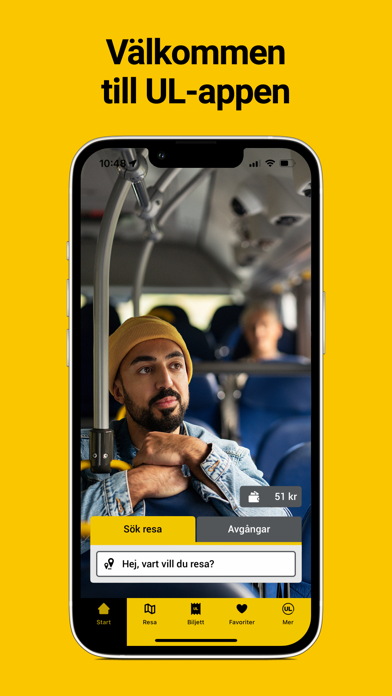
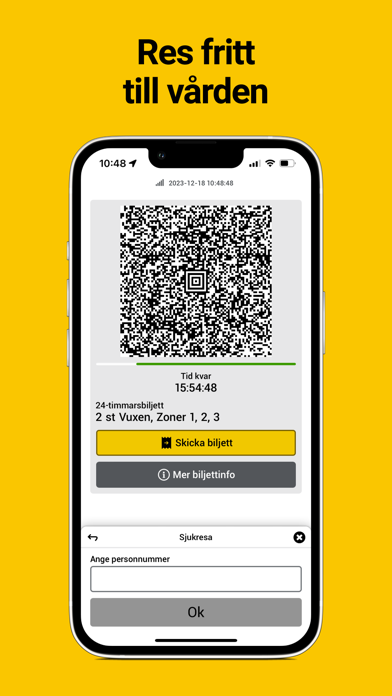
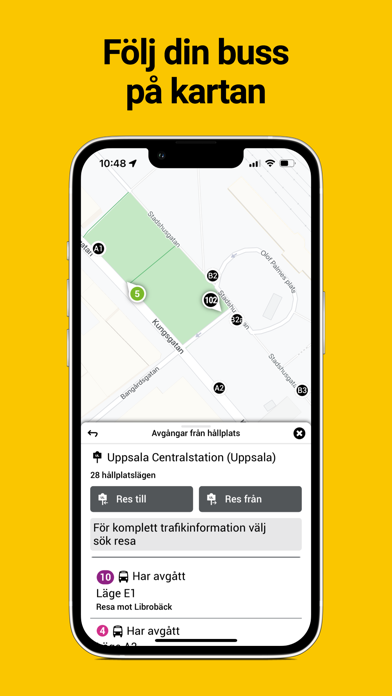
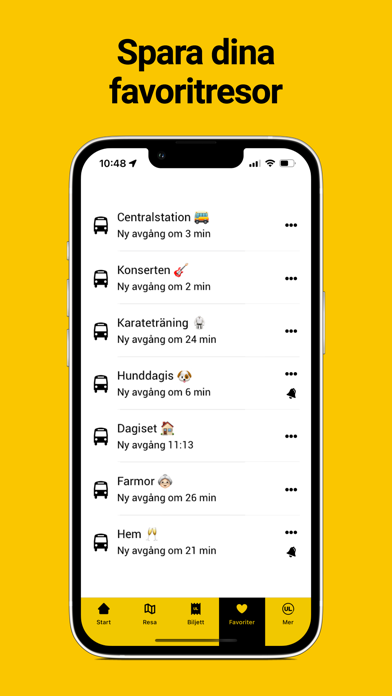
Icon palette
About this app
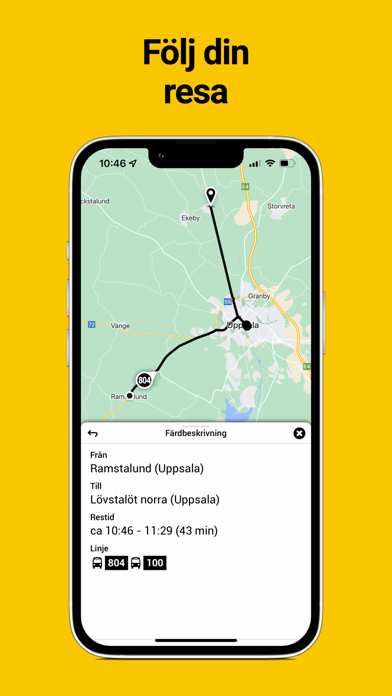
I UL:s app kan du söka din resa snabbt och enkelt samt köpa biljetter till våra bussar och tåg. Sök resa: • Sök snabbt fram din resa från din nuvarande position eller genom att välja var ifrån och när du vill resa. • I sökresultaten visas olika resealternativ och eventuella gångavstånd till hållplatserna samt karta som gör det enklare att hitta rätt. • Spara dina vanligaste resor som favoriter. Använd hjärtat i sökresultatet för att favoritmarkera en resa. • Ha koll på bussen och se var den befinner sig direkt på kartan. Köp biljett: • Köp 75-minutersbiljett, 24- eller 72-timmarsbiljett på bara några sekunder. • Betala enkelt med Swish, betalkort (Visa eller MasterCard) eller reskassa. • Om en biljettläsare finns ombord blippar du telefonen med biljetten mot den, annars visar du biljetten för bussföraren eller tågvärden. Trafikstörningar: • Eventuella trafikstörningar eller försening…
App details
What you can learn from UL
Every shipping app on the App Store has gone through the same decisions you're working through right now: which screenshot goes first, what caption sits over it, which device frame to show, what color the background should be. The 5 screenshots above are UL's answers to those questions — they're public, they're real, and they made it through Apple's review.
What the numbers say: UL runs a light set with one background colour (#FCC404) carried across every screenshot — the listing reads as a single poster when the shots sit side by side in search results. The accent colour we picked up, #544404, is the one to reuse for badges, arrows and highlighted words if you borrow this look. Hit Use this style to open the editor with these exact colours and drop your own screenshot in.
Notice the first screenshot in particular. It's the one users see in search results and on the product page, and it's where most apps spend their best caption and tightest design. Look at the proportion of background to phone, where the text sits, what one thing the image is trying to communicate.
Want to see how other Travel apps approach the same problem? Browse more Travel apps in the showcase.
Take what works into your own screenshots
Open LaunchShots and design your App Store & Google Play screenshots — pick a device frame, drop captions, ship in minutes. Free, in your browser.
Open the screenshot editor →Apps with a similar look
Closest background + accent colours among the listings we've analysed — useful when you want to see the same palette handled by a different team.