Chart position — tracked daily by LaunchShots
Screenshot style breakdown
Sampled from 3 of 出国翻译官-实时语音翻译的翻译软件's App Store screenshots — background, accent and theme, measured by LaunchShots (not something Apple publishes).
#FCFCFC bg
#DDDDDD
#14147C accent
#111111 text
Screenshots
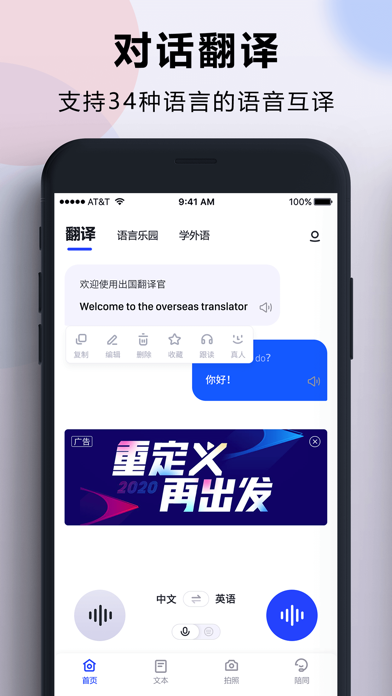
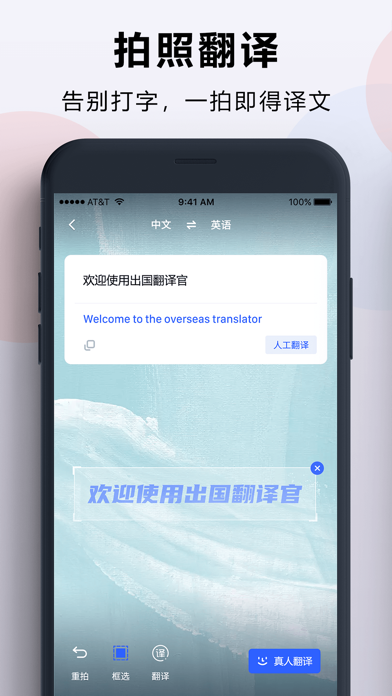
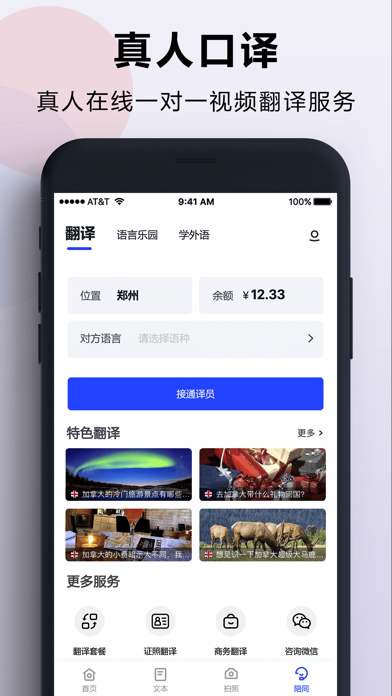
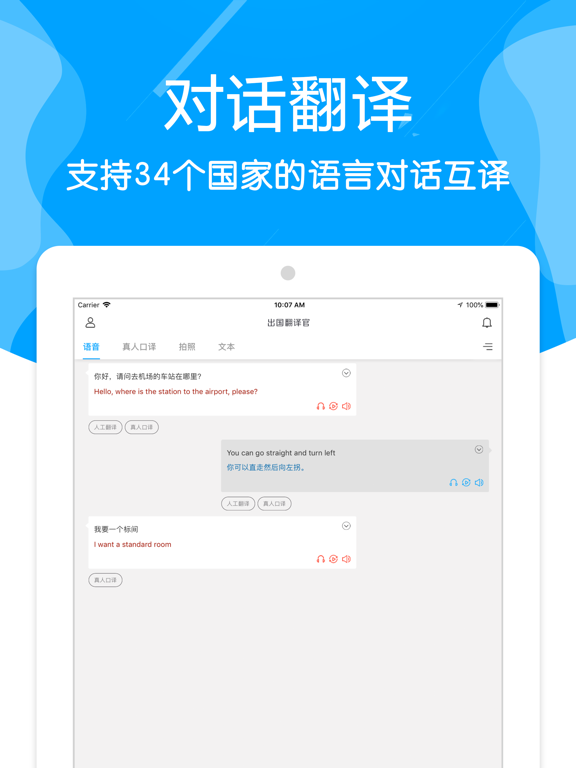
iPad screenshots

Icon palette
About this app
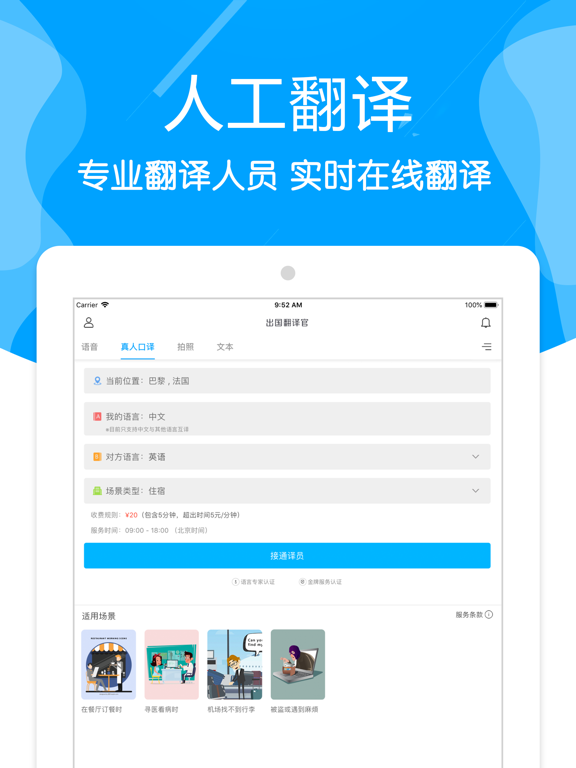
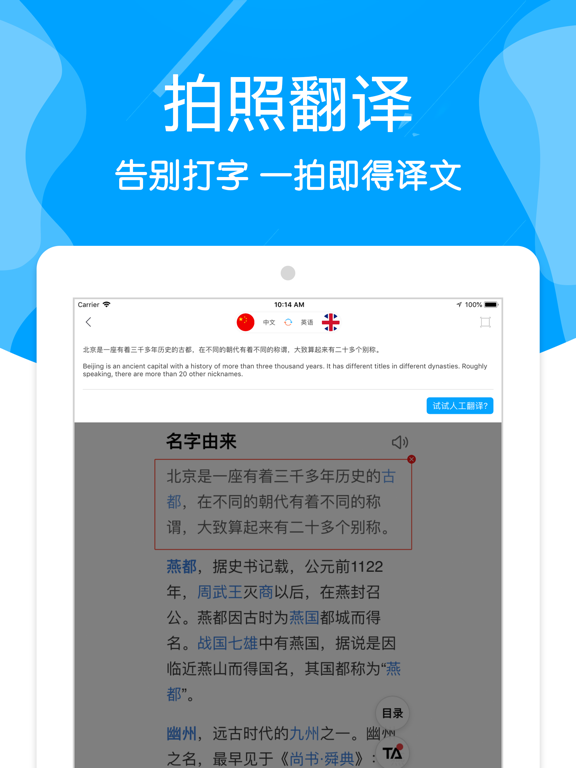
出国翻译官,瞬间本地人 出国翻译官是一款集成语音对话、拍照、文本翻译、真人实时视频翻译功能的应用。出国翻译官深度结合谷歌,微软,百度,科大讯飞,捷通华声,有道,搜狗,腾讯,Gennis,中科院等各顶尖实验室的语音识别,图像识别技术,神经网络机器翻译技术,帮助您在需要跨语言交流的时候达到最快最准的沟通效果。 【产品介绍】 1. 出国翻译官,目前拥有5000万遍布在全球210个国家与地区的用户 2. 出国翻译官,为您提供免费的实时双向语音识别互译功能,让您不用学外语也可能走遍全世界,带上出国翻译官,让您更自信地走向外面精彩的世界。 3. 出国翻译官,支持34种语言翻译,满足你的学习翻译,工作翻译,商务翻译,旅行翻译,旅游翻译,医疗翻译等翻译需求,获得数十万次的好评。 4. 出国翻译官,在跟谷歌翻译,百度翻译,有道翻译,搜狗翻译,微软翻译,讯飞翻译的竞争中,我们更推出了真人实时在线视频翻译,让您随时随地找到顶级的口译人员帮您高效,99.9%的准确性来解决您的深度翻译需求。我们支持中文,普通话,粤语,闽南语,英语,日语,韩语,后期…
App details
What you can learn from 出国翻译官-实时语音翻译的翻译软件
Every shipping app on the App Store has gone through the same decisions you're working through right now: which screenshot goes first, what caption sits over it, which device frame to show, what color the background should be. The 7 screenshots above are 出国翻译官-实时语音翻译的翻译软件's answers to those questions — they're public, they're real, and they made it through Apple's review.
What the numbers say: 出国翻译官-实时语音翻译的翻译软件 runs a light set with one background colour (#FCFCFC) carried across every screenshot — the listing reads as a single poster when the shots sit side by side in search results. The accent colour we picked up, #14147C, is the one to reuse for badges, arrows and highlighted words if you borrow this look. Hit Use this style to open the editor with these exact colours and drop your own screenshot in.
Notice the first screenshot in particular. It's the one users see in search results and on the product page, and it's where most apps spend their best caption and tightest design. Look at the proportion of background to phone, where the text sits, what one thing the image is trying to communicate.
Want to see how other Reference apps approach the same problem? Browse more Reference apps in the showcase.
Take what works into your own screenshots
Open LaunchShots and design your App Store & Google Play screenshots — pick a device frame, drop captions, ship in minutes. Free, in your browser.
Open the screenshot editor →Apps with a similar look
Closest background + accent colours among the listings we've analysed — useful when you want to see the same palette handled by a different team.