Screenshot style breakdown
Sampled from 6 of 360浏览器-极速版-安全上网-文件扫描PDF工具's App Store screenshots — background, accent and theme, measured by LaunchShots (not something Apple publishes).
#F4F4F4 bg
#D6D6D6
#FCCC04 accent
#111111 text
Screenshots
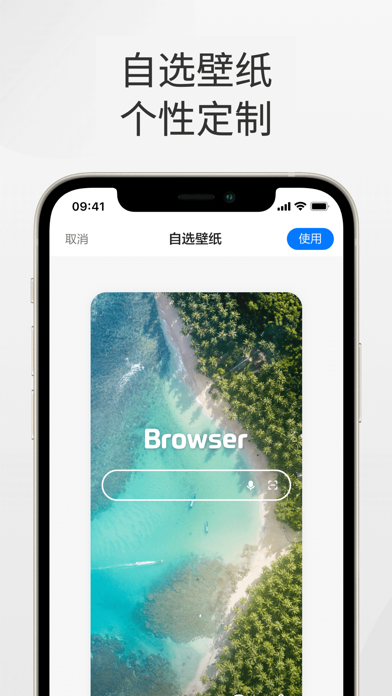
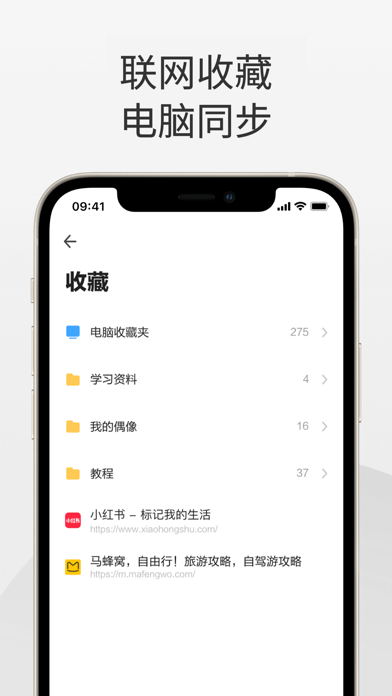
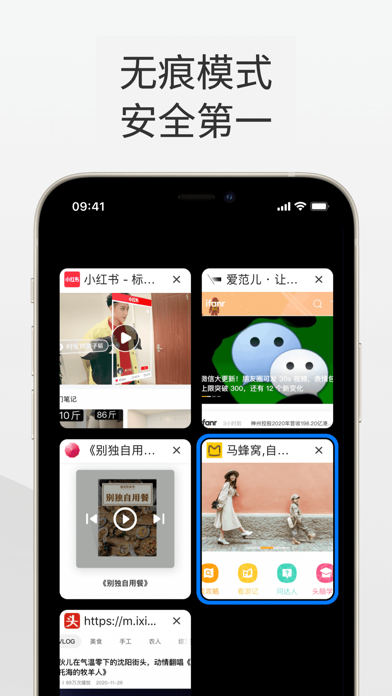
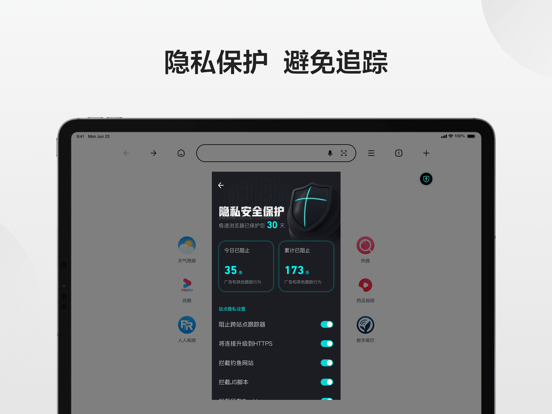
iPad screenshots




Icon palette
About this app
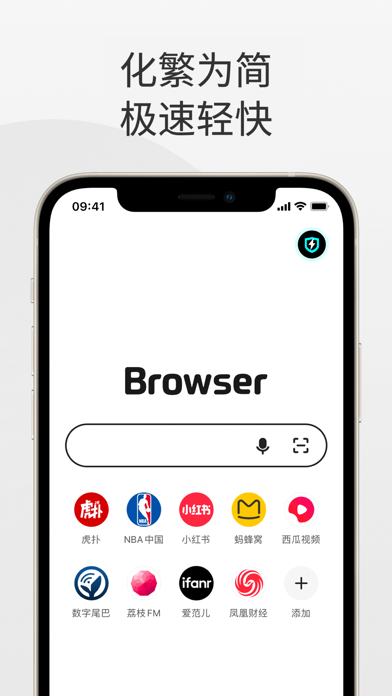
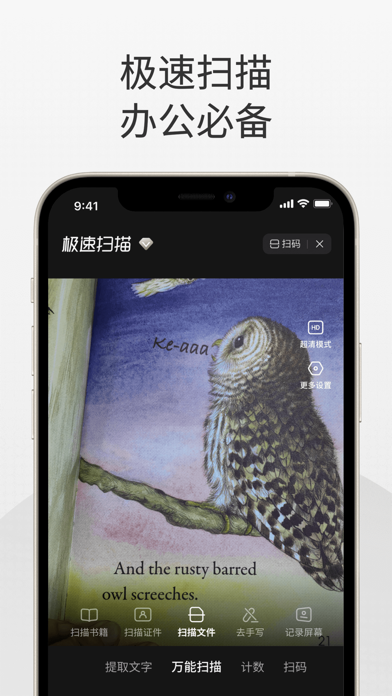
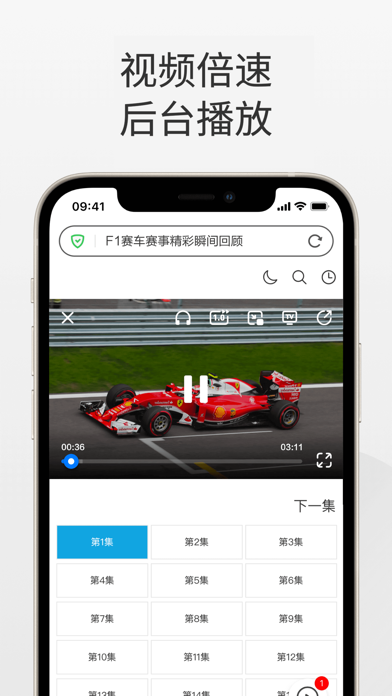
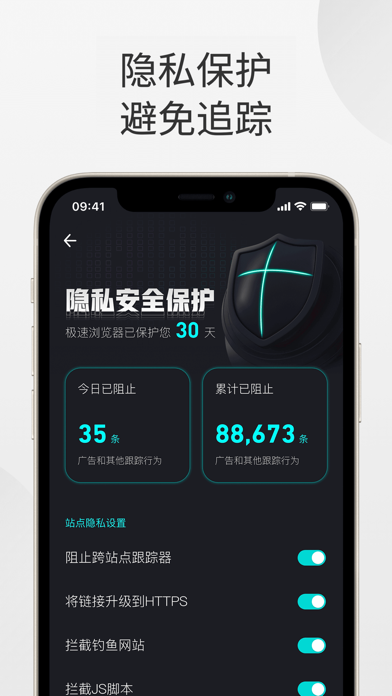
360浏览器,融合了极简易用的设计风格,同时整合了最新的安全防护和危险拦截技术。现在的 360浏览器 比以往更加用户友好,更为安全可靠,而且更加高效。这是一款极致便捷的浏览器,为您提供无忧无虑的上网体验。 产品特色: 【极简首页】全新首页,功能极简、清爽体验全新升级 【极速扫描】文件、书籍、证件照一扫而尽;拍照去手写、提取文字、记录屏幕、拍照计数一应俱全。 【PDF工具】支持图片、Word、Excel、PPT格式文件与PDF格式文件相互转换;微信导入文档轻松搞定。 【AI图片处理】照片修复、无损放大、智能消除、去水印、智能抠图、添加水印,一键搞定您的图片需求。 【全能播放器】网页视频支持悬浮窗播放,倍速播放、后台播放、小窗播放、只听声音,全方位满足您的播放需求。 【隐私保护】在浏览网页时保护你的隐私,使你在各个网站之间难以被追踪。 【危险拦截】自动识别危险网站,全面拦截网站攻击,全方位的上网安全保障。 【无痕模式】您可使用无痕模式进行浏览,在这种模式下不会保存浏览记录、缓存和cookie。 【书签同步】您可以轻松同步笔…
App details
What you can learn from 360浏览器-极速版-安全上网-文件扫描PDF工具
Every shipping app on the App Store has gone through the same decisions you're working through right now: which screenshot goes first, what caption sits over it, which device frame to show, what color the background should be. The 12 screenshots above are 360浏览器-极速版-安全上网-文件扫描PDF工具's answers to those questions — they're public, they're real, and they made it through Apple's review.
What the numbers say: 360浏览器-极速版-安全上网-文件扫描PDF工具 runs a light set with one background colour (#F4F4F4) carried across every screenshot — the listing reads as a single poster when the shots sit side by side in search results. The accent colour we picked up, #FCCC04, is the one to reuse for badges, arrows and highlighted words if you borrow this look. Hit Use this style to open the editor with these exact colours and drop your own screenshot in.
Notice the first screenshot in particular. It's the one users see in search results and on the product page, and it's where most apps spend their best caption and tightest design. Look at the proportion of background to phone, where the text sits, what one thing the image is trying to communicate.
Want to see how other Utilities apps approach the same problem? Browse more Utilities apps in the showcase.
Take what works into your own screenshots
Open LaunchShots and design your App Store & Google Play screenshots — pick a device frame, drop captions, ship in minutes. Free, in your browser.
Open the screenshot editor →Apps with a similar look
Closest background + accent colours among the listings we've analysed — useful when you want to see the same palette handled by a different team.