Screenshots
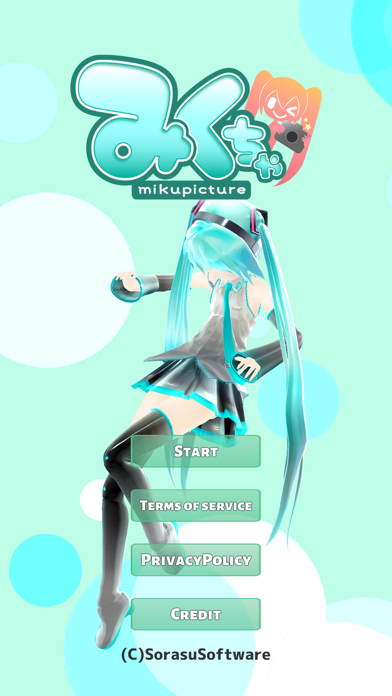
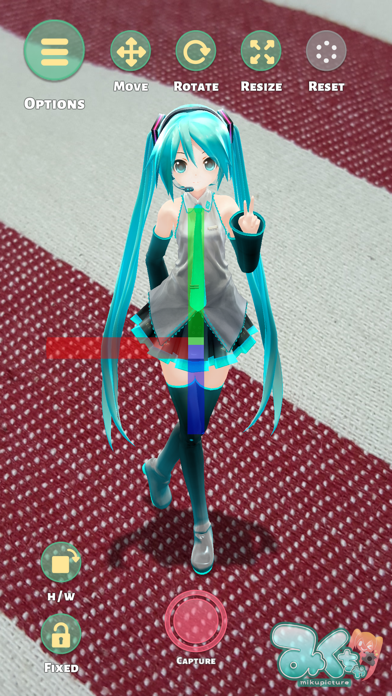
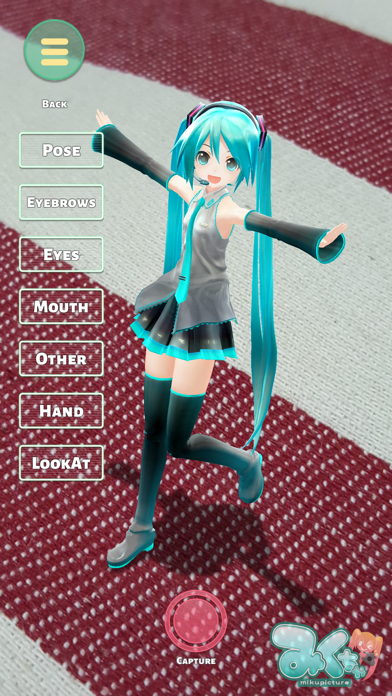
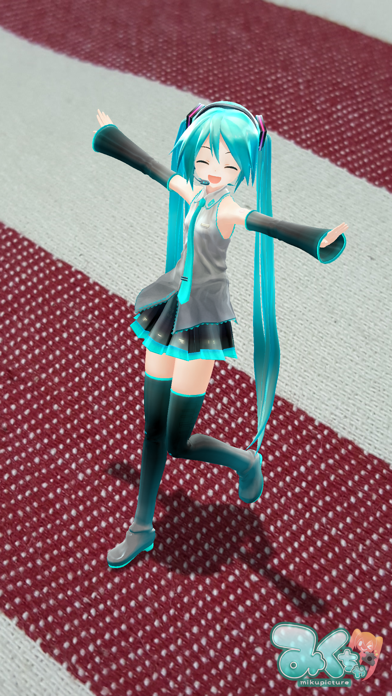
iPad screenshots


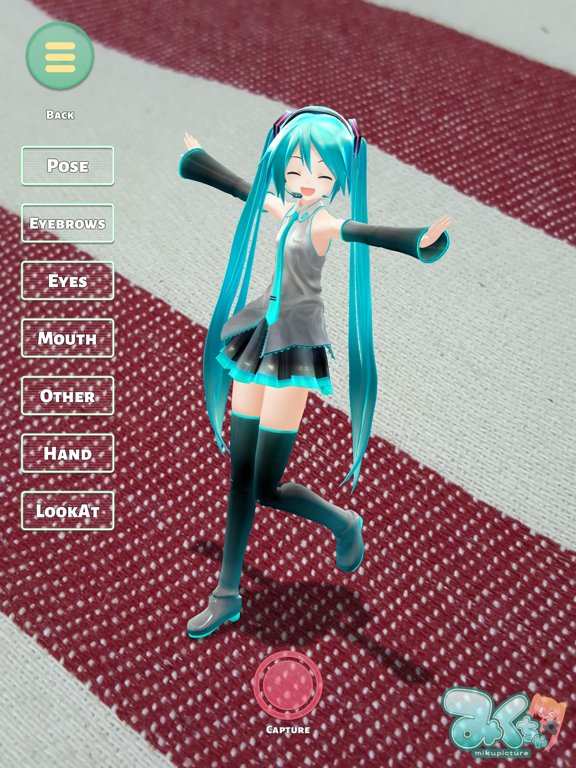
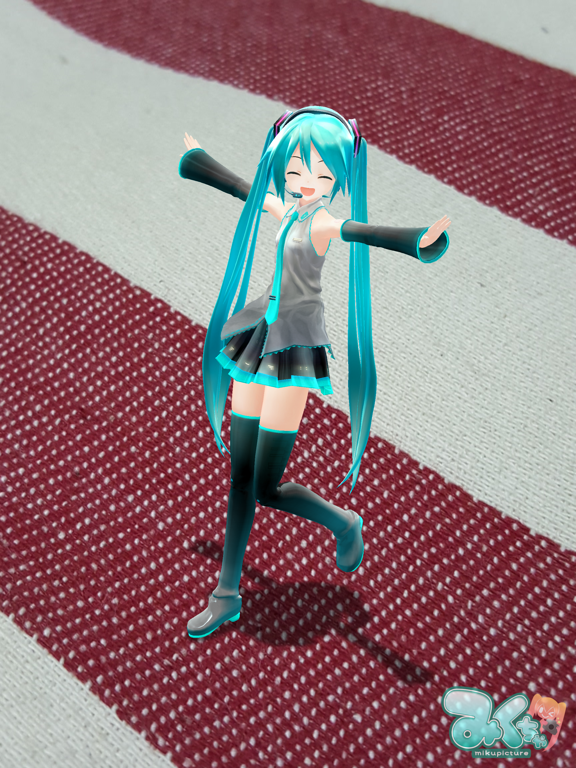
Icon palette
About this app
Mikuture is a secondary creation app that allows live-action synthesis AR of Hatsune Miku. ◆This app is Crypton Future Media informal application. ◆ there are times when it is not displayed even if the camera permissions only the first time you launch. You will be reflected in that you restart the app. ◆Disclaimer It is assumed that if you want to use the information or this service, and have agreed to the following disclaimer, Suppose that you want to use is the responsibility of the individual. ・Because of your use of this application, regard any loss or damage, such as trouble makers we assume that it does not matter any responsibility. ◆License This work is based on the Peia Pro · Character License Krypton · Future Media Co., Ltd. Character "Hatsune Miku" "Kagamine Rin & Len" "Megurine Luka" "MEIKO" "KAITO" It depicts. "Yukari Yuzuki" is a registered trademark of VOCALOMAKE…
App details
What you can learn from Mikuture
Every shipping app on the App Store has gone through the same decisions you're working through right now: which screenshot goes first, what caption sits over it, which device frame to show, what color the background should be. The 8 screenshots above are Mikuture's answers to those questions — they're public, they're real, and they made it through Apple's review.
Notice the first screenshot in particular. It's the one users see in search results and on the product page, and it's where most apps spend their best caption and tightest design. Look at the proportion of background to phone, where the text sits, what one thing the image is trying to communicate.
Want to see how other Entertainment apps approach the same problem? Browse more Entertainment apps in the showcase.
Take what works into your own screenshots
Open LaunchShots and design your App Store & Google Play screenshots — pick a device frame, drop captions, ship in minutes. Free, in your browser.
Open the screenshot editor →