Chart position — tracked daily by LaunchShots
Screenshot changes — detected by LaunchShots
Screenshot style breakdown
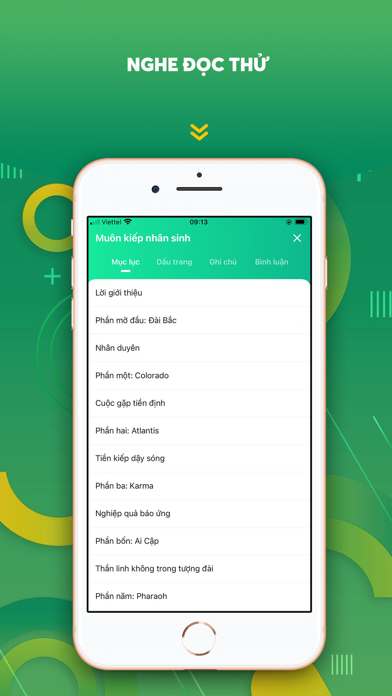
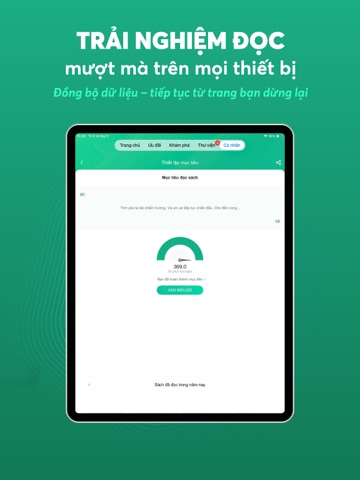
Sampled from 6 of Waka - Sách Nói, Ebook, Truyện's App Store screenshots — background, accent and theme, measured by LaunchShots (not something Apple publishes).
#44B464 bg
#3B9E58
#C4BC1C accent
#111111 text
Screenshots



iPad screenshots




Icon palette
About this app
"Waka – Ứng dụng đọc sách online và nghe sách nói hàng đầu Việt Nam. Kho ebook, sách nói, truyện ngôn tình, truyện tranh bản quyền. Đọc sách miễn phí, nghe sách mỗi ngày, tải về đọc offline! Waka mang đến hơn 20.000+ đầu sách điện tử và sách nói bản quyền, truyện ngôn tình, truyện thiếu nhi, sách phát triển bản thân, sách tương tác… được cập nhật mỗi ngày. Cùng Waka xây dựng văn hóa đọc hiện đại và đồng hành trên hành trình mang tri thức đến gần hơn với độc giả. Điểm nổi bật của Waka: Waka sở hữu kho sách điện tử và sách nói phong phú, được cập nhật liên tục thuộc nhiều thể loại như ngôn tình, kinh doanh, khởi nghiệp, kỹ năng sống, thiếu nhi, lịch sử… Giao diện đọc đẹp mắt, dễ sử dụng, hỗ trợ chế độ nền tối dịu mắt, cùng tính năng tìm kiếm thông minh và lọc sách theo chủ đề, tác giả, thể loại giúp bạn nhanh chóng tìm được cuốn sách yêu thích. Người dùng có thể dễ dàng lưu sách vào thư…
App details
What you can learn from Waka - Sách Nói, Ebook, Truyện
Every shipping app on the App Store has gone through the same decisions you're working through right now: which screenshot goes first, what caption sits over it, which device frame to show, what color the background should be. The 15 screenshots above are Waka - Sách Nói, Ebook, Truyện's answers to those questions — they're public, they're real, and they made it through Apple's review.
What the numbers say: Waka - Sách Nói, Ebook, Truyện runs a light set with one background colour (#44B464) carried across every screenshot — the listing reads as a single poster when the shots sit side by side in search results. The accent colour we picked up, #C4BC1C, is the one to reuse for badges, arrows and highlighted words if you borrow this look. Hit Use this style to open the editor with these exact colours and drop your own screenshot in.
Notice the first screenshot in particular. It's the one users see in search results and on the product page, and it's where most apps spend their best caption and tightest design. Look at the proportion of background to phone, where the text sits, what one thing the image is trying to communicate.
Want to see how other Book apps approach the same problem? Browse more Book apps in the showcase.
Take what works into your own screenshots
Open LaunchShots and design your App Store & Google Play screenshots — pick a device frame, drop captions, ship in minutes. Free, in your browser.
Open the screenshot editor →Apps with a similar look
Closest background + accent colours among the listings we've analysed — useful when you want to see the same palette handled by a different team.