Chart position — tracked daily by LaunchShots
Screenshot style breakdown
Sampled from 5 of Oisix's App Store screenshots — background, accent and theme, measured by LaunchShots (not something Apple publishes).
#8CB424 bg
#7B9E1F
#BCCC84 accent
#111111 text
Screenshots

Icon palette
About this app
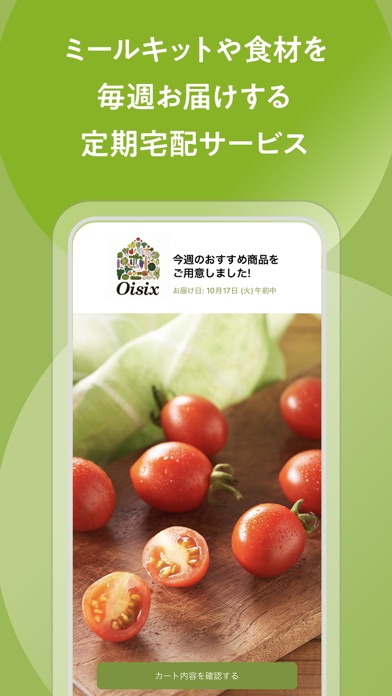
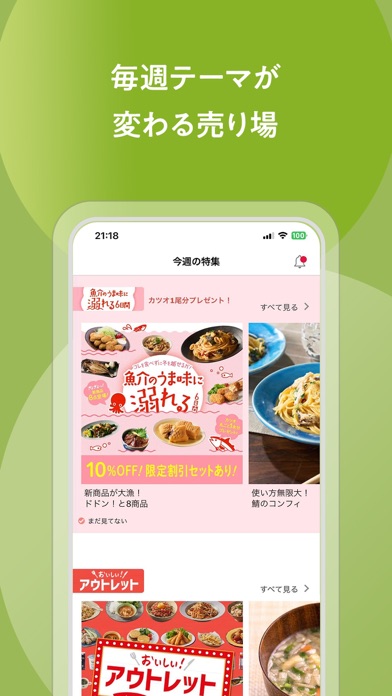
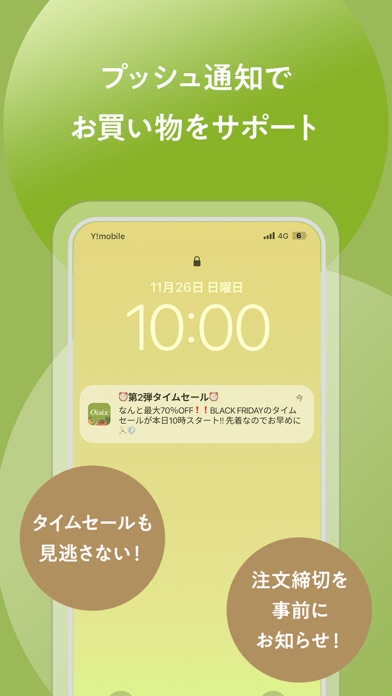
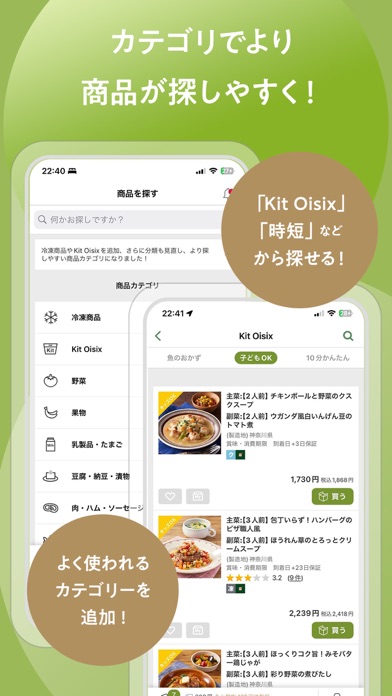
※お買い物には、定期宅配サービス「おいしっくすくらぶ」への登録が必要です。 ▼会員の登録はコチラからお願いいたします http://www.oisix.com ---------------------- アプリの特徴 ---------------------- ■ホーム画面からワンタップでお買い物開始! ■プッシュ通知でお得な情報や締切前連絡を受け取れます ・毎月開催する「タイムセール」の情報をお知らせします ・ご注文締切前のお知らせで、ご注文変更忘れも防げます ■カテゴリ機能がより使いやすく! よく使われる商品カテゴリを新たに追加! (「Kit Oisix」、「離乳食」、「時短・インスタント食品」、「今週のおすすめ野菜」) ---------------------- Oisixについて ---------------------- ・Oisixはミールキットをはじめとした食材を毎週お届けする定期宅配サービスです ・お届け内容は自由に変更キャンセルできます ▼こんな方にオススメです ■「毎週の献立決め・調理にかかる時間を短縮したい・・」 ・20分で主菜と副菜がつくれるKit Oisix(ミールキット) ・温めるだけで完成するパッ…
App details
What you can learn from Oisix
Every shipping app on the App Store has gone through the same decisions you're working through right now: which screenshot goes first, what caption sits over it, which device frame to show, what color the background should be. The 5 screenshots above are Oisix's answers to those questions — they're public, they're real, and they made it through Apple's review.
What the numbers say: Oisix runs a light set where the background shifts from screenshot to screenshot (first shot #8CB424) — each image has to stand on its own, so the captions carry more of the story. The accent colour we picked up, #BCCC84, is the one to reuse for badges, arrows and highlighted words if you borrow this look. Hit Use this style to open the editor with these exact colours and drop your own screenshot in.
Notice the first screenshot in particular. It's the one users see in search results and on the product page, and it's where most apps spend their best caption and tightest design. Look at the proportion of background to phone, where the text sits, what one thing the image is trying to communicate.
Want to see how other Food & Drink apps approach the same problem? Browse more Food & Drink apps in the showcase.
Take what works into your own screenshots
Open LaunchShots and design your App Store & Google Play screenshots — pick a device frame, drop captions, ship in minutes. Free, in your browser.
Open the screenshot editor →Apps with a similar look
Closest background + accent colours among the listings we've analysed — useful when you want to see the same palette handled by a different team.