Chart position — tracked daily by LaunchShots
Screenshot changes — detected by LaunchShots
Screenshot style breakdown
Sampled from 6 of Mazii(マジー)日本語辞書・漢字検索・翻訳's App Store screenshots — background, accent and theme, measured by LaunchShots (not something Apple publishes).
#74ACEC bg
#6697CF
#145CC4 accent
#111111 text
- #6+ Explanation
Captions read from the screenshots (OCR, may contain small errors): 1 headline, 2 words on average (longest 2).
Screenshots

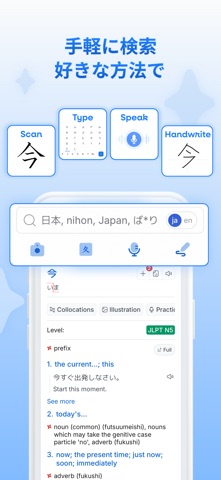


iPad screenshots
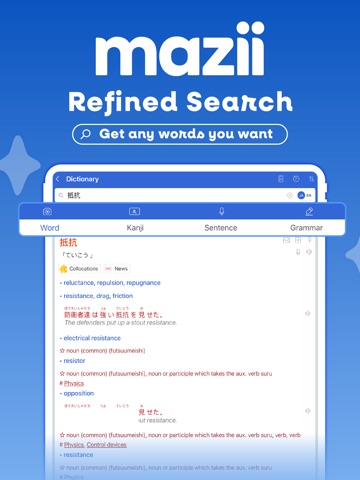

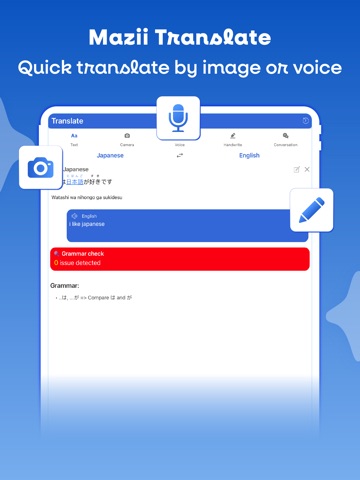
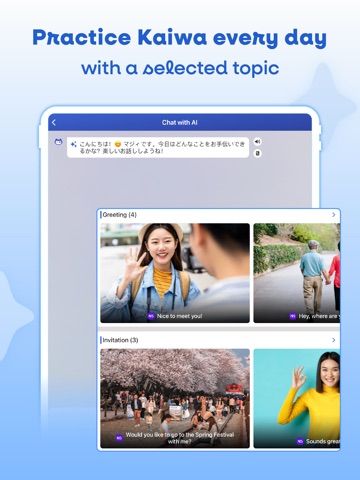
Icon palette
About this app
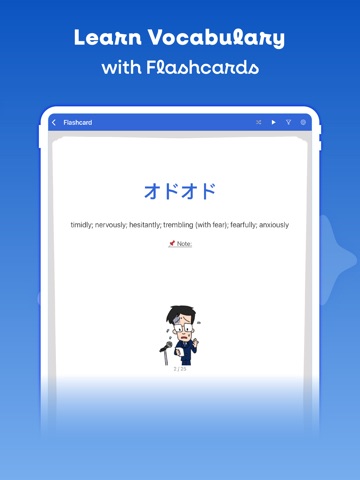
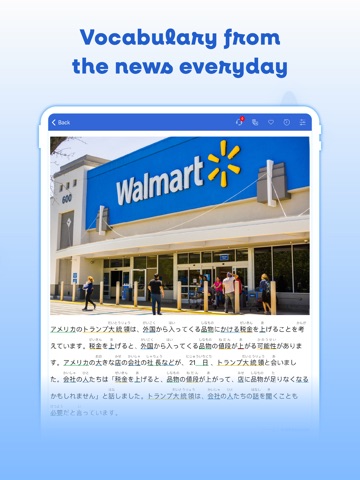
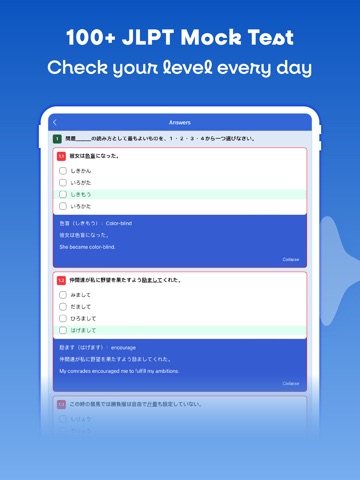
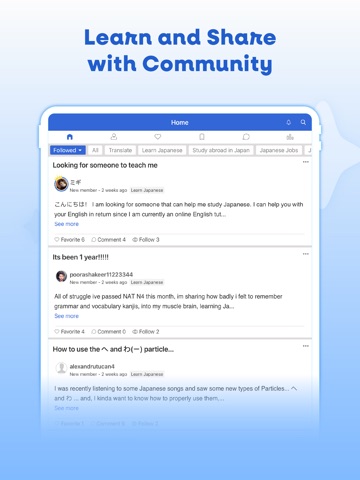
契約書に並ぶ、見慣れない漢字。同僚からのメッセージにある、意味の取りきれない一言。会議で飛び交う言葉。日本で暮らし、働くなら、日本語は毎日ついてまわります。 そのたびに、アプリをいくつも行き来する必要はありません。Maziiは、まず「日本語辞書」。必要な答えを、必要なときにすぐ手渡します。 でも、辞書だけじゃない。単語も文法も、文章まるごとの翻訳も、話す練習まで——日本語のすべてが、これひとつに。 ■ 言葉の意味も、使い方も 言葉を調べるなら、意味だけでなく全体を。Maziiは意味・読み方・使い方・例文までをそろえ、実際にどう使うのかまでわかります。「意味は知っているのに、うまく使えない」を、なくすために。12,000以上の漢字は、読み方・意味・書き順つき。日本語だけでなく、母語で引ける多言語対応の語彙データも収録しています。 ■ 文法も、単語と同じように 文法も、単語を引くのと同じ手軽さで調べられます。N5の基礎からN1まで、一つずつ、例文とともに解説。似た表現の使い分けもはっきりして、文の組み立てが腑に落ちま…
App details
What you can learn from Mazii(マジー)日本語辞書・漢字検索・翻訳
Every shipping app on the App Store has gone through the same decisions you're working through right now: which screenshot goes first, what caption sits over it, which device frame to show, what color the background should be. The 15 screenshots above are Mazii(マジー)日本語辞書・漢字検索・翻訳's answers to those questions — they're public, they're real, and they made it through Apple's review.
What the numbers say: Mazii(マジー)日本語辞書・漢字検索・翻訳 runs a light set where the background shifts from screenshot to screenshot (first shot #74ACEC) — each image has to stand on its own, so the captions carry more of the story. The accent colour we picked up, #145CC4, is the one to reuse for badges, arrows and highlighted words if you borrow this look. Hit Use this style to open the editor with these exact colours and drop your own screenshot in.
Notice the first screenshot in particular. It's the one users see in search results and on the product page, and it's where most apps spend their best caption and tightest design. Look at the proportion of background to phone, where the text sits, what one thing the image is trying to communicate.
Want to see how other Reference apps approach the same problem? Browse more Reference apps in the showcase.
Take what works into your own screenshots
Open LaunchShots and design your App Store & Google Play screenshots — pick a device frame, drop captions, ship in minutes. Free, in your browser.
Open the screenshot editor →Apps with a similar look
Closest background + accent colours among the listings we've analysed — useful when you want to see the same palette handled by a different team.