Screenshot style breakdown
Sampled from 3 of 温野菜公式アプリ's App Store screenshots — background, accent and theme, measured by LaunchShots (not something Apple publishes).
#FCFCFC bg
#DDDDDD
#D4643C accent
#111111 text
Screenshots
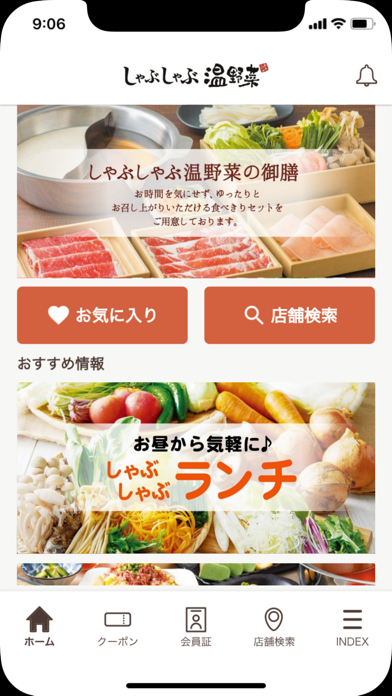
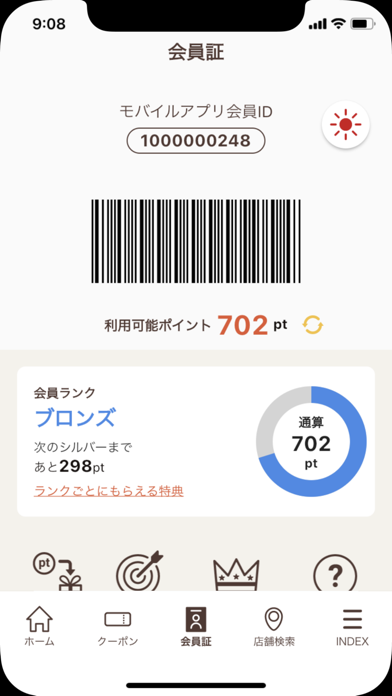
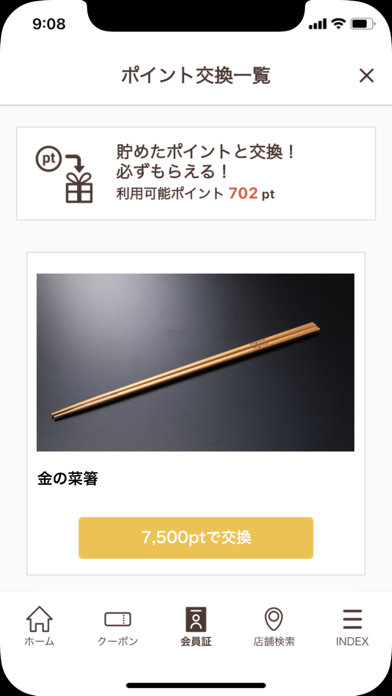
Icon palette
About this app
■素材を大切に、こだわりを詰め込んだ「しゃぶしゃぶ温野菜」の公式アプリです■ <主なサービス> ●クーポン ポイントと交換するクーポンや、期間限定で発行されるクーポンなど、アプリ限定のお得なクーポンをご利用いただけます。 ●店舗検索 GPS機能を利用して現在地から近いお店や、都道府県から店舗検索が可能です。 ●アプリ内ポイント お会計時にポイント会員証の掲示でポイントが貯められます。 貯まったポイントは賞品やクーポンと交換ができます。 ●しゃぶしゃぶ温野菜からのお知らせ アプリから新メニューやお得なキャンペーン情報などをプッシュ通知にてお届けいたします。 ※本アプリのキャンペーン・プレゼントはApple Inc.とは無関係です。
App details
What you can learn from 温野菜公式アプリ
Every shipping app on the App Store has gone through the same decisions you're working through right now: which screenshot goes first, what caption sits over it, which device frame to show, what color the background should be. The 3 screenshots above are 温野菜公式アプリ's answers to those questions — they're public, they're real, and they made it through Apple's review.
What the numbers say: 温野菜公式アプリ runs a light set with one background colour (#FCFCFC) carried across every screenshot — the listing reads as a single poster when the shots sit side by side in search results. The accent colour we picked up, #D4643C, is the one to reuse for badges, arrows and highlighted words if you borrow this look. Hit Use this style to open the editor with these exact colours and drop your own screenshot in.
Notice the first screenshot in particular. It's the one users see in search results and on the product page, and it's where most apps spend their best caption and tightest design. Look at the proportion of background to phone, where the text sits, what one thing the image is trying to communicate.
Want to see how other Food & Drink apps approach the same problem? Browse more Food & Drink apps in the showcase.
Take what works into your own screenshots
Open LaunchShots and design your App Store & Google Play screenshots — pick a device frame, drop captions, ship in minutes. Free, in your browser.
Open the screenshot editor →Apps with a similar look
Closest background + accent colours among the listings we've analysed — useful when you want to see the same palette handled by a different team.