Screenshots

iPad screenshots

Icon palette
About this app
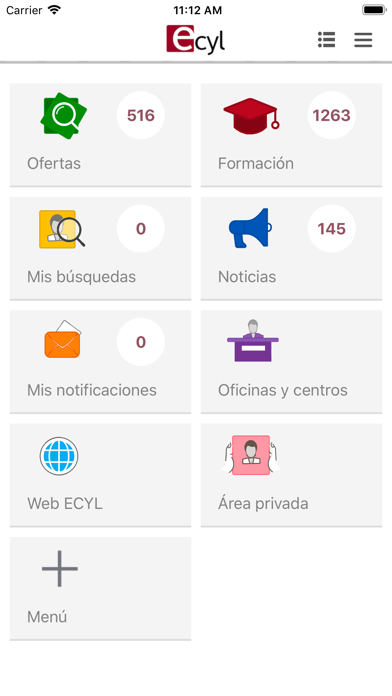
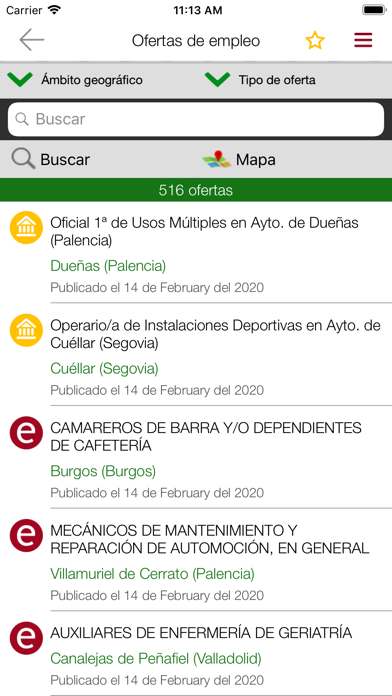
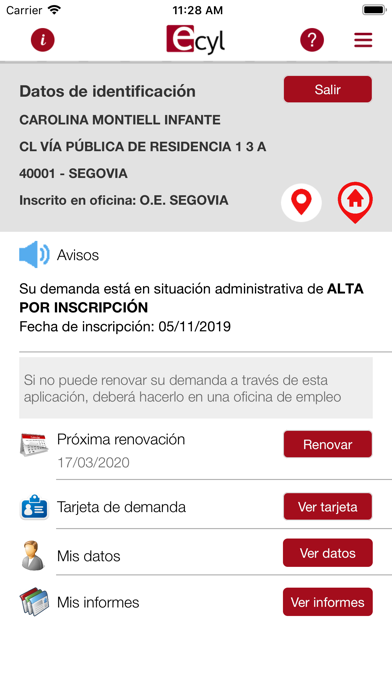
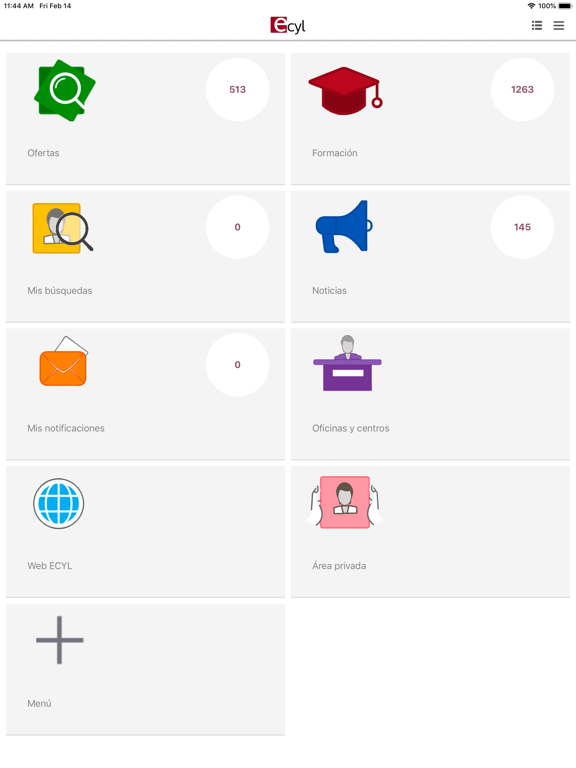
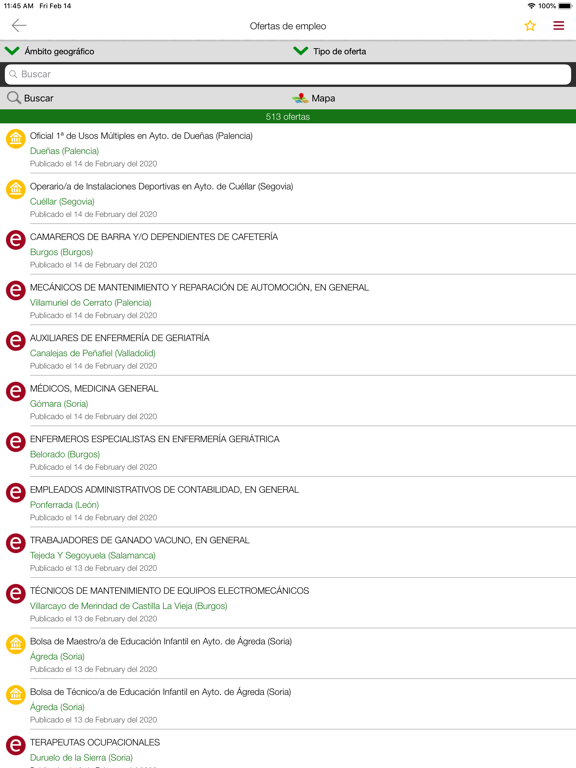
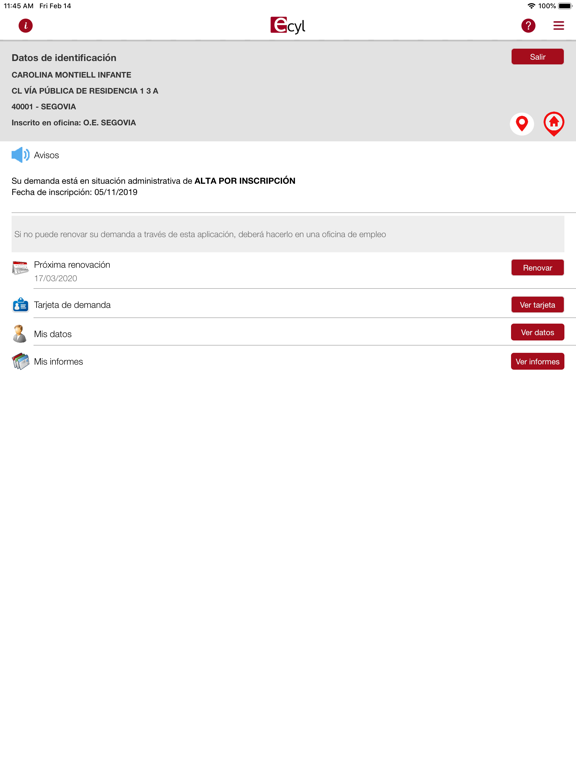
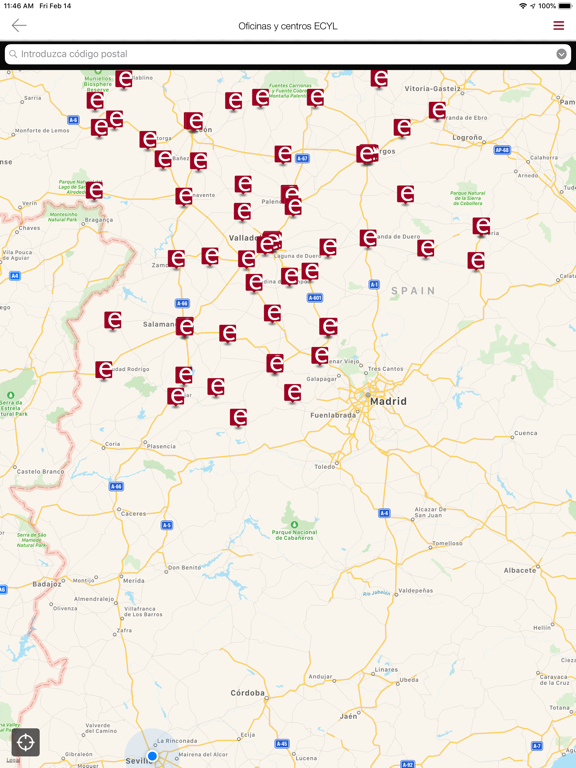
La aplicación ECYL constituye un nuevo canal de comunicación con los ciudadanos a través de dispositivos móviles. En la aplicación se encuentra la siguiente información accesible para cualquier usuario: - Ofertas de empleo - Cursos de formación - Noticias de interés sobre la formación y el empleo - Información geográfica de los centros del ECYL Los usuarios inscritos en el ECYL como demandantes de empleo disponen de un área privada en donde podrán acceder a: - Sus datos de inscripción en el ECYL - Fecha de la próxima renovación - Visualización de la tarjeta de demanda de empleo - Renovación de la demanda en la fecha establecida Para acceder al área privada se utilizará su DNI/NIE y el PIN que aparece en la parte inferior de su tarjeta de demanda de empleo. El ECYL no se hace responsable de los efectos que se deriven de la NO renovación en plazo de una demanda de empleo utilizando e…
App details
What you can learn from ECYL
Every shipping app on the App Store has gone through the same decisions you're working through right now: which screenshot goes first, what caption sits over it, which device frame to show, what color the background should be. The 10 screenshots above are ECYL's answers to those questions — they're public, they're real, and they made it through Apple's review.
Notice the first screenshot in particular. It's the one users see in search results and on the product page, and it's where most apps spend their best caption and tightest design. Look at the proportion of background to phone, where the text sits, what one thing the image is trying to communicate.
Want to see how other Business apps approach the same problem? Browse more Business apps in the showcase.
Take what works into your own screenshots
Open LaunchShots and design your App Store & Google Play screenshots — pick a device frame, drop captions, ship in minutes. Free, in your browser.
Open the screenshot editor →