Screenshot style breakdown
Sampled from 6 of SBN UBO's App Store screenshots — background, accent and theme, measured by LaunchShots (not something Apple publishes).
#FCFCFC bg
#DDDDDD
#CC0404 accent
#111111 text
Reading the caption text from the screenshots in your browser…
Screenshots
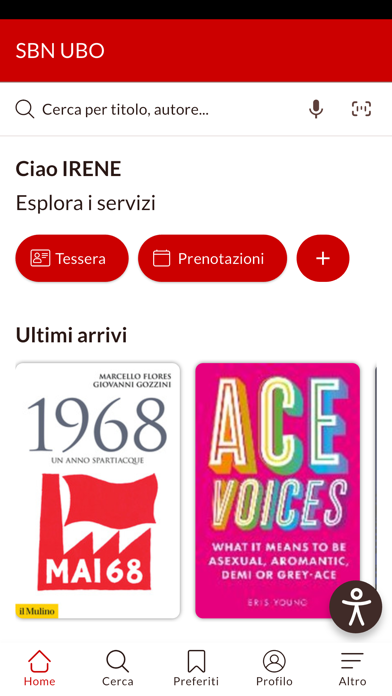
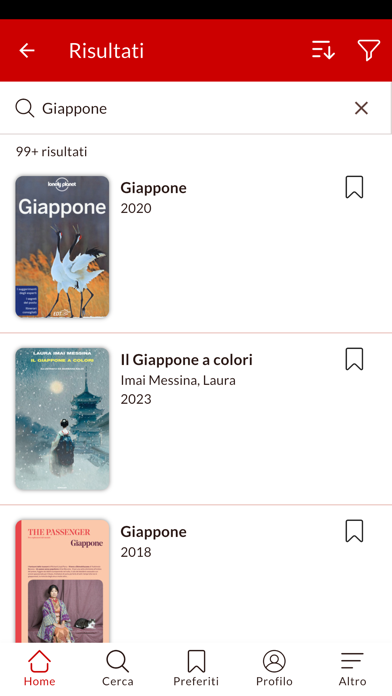
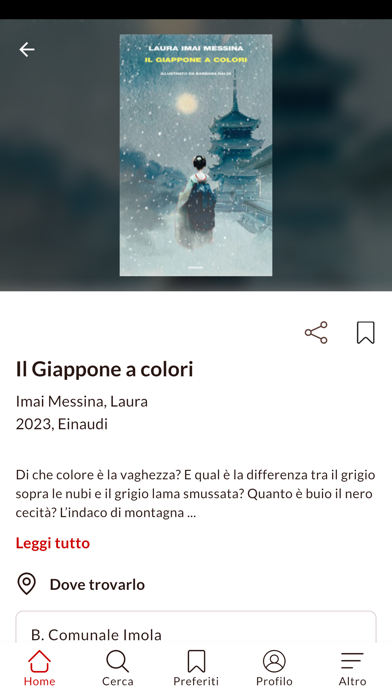
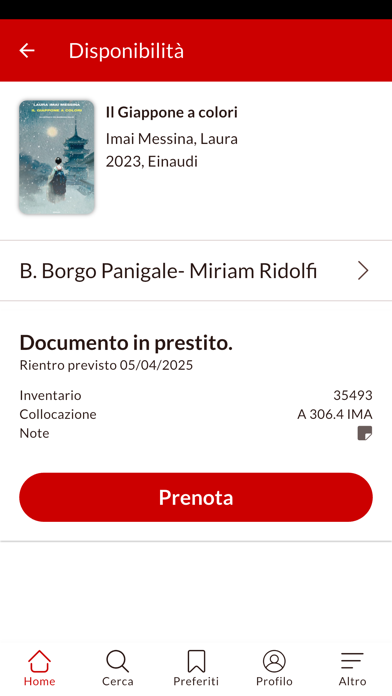
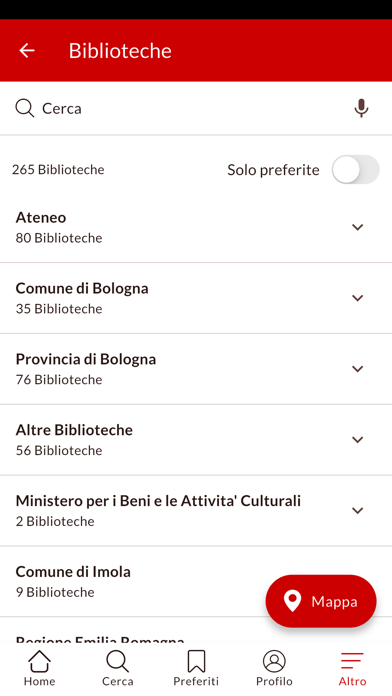
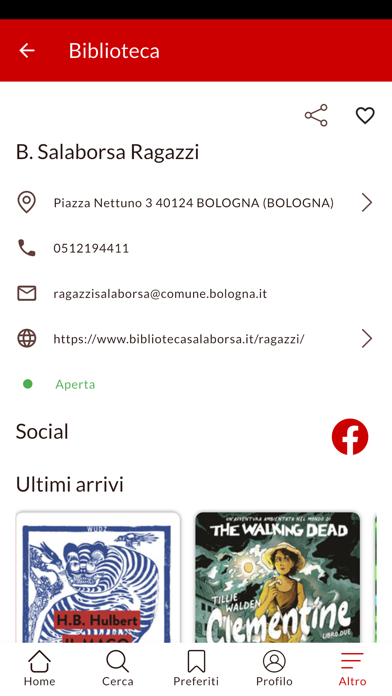
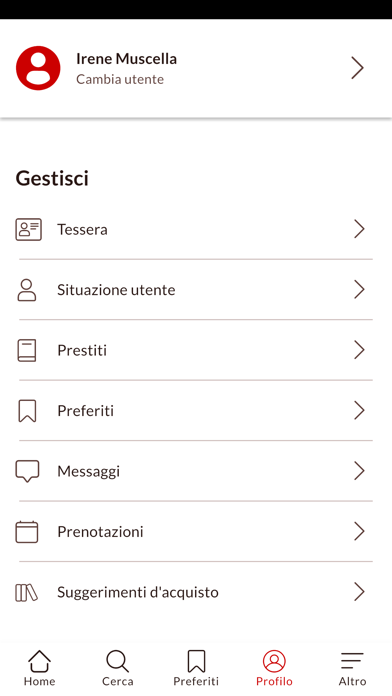
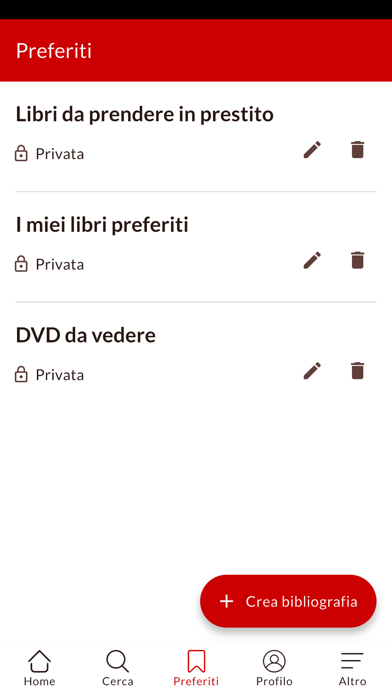
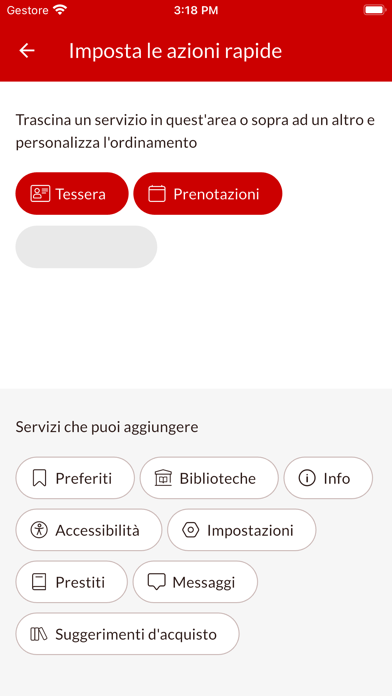
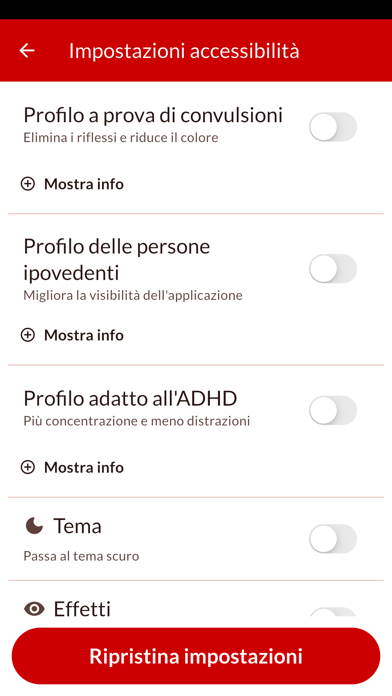
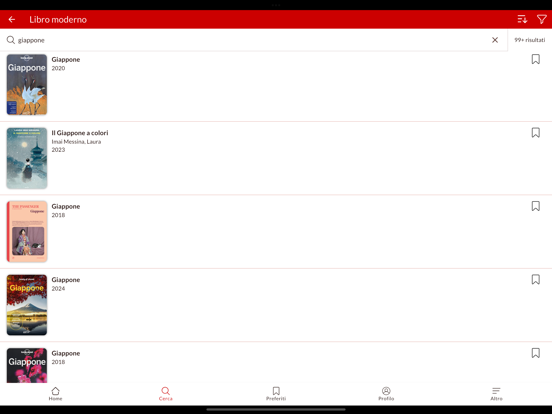
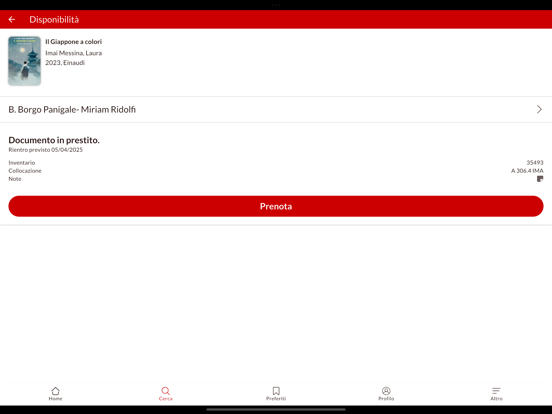
iPad screenshots





Icon palette
About this app
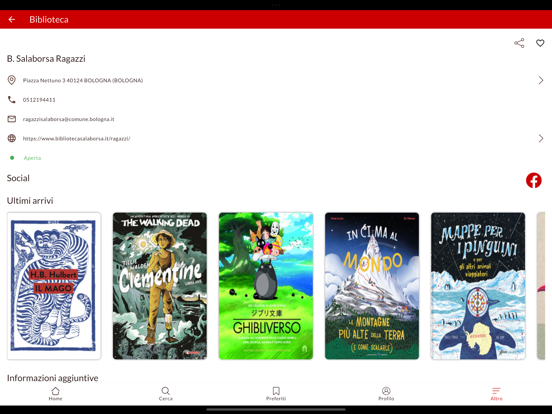
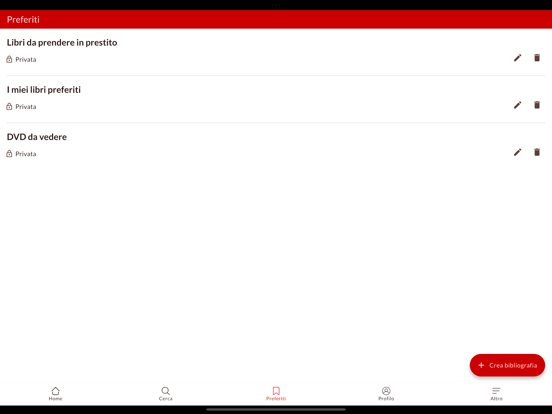
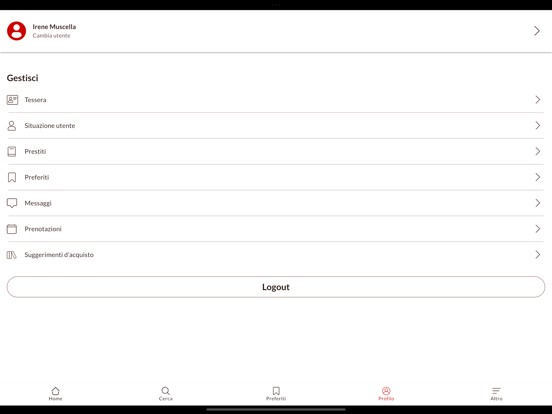
Con SBN UBO, il Polo Bolognese mette le sue biblioteche nelle tue mani! Esplora il catalogo, gestisci i prestiti e accedi a un'ampia gamma di contenuti digitali, tutto direttamente dal tuo smartphone. SBN UBO ti permette di rimanere connesso alle tue biblioteche in modo facile e veloce. - Trova e Prenota Libri: cerca nel catalogo del polo bibliotecario, richiedi i tuoi titoli preferiti e ritirali comodamente. Scopri gli ultimi arrivi, ovunque ti trovi. - Gestisci i Tuoi Prestiti: controlla lo stato dei tuoi prestiti, proroga quelli in scadenza e tieni traccia di tutto comodamente dall’app. - Accesso con Più Account: ideale per tutta la famiglia, SBN UBO ti consente di gestire più account contemporaneamente, offrendo un'esperienza condivisa e facile da usare per genitori e figli. - Tessera Digitale: dì addio alla tessera cartacea e accedi facilmente a tutti i servizi della tua b…
App details
What you can learn from SBN UBO
Every shipping app on the App Store has gone through the same decisions you're working through right now: which screenshot goes first, what caption sits over it, which device frame to show, what color the background should be. The 20 screenshots above are SBN UBO's answers to those questions — they're public, they're real, and they made it through Apple's review.
What the numbers say: SBN UBO runs a light set with one background colour (#FCFCFC) carried across every screenshot — the listing reads as a single poster when the shots sit side by side in search results. The accent colour we picked up, #CC0404, is the one to reuse for badges, arrows and highlighted words if you borrow this look. Hit Use this style to open the editor with these exact colours and drop your own screenshot in.
Notice the first screenshot in particular. It's the one users see in search results and on the product page, and it's where most apps spend their best caption and tightest design. Look at the proportion of background to phone, where the text sits, what one thing the image is trying to communicate.
Want to see how other Book apps approach the same problem? Browse more Book apps in the showcase.
Take what works into your own screenshots
Open LaunchShots and design your App Store & Google Play screenshots — pick a device frame, drop captions, ship in minutes. Free, in your browser.
Open the screenshot editor →Apps with a similar look
Closest background + accent colours among the listings we've analysed — useful when you want to see the same palette handled by a different team.