Screenshot style breakdown
Sampled from 3 of シンプル気候's App Store screenshots — background, accent and theme, measured by LaunchShots (not something Apple publishes).
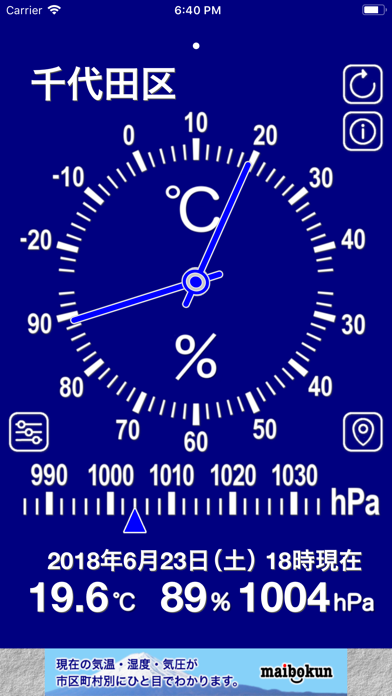
#040484 bg
#272795
#84D4FC accent
#FFFFFF text
Screenshots
Icon palette
About this app
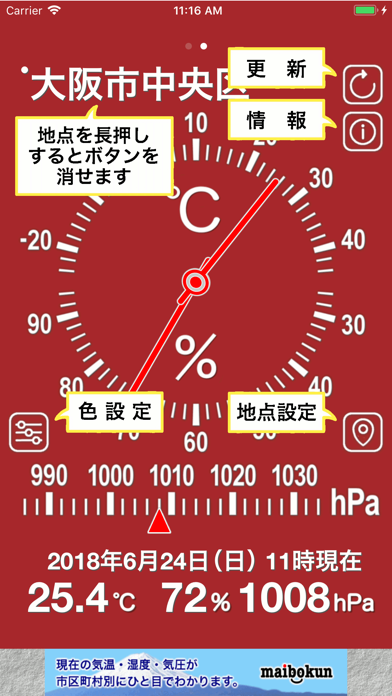
現在の気温・湿度・気圧が見やすい大きなアナログ表示。 日本に特化! 現在地または市区町村単位で5ヵ所まで登録可能。 針と背景の色は登録地点別に自由に設定できるので、自分好みの配色に。 このアプリは地点設定ボタンをタップして、表示させたい地点を登録するだけです。 現在地(日本国内)または市区町村の役所(役場)の所在地から、近隣のアメダス観測点を5ヵ所以上検索します。 総合的に判断して、地点設定に登録した地点の気温・湿度・気圧を表示します。 気象データは毎時0分、10分、20分、30分、40分、50分のものが、それぞれ15分後に取得できます。例えば、10時10分のデータは10時25分以降に取得できます。 近隣の観測点データを正確に取得できた場合は、地点名の左上に小さな丸印を表示します。 近隣のデータを取得できない場合(アメダス観測点が欠測など)は、少し遠方のデータを参考にするため、丸印が表示されません。 地点名をタップすると、針のアニメーション速度を変更できます。高速、中速、低速、無効の4種類から選べます。 地点名を長押しすると…
App details
What you can learn from シンプル気候
Every shipping app on the App Store has gone through the same decisions you're working through right now: which screenshot goes first, what caption sits over it, which device frame to show, what color the background should be. The 3 screenshots above are シンプル気候's answers to those questions — they're public, they're real, and they made it through Apple's review.
What the numbers say: シンプル気候 runs a dark set where the background shifts from screenshot to screenshot (first shot #040484) — each image has to stand on its own, so the captions carry more of the story. The accent colour we picked up, #84D4FC, is the one to reuse for badges, arrows and highlighted words if you borrow this look. Hit Use this style to open the editor with these exact colours and drop your own screenshot in.
Notice the first screenshot in particular. It's the one users see in search results and on the product page, and it's where most apps spend their best caption and tightest design. Look at the proportion of background to phone, where the text sits, what one thing the image is trying to communicate.
Want to see how other Weather apps approach the same problem? Browse more Weather apps in the showcase.
Take what works into your own screenshots
Open LaunchShots and design your App Store & Google Play screenshots — pick a device frame, drop captions, ship in minutes. Free, in your browser.
Open the screenshot editor →Apps with a similar look
Closest background + accent colours among the listings we've analysed — useful when you want to see the same palette handled by a different team.