Chart position — tracked daily by LaunchShots
Screenshot changes — detected by LaunchShots
Screenshot style breakdown
Sampled from 4 of 友空间's App Store screenshots — background, accent and theme, measured by LaunchShots (not something Apple publishes).
#F4F4F4 bg
#D6D6D6
#EC2424 accent
#111111 text
Screenshots


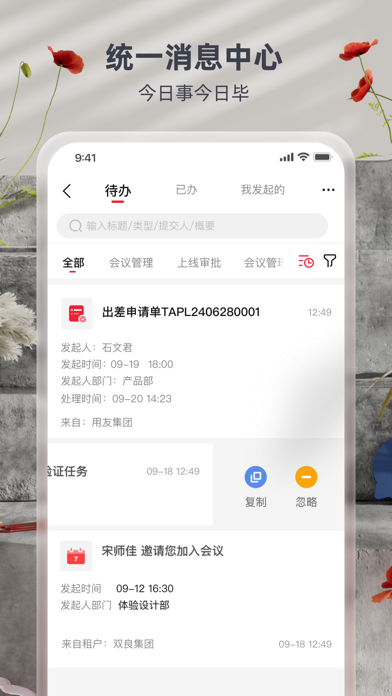
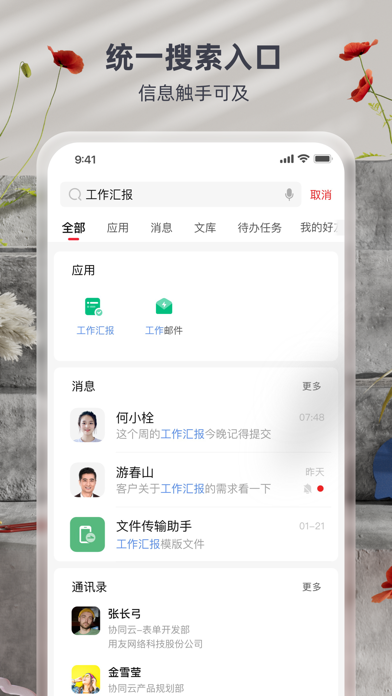
iPad screenshots
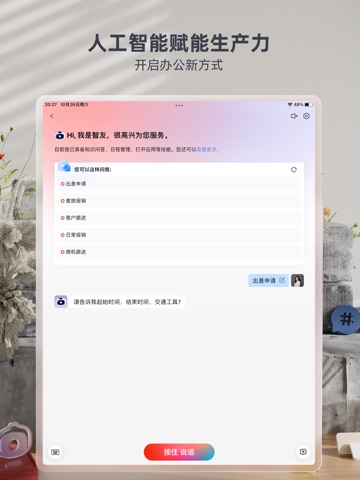
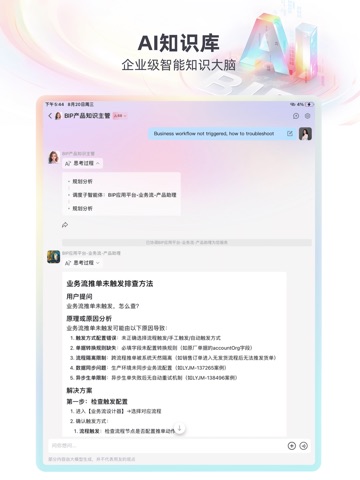
Icon palette
About this app
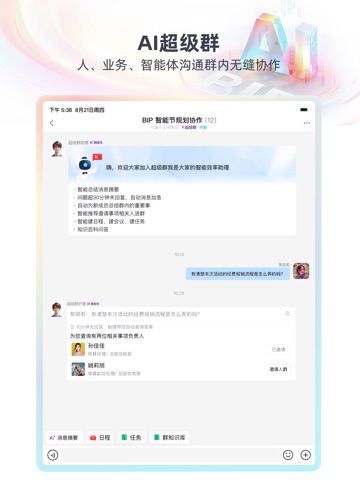
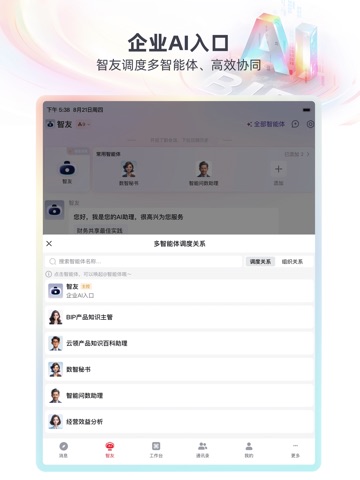
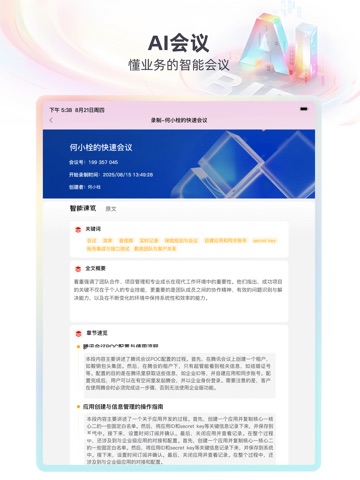
友空间,是用友集团自主研发的一站式数智化协同办公平台,从企业的“系统集成壁垒高、技术标准碎片化、信息孤岛化”等核心需求出发,为企业提供社交沟通、团队协作、智能协同、办公协同、业务协同等全方位协同办公和数智化管理服务,同时依托用友智能大模型,将智能技术无缝贯穿于即时通讯(IM)、知识库管理(文库)、日程规划等关键工作场景,提升管理效率,引领企业迈向智能化新高度。 数智门户 友空间数字化工作台连接企业门户所有场景,支持按组织、部门、角色、工作场景等多维度进行门户的灵活配置,可预置多领域场景门户,提供丰富的磁贴组件,打造专属于您的移动办公门户。 智能平台 AI赋能开启办公新方式,不懂技术也可以创建群AI机器人,一对一对专业解答。同时AI更了解你的工作,帮你解决写工作汇报、内容创作、总结未读消息、创建日程等工作琐事,提升工作效率。 高效沟通 - 直达业务的场景群,灵活多变的消息卡片,预置的群应用,打开群就能做业务。 - 智能消息分组优先查看重要消息,统一的消息中心让待办事项一目了然。 - 实名制聊天,水印防泄露,员…
App details
What you can learn from 友空间
Every shipping app on the App Store has gone through the same decisions you're working through right now: which screenshot goes first, what caption sits over it, which device frame to show, what color the background should be. The 9 screenshots above are 友空间's answers to those questions — they're public, they're real, and they made it through Apple's review.
What the numbers say: 友空间 runs a light set with one background colour (#F4F4F4) carried across every screenshot — the listing reads as a single poster when the shots sit side by side in search results. The accent colour we picked up, #EC2424, is the one to reuse for badges, arrows and highlighted words if you borrow this look. Hit Use this style to open the editor with these exact colours and drop your own screenshot in.
Notice the first screenshot in particular. It's the one users see in search results and on the product page, and it's where most apps spend their best caption and tightest design. Look at the proportion of background to phone, where the text sits, what one thing the image is trying to communicate.
Want to see how other Business apps approach the same problem? Browse more Business apps in the showcase.
Take what works into your own screenshots
Open LaunchShots and design your App Store & Google Play screenshots — pick a device frame, drop captions, ship in minutes. Free, in your browser.
Open the screenshot editor →Apps with a similar look
Closest background + accent colours among the listings we've analysed — useful when you want to see the same palette handled by a different team.