Screenshots




iPad screenshots


Icon palette
About this app
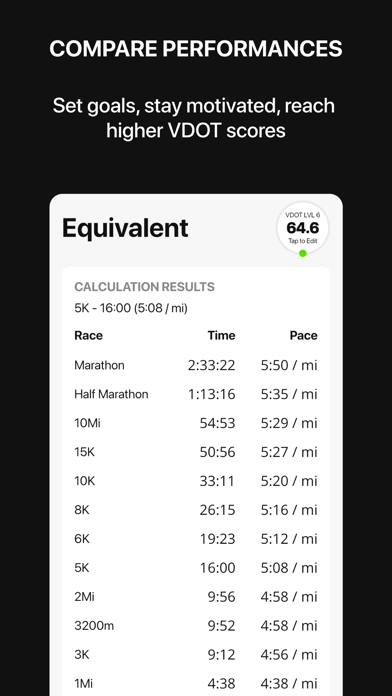
The official VDOT Running Calculator, designed by Dr. Jack Daniels - named World's Best Running Coach by Runner's World Magazine - and the team at VDOT O2. Thanks to over 50 years of scientific research conducted by legendary coach Dr. Jack Daniels, runners and coaches can quickly determine appropriate training paces, equate race performances and adjust for heat and altitude. Features: • Calculate time, distance and race paces • Calculate your current training paces • Calculate and compare the equivalent performances of a race result at other distances • Calculate the effect of temperature or altitude on training and race paces What's Your VDOT? VDOT is a measure of your current running ability. It assigns a score to all running performances, let's you determine your current training paces, and equates a race time in one distance to another. For instance, you can compare your VDOT…
App details
What you can learn from VDOT Running Calculator
Every shipping app on the App Store has gone through the same decisions you're working through right now: which screenshot goes first, what caption sits over it, which device frame to show, what color the background should be. The 10 screenshots above are VDOT Running Calculator's answers to those questions — they're public, they're real, and they made it through Apple's review.
Notice the first screenshot in particular. It's the one users see in search results and on the product page, and it's where most apps spend their best caption and tightest design. Look at the proportion of background to phone, where the text sits, what one thing the image is trying to communicate.
Want to see how other Health & Fitness apps approach the same problem? Browse more Health & Fitness apps in the showcase.
Take what works into your own screenshots
Open LaunchShots and design your App Store & Google Play screenshots — pick a device frame, drop captions, ship in minutes. Free, in your browser.
Open the screenshot editor →