Screenshots

Icon palette
About this app
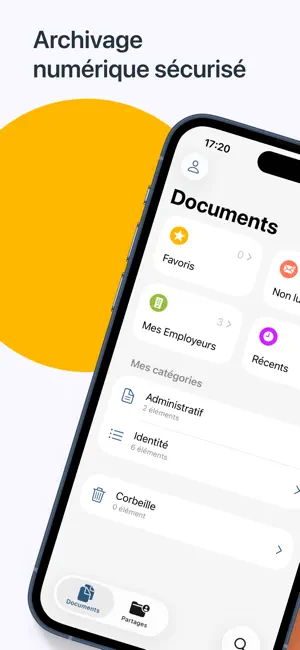
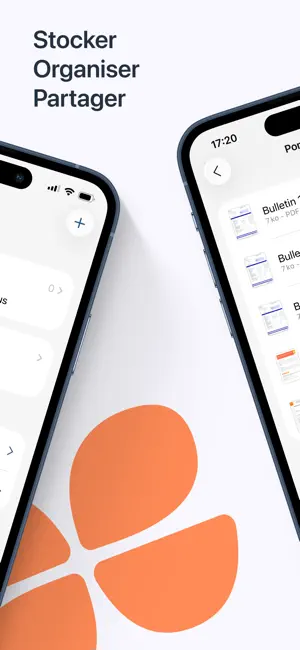
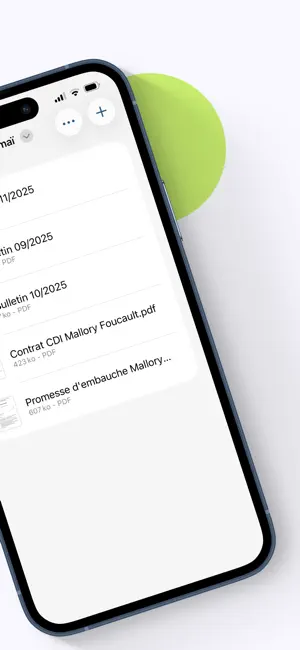
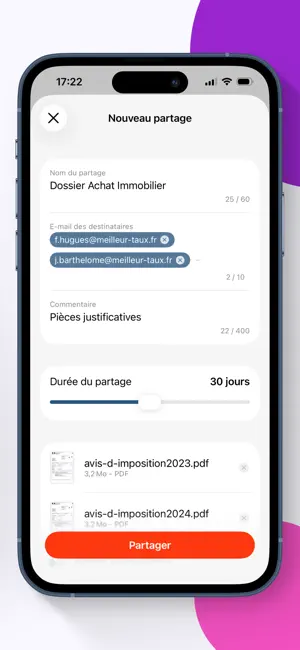
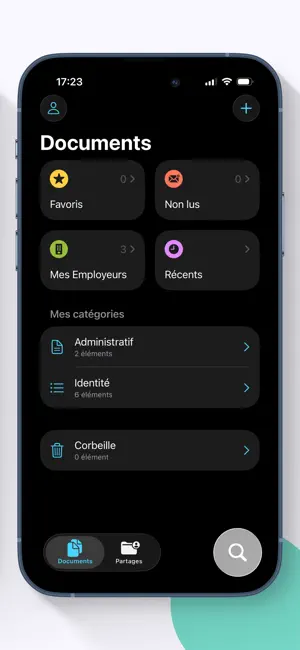
Avec eDocPerso, stockez et partagez vos documents en toute sécurité ! À utiliser sans modération, votre coffre-fort numérique est individuel, gratuit et disponible à vie. Tirez le meilleur parti de votre espace de stockage personnel depuis l’application mobile : - Accédez à votre coffre-fort de façon pratique et sécurisée par Touch ID/Face ID. - Retrouvez de manière automatique vos bulletins de salaire et autres documents administratifs dans la catégorie “Mes employeurs”. - En quelques clics, stockez et archivez vos fichiers numériques sensibles grâce aux fonctions d’import et scan de documents. - Partagez vos documents avec un tiers via l’envoi d’un lien sécurisé. - Personnalisez votre espace de stockage à votre guise avec une classification par catégories et dossiers. Accessible à tout moment, votre coffre-fort numérique vous garantit une gestion simple et une protection optimal…
App details
What you can learn from eDocPerso
Every shipping app on the App Store has gone through the same decisions you're working through right now: which screenshot goes first, what caption sits over it, which device frame to show, what color the background should be. The 6 screenshots above are eDocPerso's answers to those questions — they're public, they're real, and they made it through Apple's review.
Notice the first screenshot in particular. It's the one users see in search results and on the product page, and it's where most apps spend their best caption and tightest design. Look at the proportion of background to phone, where the text sits, what one thing the image is trying to communicate.
Want to see how other Productivity apps approach the same problem? Browse more Productivity apps in the showcase.
Take what works into your own screenshots
Open LaunchShots and design your App Store & Google Play screenshots — pick a device frame, drop captions, ship in minutes. Free, in your browser.
Open the screenshot editor →