Chart position — tracked daily by LaunchShots
Screenshot style breakdown
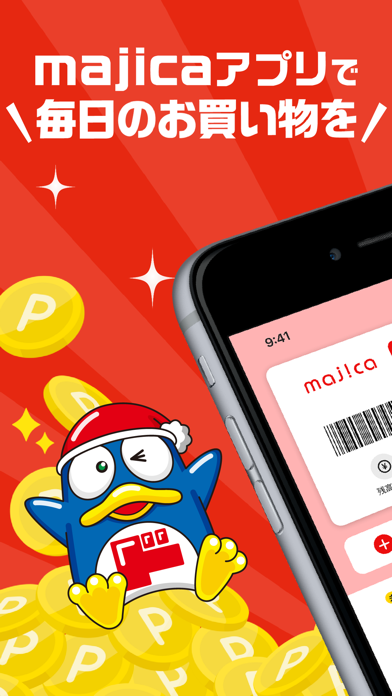
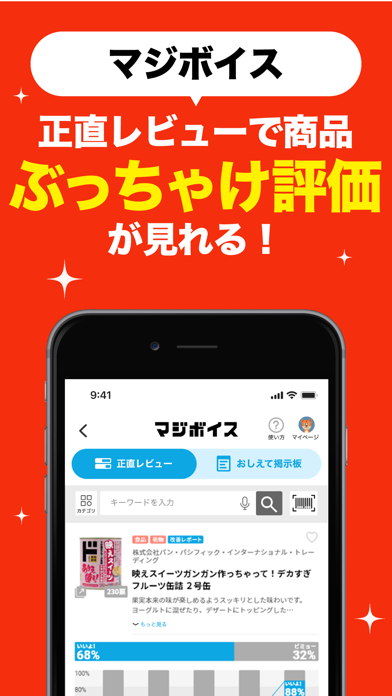
Sampled from 6 of majica~電子マネー公式アプリ~'s App Store screenshots — background, accent and theme, measured by LaunchShots (not something Apple publishes).
#EC3C2C bg
#EE5749
#F4DC44 accent
#FFFFFF text
Screenshots



Icon palette
About this app
国内ドン・キホーテ、アピタ、ピアゴ、ロビン・フッド含むmajica加盟店でのお買い物を便利にお得にサポートする電子マネー「majica」の公式アプリです。 クーポン特別価格で商品購入ができたり、お得情報をメッセージで受け取る事ができます。 アプリ登録のみで「majica」のサービスがご利用頂けます。ぜひご利用ください。 ■主なサービス・機能 <majica詳細情報> majicaのマネー残高やポイント残高、ランク情報などmajicaに関する詳細情報を確認できます。 <会員証バーコード> レジでmajicaアプリを提示するだけで、お会計からチャージまで会員証として利用ができます。 <クーポン> 国内ドン・キホーテ、アピタ、ピアゴ、ロビン・フッド含むmajica加盟店で使える、お得なクーポンが利用できます。 クーポンを選択して、お会計時にmajicaアプリを提示するだけでクーポン利用ができます。 ※一部専門店、日本国外の店舗は除く。 <タイムライン> ご登録いただいたお店の情報をタイムラインでお届けします。 チラシ・イベント・新商品情報など、最新情報がチ…
App details
What you can learn from majica~電子マネー公式アプリ~
Every shipping app on the App Store has gone through the same decisions you're working through right now: which screenshot goes first, what caption sits over it, which device frame to show, what color the background should be. The 7 screenshots above are majica~電子マネー公式アプリ~'s answers to those questions — they're public, they're real, and they made it through Apple's review.
What the numbers say: majica~電子マネー公式アプリ~ runs a dark set with one background colour (#EC3C2C) carried across every screenshot — the listing reads as a single poster when the shots sit side by side in search results. The accent colour we picked up, #F4DC44, is the one to reuse for badges, arrows and highlighted words if you borrow this look. Hit Use this style to open the editor with these exact colours and drop your own screenshot in.
Notice the first screenshot in particular. It's the one users see in search results and on the product page, and it's where most apps spend their best caption and tightest design. Look at the proportion of background to phone, where the text sits, what one thing the image is trying to communicate.
Want to see how other Lifestyle apps approach the same problem? Browse more Lifestyle apps in the showcase.
Take what works into your own screenshots
Open LaunchShots and design your App Store & Google Play screenshots — pick a device frame, drop captions, ship in minutes. Free, in your browser.
Open the screenshot editor →Apps with a similar look
Closest background + accent colours among the listings we've analysed — useful when you want to see the same palette handled by a different team.