Chart position — tracked daily by LaunchShots
Screenshot style breakdown
Sampled from 6 of اذكار المسلم (يعمل تلقائيا)'s App Store screenshots — background, accent and theme, measured by LaunchShots (not something Apple publishes).
#345474 bg
#506B87
#F41424 accent
#FFFFFF text
Screenshots
Icon palette
About this app
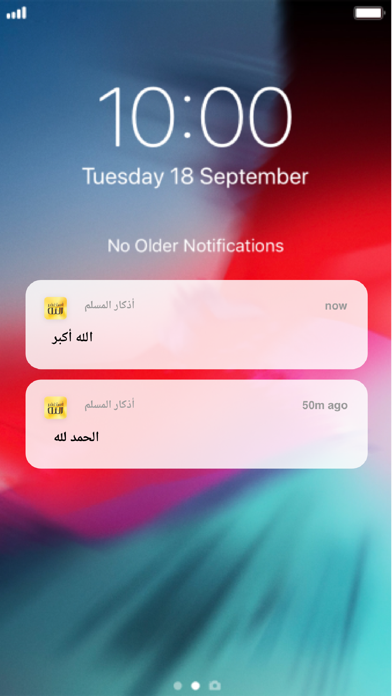
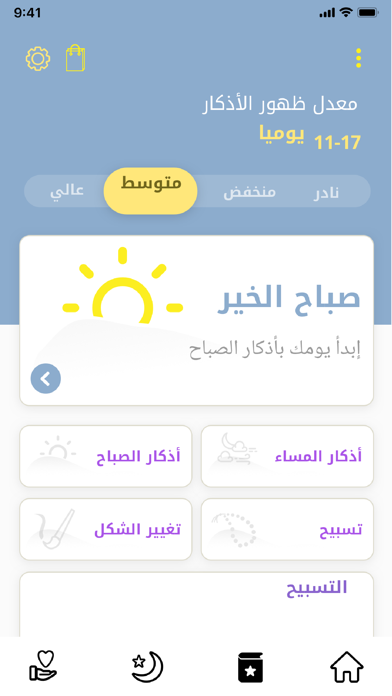
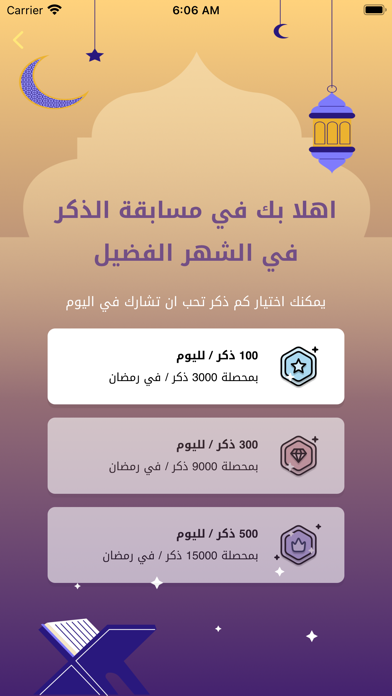
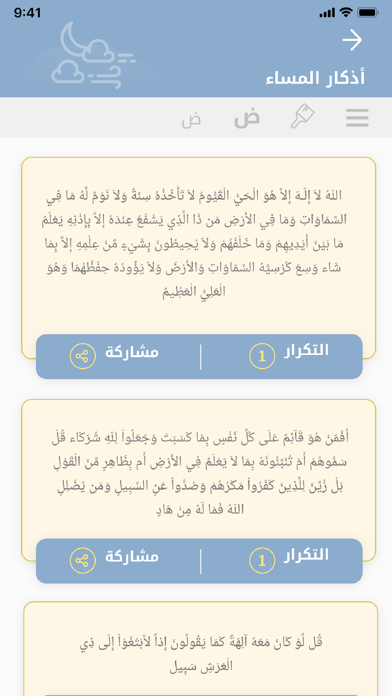
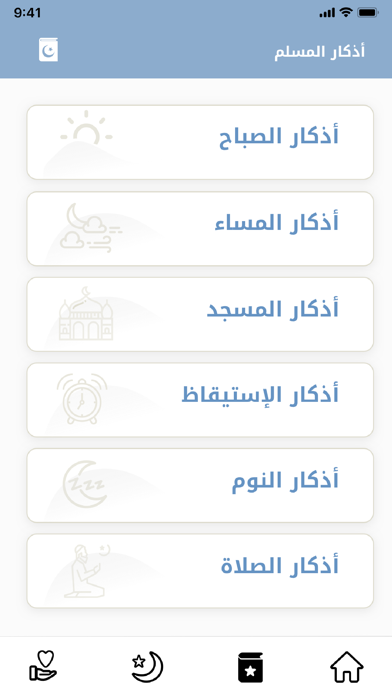
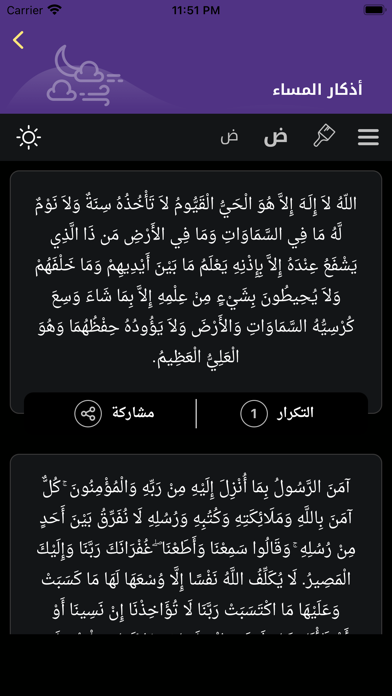
أهلاً وسهلاً بك في تطبيق اذكار المسلم الجديد! بعد اليوم.. لن تنسى أبدا ذكر الله! الآن وبعد طول انتظار تقدّم لكم "كنوز" برنامجها الجديد "اذكار المسلم" والذي من خلاله ستقضون تجربة ايمانية رائعة لا مثيل لها!، عبر إظهار الاذكار والأدعية المأثورة على شاشة الهاتف وبشكل مميز للغاية! التطبيق مميز للغاية و تمّت برمجته ليعمل بذكاء.. كي لا تنسى أبداً ذكر الله! انضم الى حملتنا العالمية لنشر التطبيق ليصل إلى 100 مليون مسلم حول العالم! عبر المشاركة إلى اللأصدقاء في واتس اب و تويتر .. لنجعل كافة اجهزة الآيفون حول العالم تصدح بذكر الله! الخصائص والميزات * التحكم بوتيرة ظهور الأذكار على الشاشة يومياً * عدة أصناف للأذكار من داخل التطبيق: اذكار الصباح، المساء، الاستيقاظ، المسجد، النوم.. وغيرها.. بالاضافة الى تسبيحات، واستغفارات وادعية مأثورة لتظهر على الشاشة كتنبيهات صامتة * امكانية إضافة أدعية واذكار خاصة بك Welcome to athkar Al Muslim App for iPhone! This Islamic app will show you random Athkar's (a…
App details
What you can learn from اذكار المسلم (يعمل تلقائيا)
Every shipping app on the App Store has gone through the same decisions you're working through right now: which screenshot goes first, what caption sits over it, which device frame to show, what color the background should be. The 7 screenshots above are اذكار المسلم (يعمل تلقائيا)'s answers to those questions — they're public, they're real, and they made it through Apple's review.
What the numbers say: اذكار المسلم (يعمل تلقائيا) runs a mixed light-and-dark set where the background shifts from screenshot to screenshot (first shot #345474) — each image has to stand on its own, so the captions carry more of the story. The accent colour we picked up, #F41424, is the one to reuse for badges, arrows and highlighted words if you borrow this look. Hit Use this style to open the editor with these exact colours and drop your own screenshot in.
Notice the first screenshot in particular. It's the one users see in search results and on the product page, and it's where most apps spend their best caption and tightest design. Look at the proportion of background to phone, where the text sits, what one thing the image is trying to communicate.
Want to see how other Lifestyle apps approach the same problem? Browse more Lifestyle apps in the showcase.
Take what works into your own screenshots
Open LaunchShots and design your App Store & Google Play screenshots — pick a device frame, drop captions, ship in minutes. Free, in your browser.
Open the screenshot editor →Apps with a similar look
Closest background + accent colours among the listings we've analysed — useful when you want to see the same palette handled by a different team.