Screenshot style breakdown
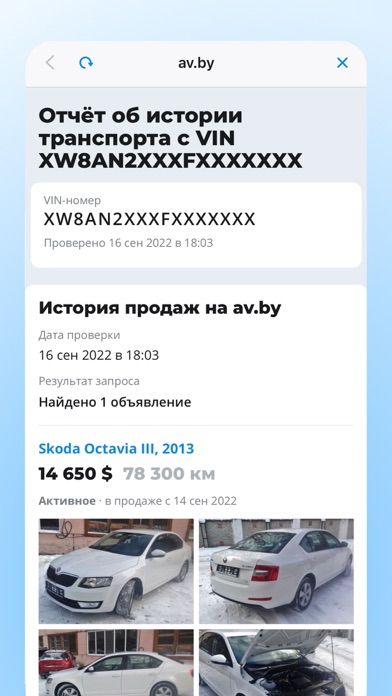
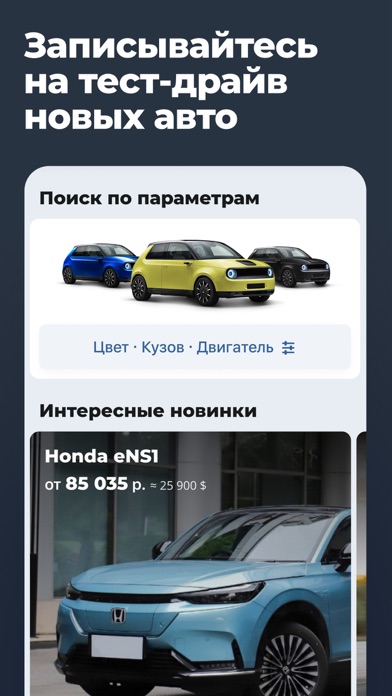
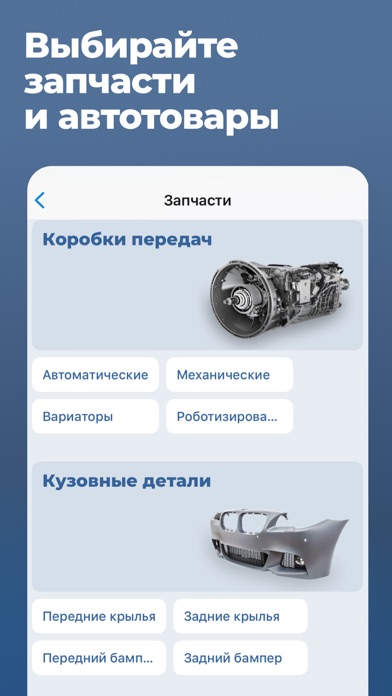
Sampled from 6 of av.by — продажа автомобилей's App Store screenshots — background, accent and theme, measured by LaunchShots (not something Apple publishes).
#1494FC bg
#34A2FC
#1C4C7C accent
#FFFFFF text
Screenshots




Icon palette
About this app
Официальное приложение av.by — это способ безопасно купить или быстро продать свой автомобиль в Беларуси. Самая крупная база в РБ — около 55 000 объявлений о продаже авто с фотографиями и описанием от частных лиц и автосалонов. Здесь вы быстро сможете продать свой автомобиль. Приложение av.by поможет вам купить авто благодаря следующим возможностям: • вы легко найдете подходящие автомобили с ценами в нужном регионе Беларуси (Минске, Бресте, Гродно, Витебске, Могилеве, Гомеле, а также в других городах страны) с помощью большого числа поисковых фильтров, в том числе и по поколению автомобиля; • теперь в приложении есть все основные разделы с объявлениями — для автомобилей, грузовиков, автобусов и мототехники; • общайтесь с продавцами в чатах; • добавляйте понравившиеся объявления в закладки и сохраняйте часто используемые настройки фильтра; • вы можете отправить заявку на покупку автомоби…
App details
What you can learn from av.by — продажа автомобилей
Every shipping app on the App Store has gone through the same decisions you're working through right now: which screenshot goes first, what caption sits over it, which device frame to show, what color the background should be. The 10 screenshots above are av.by — продажа автомобилей's answers to those questions — they're public, they're real, and they made it through Apple's review.
What the numbers say: av.by — продажа автомобилей runs a mixed light-and-dark set where the background shifts from screenshot to screenshot (first shot #1494FC) — each image has to stand on its own, so the captions carry more of the story. The accent colour we picked up, #1C4C7C, is the one to reuse for badges, arrows and highlighted words if you borrow this look. Hit Use this style to open the editor with these exact colours and drop your own screenshot in.
Notice the first screenshot in particular. It's the one users see in search results and on the product page, and it's where most apps spend their best caption and tightest design. Look at the proportion of background to phone, where the text sits, what one thing the image is trying to communicate.
Want to see how other Shopping apps approach the same problem? Browse more Shopping apps in the showcase.
Take what works into your own screenshots
Open LaunchShots and design your App Store & Google Play screenshots — pick a device frame, drop captions, ship in minutes. Free, in your browser.
Open the screenshot editor →Apps with a similar look
Closest background + accent colours among the listings we've analysed — useful when you want to see the same palette handled by a different team.