Chart position — tracked daily by LaunchShots
Screenshot changes — detected by LaunchShots
Screenshot style breakdown
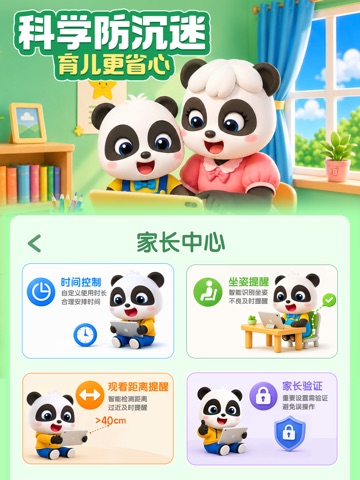
Sampled from 5 of 宝宝巴士-儿童早教益智快乐启蒙大全's App Store screenshots — background, accent and theme, measured by LaunchShots (not something Apple publishes).
#1C94FC bg
#3BA2FC
#F49C94 accent
#FFFFFF text
Screenshots

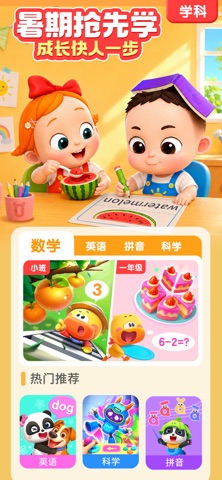
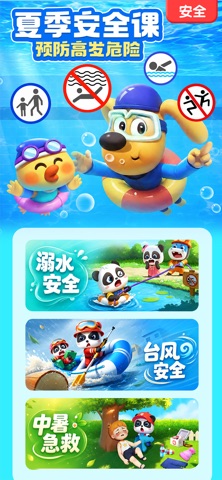
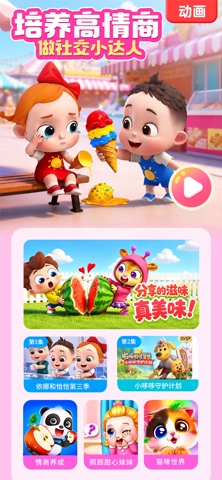

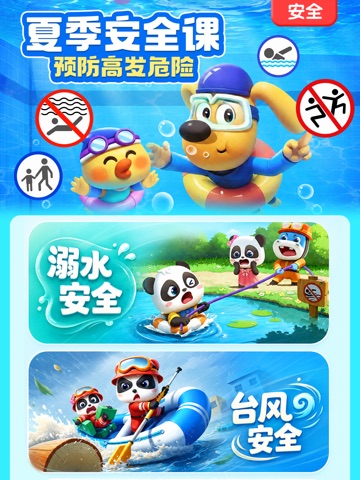
iPad screenshots



Icon palette
About this app
【宝宝巴士】一站式全龄儿童启蒙平台! 汇聚18000+集优质儿歌动画、550+款趣味益智互动、24000+原创有声故事,打造专属0-8岁孩子的沉浸式益智成长乐园。 【科学分龄启蒙,短时高效认知】 0-3岁 · 习惯与语言启蒙期: 聚焦语言表达、情绪感知、生活好习惯三大核心成长方向 ▸亲子治愈动画:《依娜和恰恰》展现亲子日常,科学教养,引导宝宝正确表达情绪,轻松掌握日常自理常识;《小星帽尼欧欧》脑洞故事释放想象力,潜移默化帮助宝宝养成良好行为习惯。 ▸哄睡叫早儿歌:将卫生习惯、安全常识融入轻快旋律,舒缓治愈,陪伴宝宝安稳入睡,温柔守护幼儿成长。 4-6岁 · 脑力开发与安全关键期: 主攻入学预备知识、儿童自我保护两大刚需内容 ▸白玉兰奖爆款动画《安全警长啦咘啦哆》:全球播放量近400亿次,以小镇探索趣味形式拆解各类安全隐患,教会孩子:真正的勇敢,不是挑战危险,而是保护自己。 ▸专业教研团队联合打造:覆盖拼音识字、思维逻辑、自然科学、数学、英语启蒙,把枯燥知识点转化为趣味互动,激发孩子主动学习的兴趣,平稳衔接未来学习。 7岁+ · 思维塑造…
App details
What you can learn from 宝宝巴士-儿童早教益智快乐启蒙大全
Every shipping app on the App Store has gone through the same decisions you're working through right now: which screenshot goes first, what caption sits over it, which device frame to show, what color the background should be. The 10 screenshots above are 宝宝巴士-儿童早教益智快乐启蒙大全's answers to those questions — they're public, they're real, and they made it through Apple's review.
What the numbers say: 宝宝巴士-儿童早教益智快乐启蒙大全 runs a mixed light-and-dark set where the background shifts from screenshot to screenshot (first shot #1C94FC) — each image has to stand on its own, so the captions carry more of the story. The accent colour we picked up, #F49C94, is the one to reuse for badges, arrows and highlighted words if you borrow this look. Hit Use this style to open the editor with these exact colours and drop your own screenshot in.
Notice the first screenshot in particular. It's the one users see in search results and on the product page, and it's where most apps spend their best caption and tightest design. Look at the proportion of background to phone, where the text sits, what one thing the image is trying to communicate.
Want to see how other Education apps approach the same problem? Browse more Education apps in the showcase.
Take what works into your own screenshots
Open LaunchShots and design your App Store & Google Play screenshots — pick a device frame, drop captions, ship in minutes. Free, in your browser.
Open the screenshot editor →Apps with a similar look
Closest background + accent colours among the listings we've analysed — useful when you want to see the same palette handled by a different team.