Chart position — tracked daily by LaunchShots
Screenshot style breakdown
Sampled from 6 of كيورا Cura - استشر طبيب's App Store screenshots — background, accent and theme, measured by LaunchShots (not something Apple publishes).
#FCFCFC bg
#DDDDDD
#3C7484 accent
#111111 text
Screenshots
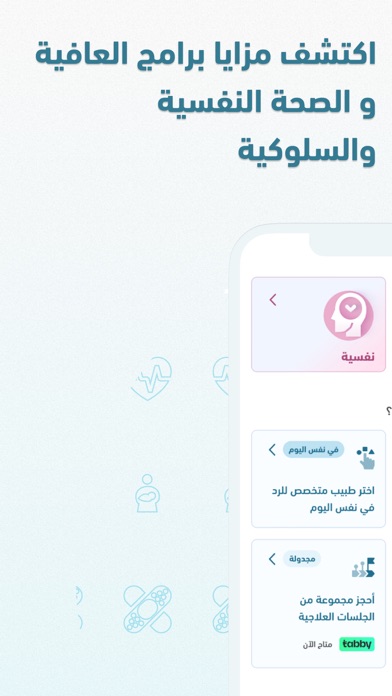
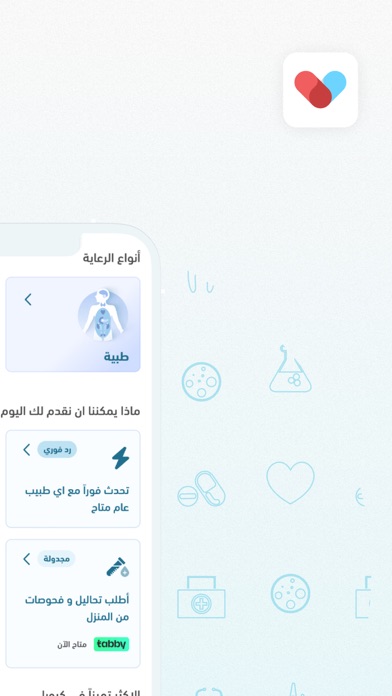
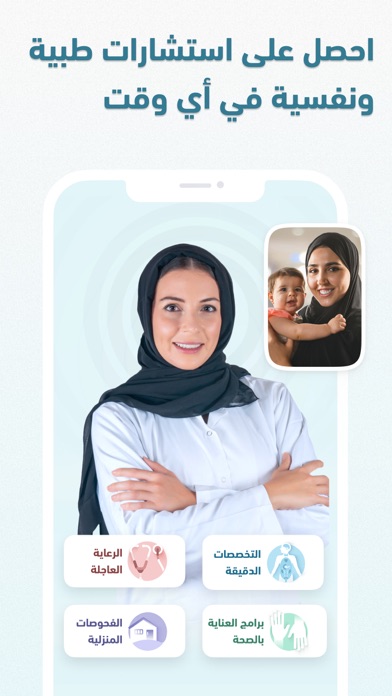
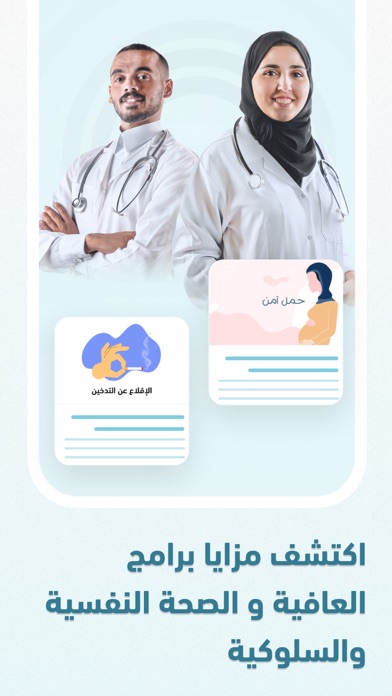
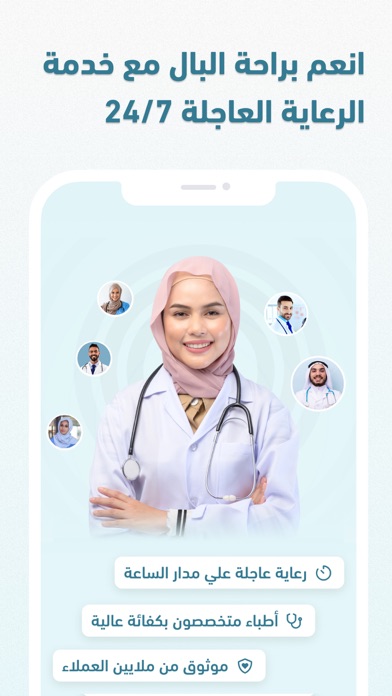
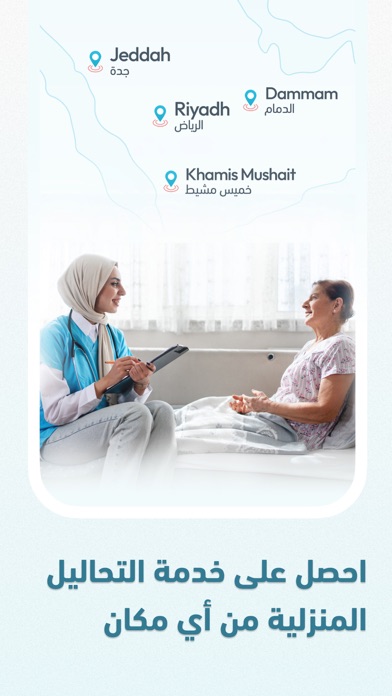
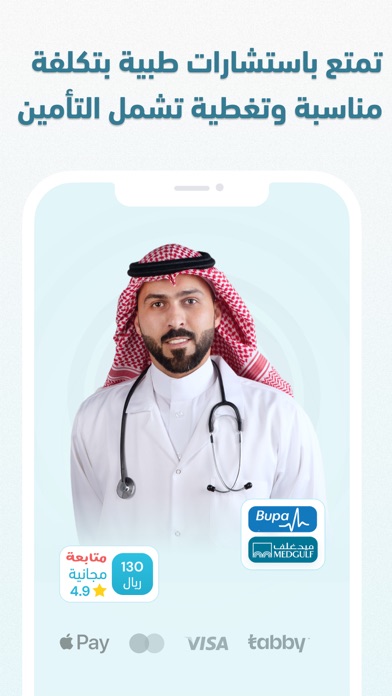
Icon palette
About this app
يوفر لك تطبيق كيورا تجربة متكاملة في كل ما يخص خدمات الرعاية الصحية الشاملة. تضم شبكتنا أكثر من 6000 طبيب ومعالج في كل التخصصات الطبية، وتشمل خدماتنا كل ما قد يحتاج إليه المريض حتى يحصل على مستوى رعاية صحية فائق الجودة من راحة منزله. يُمكنك التطبيق من حجز استشارات طبية ونفسية، وطلب أدوية، وحجز اختبارات وتحاليل معملية.. كل ذلك وأكثر من راحة منزلك، وفي خلال دقائق. خدمات تطبيق كيورا للرعاية الصحية الشاملة 1. الجلسات المتخصصة والعاجلة احجز استشارة مع أفضل أطباء المملكة في جميع التخصصات الطبية. توفر لك عياداتنا الرقمية أطباء في مجال طب الأسرة، النساء والولادة، الطب النفسي، الأمراض المعدية والأوبئة، الجلدية، الأطفال، المخ والأعصاب، التغذية، الأسنان وصحة الفم، الصدرية، الباطنة، الغدد الصماء والسكري، القلب، الجهاز الهضمي والمناظير، أمراض الدم، أنف وأذن وحنجرة، الكلى، جراحات السمنة والمناظير، جراحات التجميل، العظام، المسالك البولية، القولون، الأورام. أما إذا كانت لديك استشارة سريعة أو حالة ط…
App details
What you can learn from كيورا Cura - استشر طبيب
Every shipping app on the App Store has gone through the same decisions you're working through right now: which screenshot goes first, what caption sits over it, which device frame to show, what color the background should be. The 7 screenshots above are كيورا Cura - استشر طبيب's answers to those questions — they're public, they're real, and they made it through Apple's review.
What the numbers say: كيورا Cura - استشر طبيب runs a light set with one background colour (#FCFCFC) carried across every screenshot — the listing reads as a single poster when the shots sit side by side in search results. The accent colour we picked up, #3C7484, is the one to reuse for badges, arrows and highlighted words if you borrow this look. Hit Use this style to open the editor with these exact colours and drop your own screenshot in.
Notice the first screenshot in particular. It's the one users see in search results and on the product page, and it's where most apps spend their best caption and tightest design. Look at the proportion of background to phone, where the text sits, what one thing the image is trying to communicate.
Want to see how other Medical apps approach the same problem? Browse more Medical apps in the showcase.
Take what works into your own screenshots
Open LaunchShots and design your App Store & Google Play screenshots — pick a device frame, drop captions, ship in minutes. Free, in your browser.
Open the screenshot editor →Apps with a similar look
Closest background + accent colours among the listings we've analysed — useful when you want to see the same palette handled by a different team.