Chart position — tracked daily by LaunchShots
Screenshot style breakdown
Sampled from 6 of VisiMed's App Store screenshots — background, accent and theme, measured by LaunchShots (not something Apple publishes).
#2484CC bg
#4295D3
#6CBCEC accent
#FFFFFF text
Screenshots
Icon palette
About this app
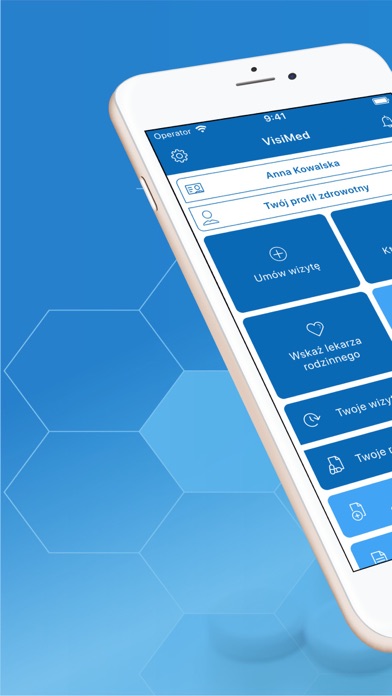
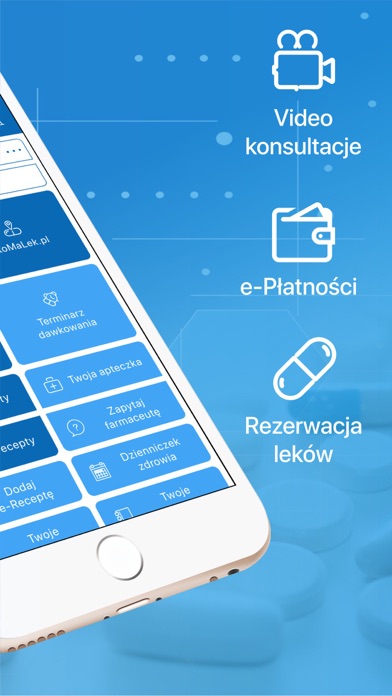
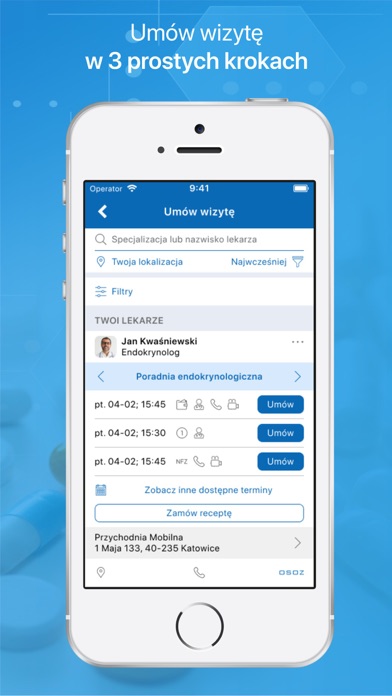
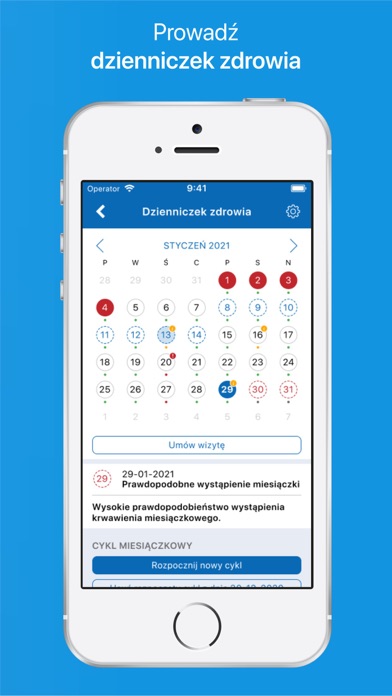
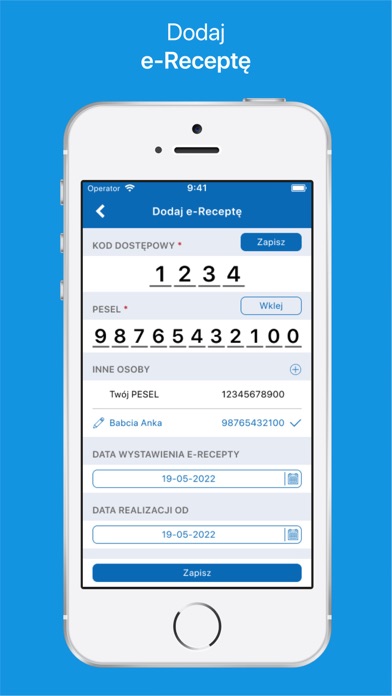
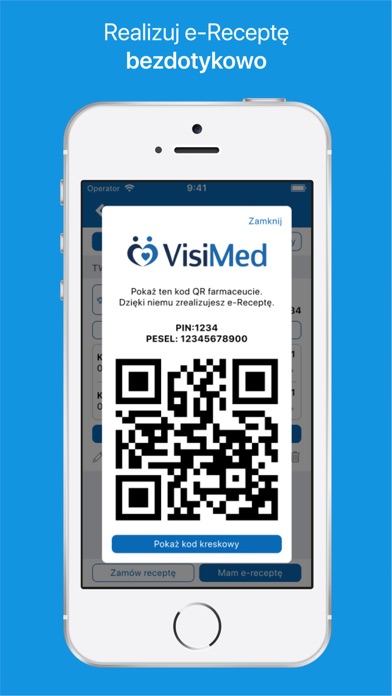
Do najważniejszych funkcjonalności należą: - wyszukiwanie lekarzy, przegląd dostępnych terminów oraz umówienie wizyty lekarskiej (ogólnej i specjalistycznej) - wyszukiwanie placówek medycznych i prezentacja dostęp do informacji jak adres, telefon, lista pracujących w przychodni lekarzy - definiowanie lekarza rodzinnego oraz dodanie lekarzy do listy najczęściej wybieranych - wyszukiwanie leków w aptekach i prezentacja najistotniejszych informacji np. nazwy, producenta, ilości i nazwy substancji aktywnej, listy tańszych zamienników oraz interakcji typu lek - lek i lek – żywność - możliwość rezerwowania leków w aptekach i ich odbioru bez kolejki - możliwość sprawdzenia cen leków - asystent leczenia, w tym dawkowania leków i kontroli interakcji leków oraz leków z żywnością - wykorzystanie i obsługa kalendarza wbudowanego w urządzenie mobilne celem zapewnienia usługi powiadomień - wyszukiwan…
App details
What you can learn from VisiMed
Every shipping app on the App Store has gone through the same decisions you're working through right now: which screenshot goes first, what caption sits over it, which device frame to show, what color the background should be. The 7 screenshots above are VisiMed's answers to those questions — they're public, they're real, and they made it through Apple's review.
What the numbers say: VisiMed runs a mixed light-and-dark set with one background colour (#2484CC) carried across every screenshot — the listing reads as a single poster when the shots sit side by side in search results. The accent colour we picked up, #6CBCEC, is the one to reuse for badges, arrows and highlighted words if you borrow this look. Hit Use this style to open the editor with these exact colours and drop your own screenshot in.
Notice the first screenshot in particular. It's the one users see in search results and on the product page, and it's where most apps spend their best caption and tightest design. Look at the proportion of background to phone, where the text sits, what one thing the image is trying to communicate.
Want to see how other Medical apps approach the same problem? Browse more Medical apps in the showcase.
Take what works into your own screenshots
Open LaunchShots and design your App Store & Google Play screenshots — pick a device frame, drop captions, ship in minutes. Free, in your browser.
Open the screenshot editor →Apps with a similar look
Closest background + accent colours among the listings we've analysed — useful when you want to see the same palette handled by a different team.