Screenshots
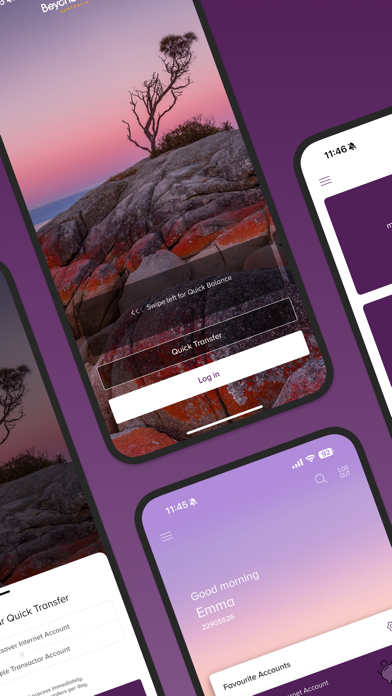

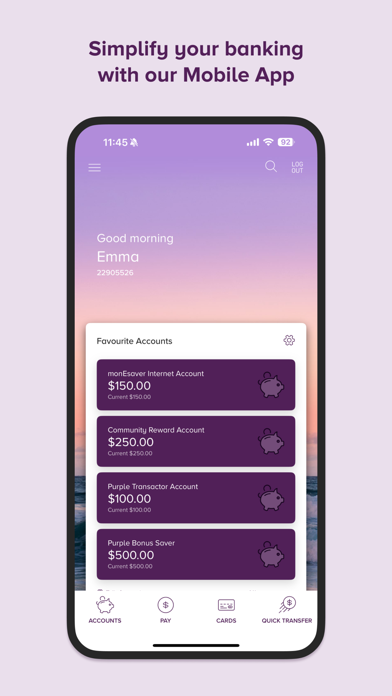


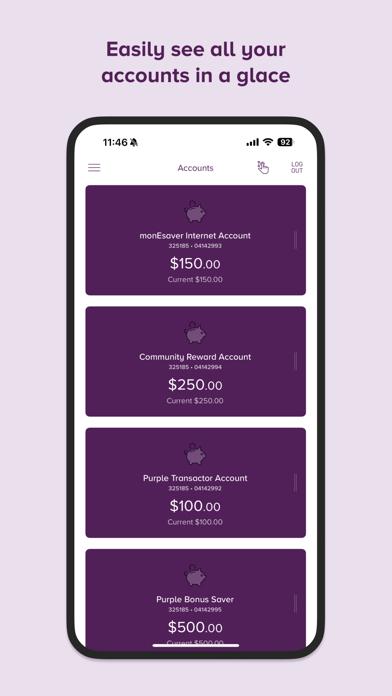


Icon palette
About this app
The official app of Beyond Bank Australia. Designed to help you manage your money easily and safely on the move from the palm of your hand. As one of the largest, 100% customer-owned mutual banks, we aim to simplify banking with our award-winning app, recognised by Canstar as Customer Owned Bank of the Year - Digital Banking, 12 years in a row. Experience the latest version of our mobile banking app. With our mobile banking app you can: Manage your money with ease. * View, create and schedule payments, open accounts, activate, cancel, order replacement cards, view your card details, and change your card PIN anytime. Increase and decrease your account transaction limits without needing to give us a call. Pay your way. * Create a PayID® using your email address or mobile number to send and receive money instantly. Block, allow, and restrict individual card functions, such as cont…
App details
What you can learn from Beyond Bank
Every shipping app on the App Store has gone through the same decisions you're working through right now: which screenshot goes first, what caption sits over it, which device frame to show, what color the background should be. The 9 screenshots above are Beyond Bank's answers to those questions — they're public, they're real, and they made it through Apple's review.
Notice the first screenshot in particular. It's the one users see in search results and on the product page, and it's where most apps spend their best caption and tightest design. Look at the proportion of background to phone, where the text sits, what one thing the image is trying to communicate.
Want to see how other Finance apps approach the same problem? Browse more Finance apps in the showcase.
Take what works into your own screenshots
Open LaunchShots and design your App Store & Google Play screenshots — pick a device frame, drop captions, ship in minutes. Free, in your browser.
Open the screenshot editor →