Chart position — tracked daily by LaunchShots
Screenshot style breakdown
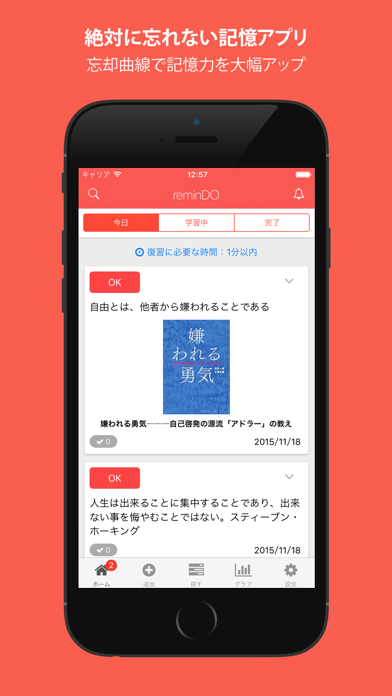
Sampled from 5 of 忘却曲線で暗記アプリ - reminDO's App Store screenshots — background, accent and theme, measured by LaunchShots (not something Apple publishes).
#FC5C4C bg
#FC7265
#3C74C4 accent
#FFFFFF text
Reading the caption text from the screenshots in your browser…
Screenshots
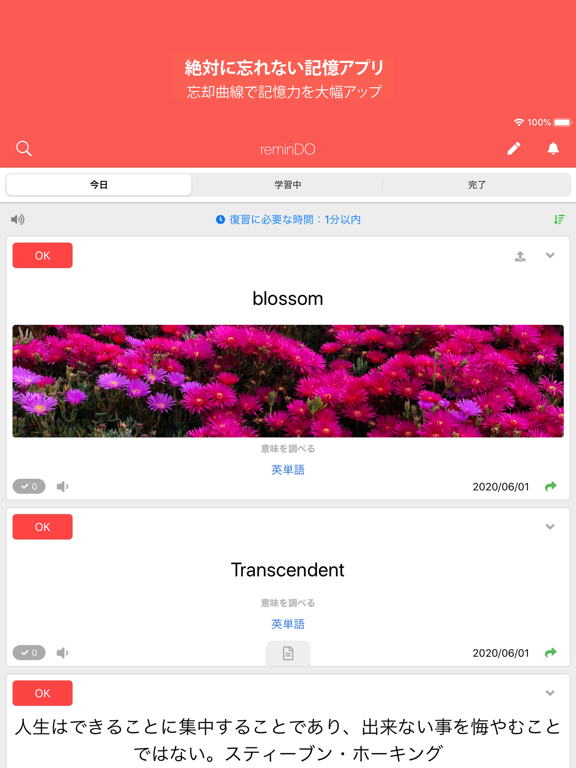
iPad screenshots

Icon palette
About this app
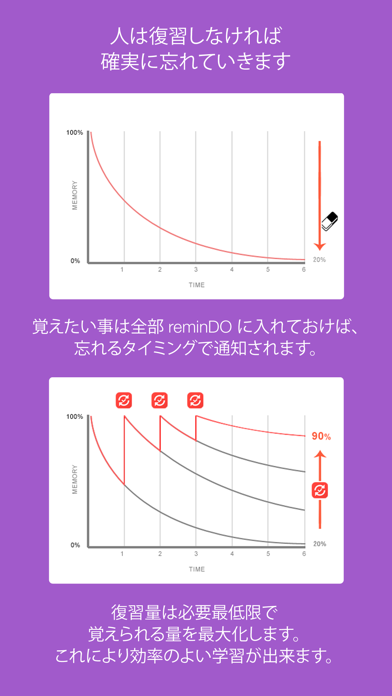
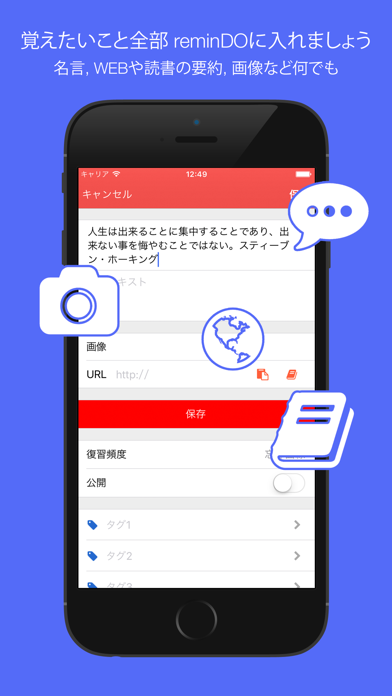
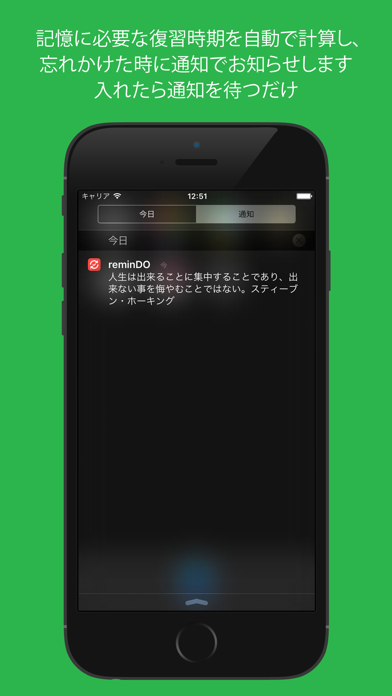
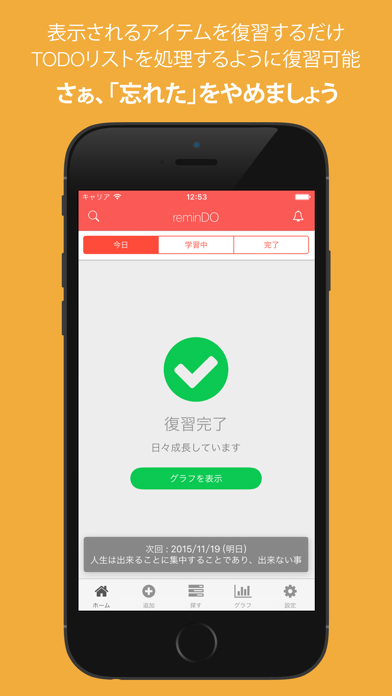
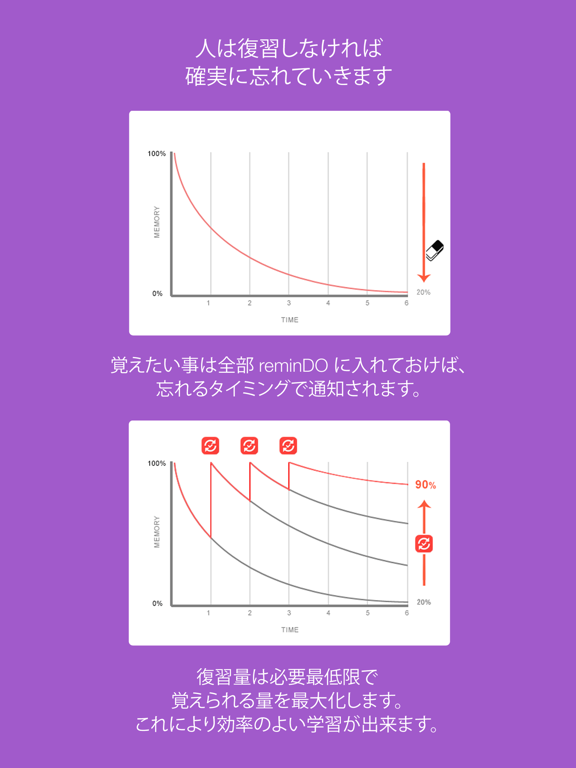
●2022 記憶アルゴリズムの追加 (Ankiベース) ●2020 機能の大幅向上と安定性の向上 ●2019 安定性の向上、大量データでも重くならないよう修正 reminDOは脳科学に基づいた記憶に残せるメモアプリです 勉強した事全てを忘れなくすることが出来ます 覚えたいこと全部 reminDO に入れましょう 覚えること 人は復習しなければ確実に忘れていきます 何かを100個覚えても一ヶ月後には80個の内容を思い出せなくなります 覚えたい事は全部 reminDO に入れておけば、忘れるタイミングで通知されます 復習量は必要最低限で覚えられる量を最大化します これにより効率のよい学習が出来ます 特徴 - 忘却曲線を使った学習の効率化で記憶力を大幅に向上させます - TODOリストを処理するような快適な操作性でご利用頂けます - 学習に場所は選びません。いつでも何処でも、スマホ、タブレット、PCでサクサク学習できます - ご利用は無料です reminDOを使うべき理由 - 知識はこの世を良く生きる上で必要な力です - ただ、学習したことの8割は1ヶ月間、何もしないと忘れてしまいます…
App details
What you can learn from 忘却曲線で暗記アプリ - reminDO
Every shipping app on the App Store has gone through the same decisions you're working through right now: which screenshot goes first, what caption sits over it, which device frame to show, what color the background should be. The 8 screenshots above are 忘却曲線で暗記アプリ - reminDO's answers to those questions — they're public, they're real, and they made it through Apple's review.
What the numbers say: 忘却曲線で暗記アプリ - reminDO runs a mixed light-and-dark set where the background shifts from screenshot to screenshot (first shot #FC5C4C) — each image has to stand on its own, so the captions carry more of the story. The accent colour we picked up, #3C74C4, is the one to reuse for badges, arrows and highlighted words if you borrow this look. Hit Use this style to open the editor with these exact colours and drop your own screenshot in.
Notice the first screenshot in particular. It's the one users see in search results and on the product page, and it's where most apps spend their best caption and tightest design. Look at the proportion of background to phone, where the text sits, what one thing the image is trying to communicate.
Want to see how other Education apps approach the same problem? Browse more Education apps in the showcase.
Take what works into your own screenshots
Open LaunchShots and design your App Store & Google Play screenshots — pick a device frame, drop captions, ship in minutes. Free, in your browser.
Open the screenshot editor →Apps with a similar look
Closest background + accent colours among the listings we've analysed — useful when you want to see the same palette handled by a different team.