Screenshots


iPad screenshots


Icon palette
About this app
Could booking a hotel ‘by the night’ be a thing of the past? Dayuse is shaking up the hotel industry by making hotel rooms and services available to guests in the middle of the day and allowing hoteliers to unlock additional sources of revenue. Working with over 7,000 hotel partners in over 26 countries and 500 cities. From a ‘daycation’ close to home to a last-minute meeting, now there’s a new way to enjoy a hotel experience. Dayuse opens up a whole world of possibilities, where users get more out of their stay and hoteliers get more out of their opening hours. Why book a hotel for a few hours during the day? Whether you're looking for a new type of workspace or a quiet, private space in which to recharge your batteries, Dayuse.com is the must-have app for a different kind of hotel experience. Whether it’s an office for a digital nomad or a lovers’ nest you’re after, hotels can …
App details
What you can learn from Dayuse.com
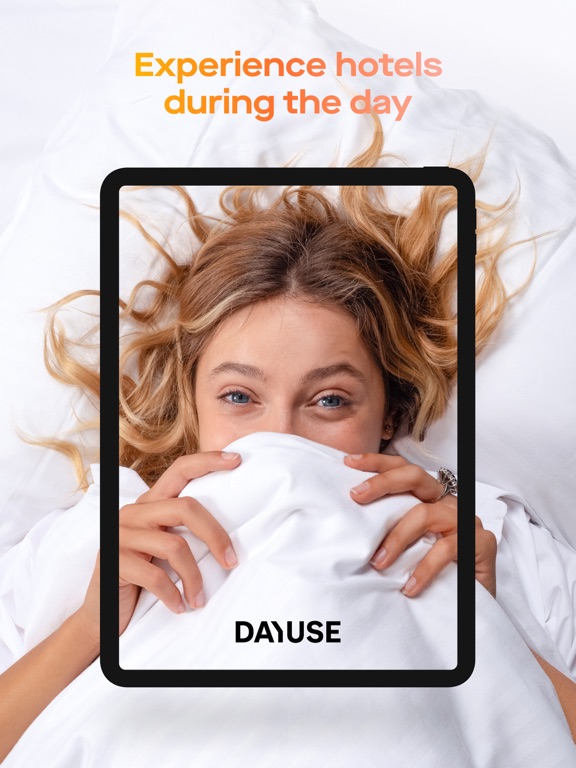
Every shipping app on the App Store has gone through the same decisions you're working through right now: which screenshot goes first, what caption sits over it, which device frame to show, what color the background should be. The 16 screenshots above are Dayuse.com's answers to those questions — they're public, they're real, and they made it through Apple's review.
Notice the first screenshot in particular. It's the one users see in search results and on the product page, and it's where most apps spend their best caption and tightest design. Look at the proportion of background to phone, where the text sits, what one thing the image is trying to communicate.
Want to see how other Travel apps approach the same problem? Browse more Travel apps in the showcase.
Take what works into your own screenshots
Open LaunchShots and design your App Store & Google Play screenshots — pick a device frame, drop captions, ship in minutes. Free, in your browser.
Open the screenshot editor →