Chart position — tracked daily by LaunchShots
Screenshot changes — detected by LaunchShots
Screenshot style breakdown
Sampled from 6 of Scalable Capital Bank's App Store screenshots — background, accent and theme, measured by LaunchShots (not something Apple publishes).
#444444 bg
#5E5E5E
#A47C64 accent
#FFFFFF text
Reading the caption text from the screenshots in your browser…
Screenshots


iPad screenshots


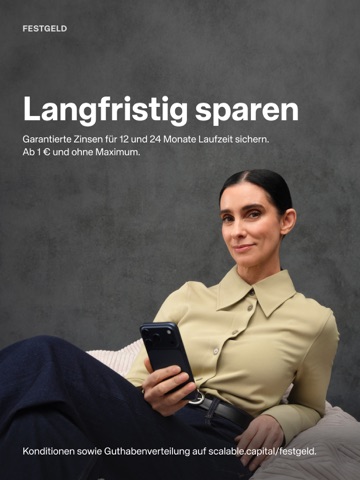
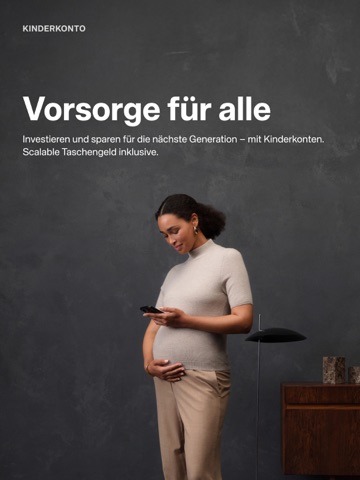


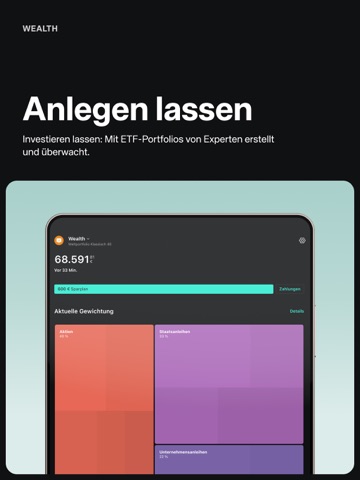
Icon palette
About this app
Sparen, Investieren und Finanzieren. Für die ganze Familie. Mit Scalable. SPAREN Mit Scalable Tagesgeld- und Festgeldkonten Zinsen sichern: – 2,60 % Zinsen p.a.¹ aufs Tagesgeld. Jederzeit verfügbar. Monatliche Zinszahlung – Bis zu 3 % p.a.¹ für 24 Monate mit Festgeld. Garantierte Zinsen für 12 und 24 Monate. Bis zu 5 Konten eröffnen – Sparkonten sind gebührenfrei INVESTIEREN Finanzen in die eigene Hand nehmen mit dem Scalable Broker: – In ETFs, Aktien, Private Equity², Crypto und weitere Anlageklassen investieren – 0,99 € pro Trade oder auf PRIME+ upgraden und unbegrenzt handeln mit zusätzlichen Premium-Funktionen – Sparpläne ab 1 € – Kinderdepot mit Scalable Taschengeld: Automatische Reinvestition der Produktkosten (TER) in Ihren Kids-ETF – Agentic Investing: KI-Assistenten wie ChatGPT oder Claude via Scalable MCP verbinden und Portfolio über KI managen Mit Scalable Wealth entsp…
App details
What you can learn from Scalable Capital Bank
Every shipping app on the App Store has gone through the same decisions you're working through right now: which screenshot goes first, what caption sits over it, which device frame to show, what color the background should be. The 16 screenshots above are Scalable Capital Bank's answers to those questions — they're public, they're real, and they made it through Apple's review.
What the numbers say: Scalable Capital Bank runs a dark set where the background shifts from screenshot to screenshot (first shot #444444) — each image has to stand on its own, so the captions carry more of the story. The accent colour we picked up, #A47C64, is the one to reuse for badges, arrows and highlighted words if you borrow this look. Hit Use this style to open the editor with these exact colours and drop your own screenshot in.
Notice the first screenshot in particular. It's the one users see in search results and on the product page, and it's where most apps spend their best caption and tightest design. Look at the proportion of background to phone, where the text sits, what one thing the image is trying to communicate.
Want to see how other Finance apps approach the same problem? Browse more Finance apps in the showcase.
Take what works into your own screenshots
Open LaunchShots and design your App Store & Google Play screenshots — pick a device frame, drop captions, ship in minutes. Free, in your browser.
Open the screenshot editor →Apps with a similar look
Closest background + accent colours among the listings we've analysed — useful when you want to see the same palette handled by a different team.