Chart position — tracked daily by LaunchShots
Screenshot style breakdown
Sampled from 3 of سمع لي's App Store screenshots — background, accent and theme, measured by LaunchShots (not something Apple publishes).
#FCFCFC bg
#DDDDDD
#8C6444 accent
#111111 text
Screenshots


iPad screenshots
Icon palette
About this app
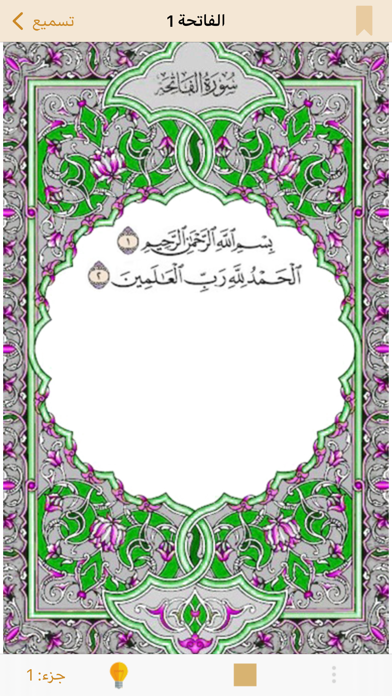
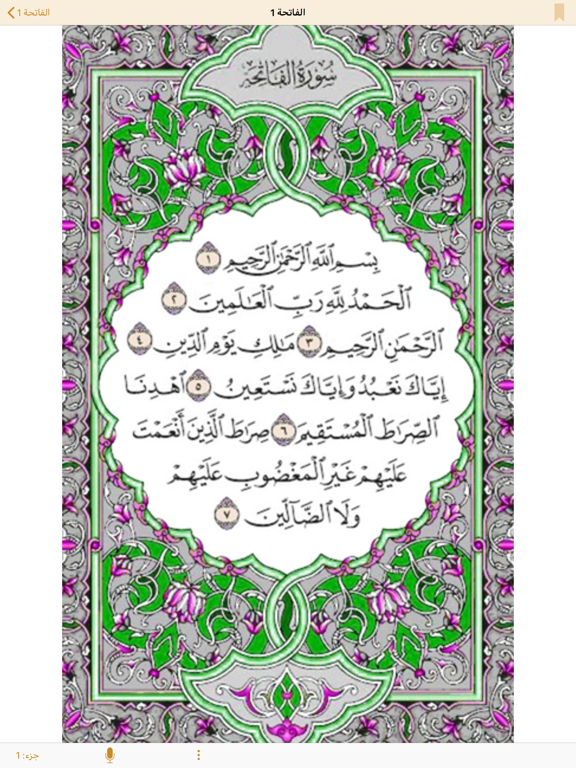
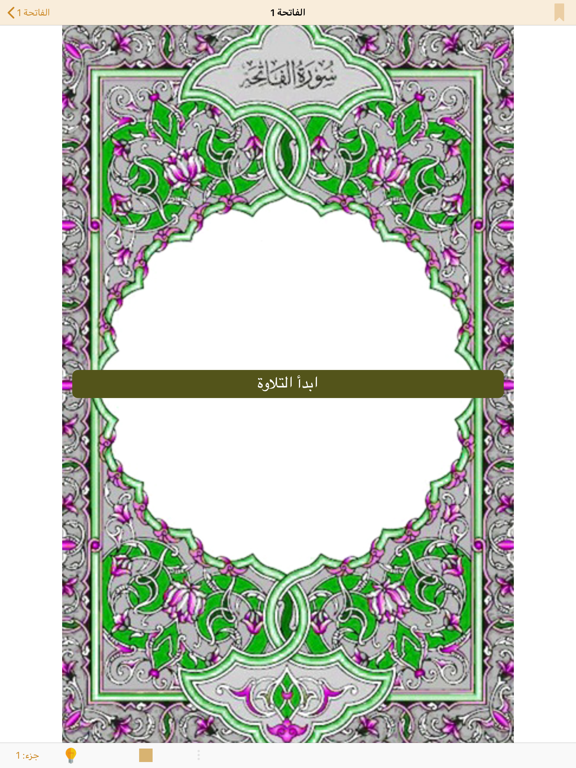
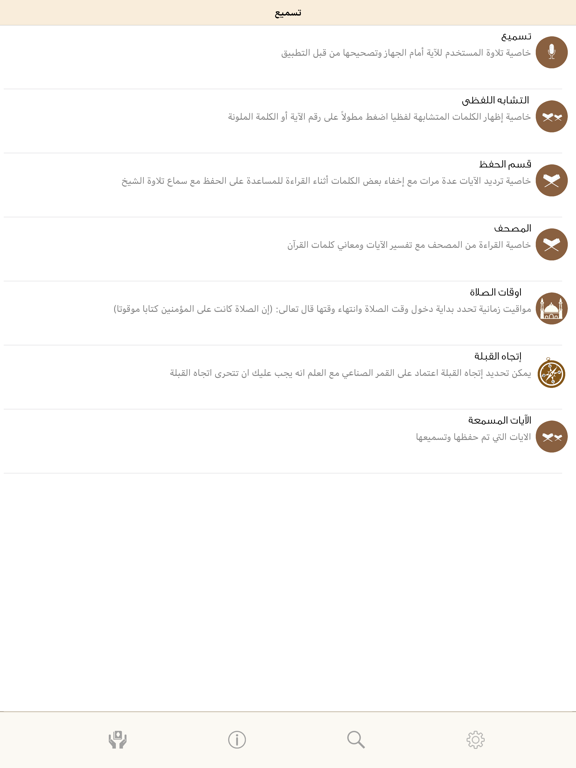
Tasmee app is simply the first and one of its kind in offering you the ability to test your Quran Memorization (Hifz) only by Reciting (Tasmee), the system will listen to you, help you when you are stuck and warn you when you recite wrong words or verses, thanks to the bliss of Speech Recognition Technology, you no longer need your friend, brother, or anyone else to stick around all day long until you are ready to test your Memorization (Hifz), with Tasmee app you can Recite (Tasmee) any surah or even part of surah at any time with a single button press. سمعلي هو ببساطة التطبيق الأول والوحيد الذي يمكّنك من اختبار حفظك لآيات القرآن الكريم عن طريق التسميع، سيقوم النظام بالاستماع لتسميعك ومساعدتك في حال نسيت الكلمة التالية أو أطلت السكوت كما أنه يصوبك عند وقوعك في الخطأ كأن تتلو آية في غير موقعها مثلاً، بفضل الله تعالى أولاً ثم جهود جبارة من مهندسين ودكاترة وأساتذة جامعات في شركة اقرأ للت…
App details
What you can learn from سمع لي
Every shipping app on the App Store has gone through the same decisions you're working through right now: which screenshot goes first, what caption sits over it, which device frame to show, what color the background should be. The 6 screenshots above are سمع لي's answers to those questions — they're public, they're real, and they made it through Apple's review.
What the numbers say: سمع لي runs a light set with one background colour (#FCFCFC) carried across every screenshot — the listing reads as a single poster when the shots sit side by side in search results. The accent colour we picked up, #8C6444, is the one to reuse for badges, arrows and highlighted words if you borrow this look. Hit Use this style to open the editor with these exact colours and drop your own screenshot in.
Notice the first screenshot in particular. It's the one users see in search results and on the product page, and it's where most apps spend their best caption and tightest design. Look at the proportion of background to phone, where the text sits, what one thing the image is trying to communicate.
Want to see how other Education apps approach the same problem? Browse more Education apps in the showcase.
Take what works into your own screenshots
Open LaunchShots and design your App Store & Google Play screenshots — pick a device frame, drop captions, ship in minutes. Free, in your browser.
Open the screenshot editor →Apps with a similar look
Closest background + accent colours among the listings we've analysed — useful when you want to see the same palette handled by a different team.