Screenshots
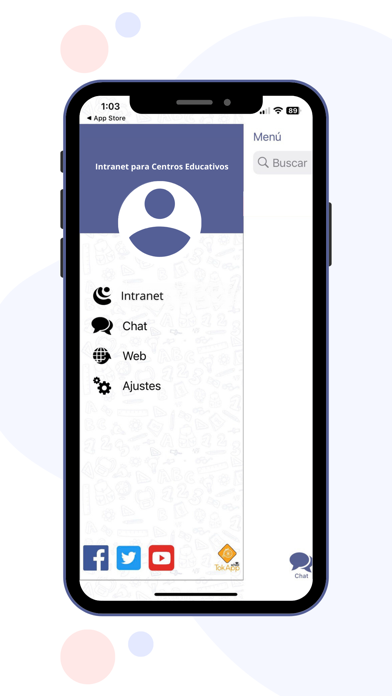
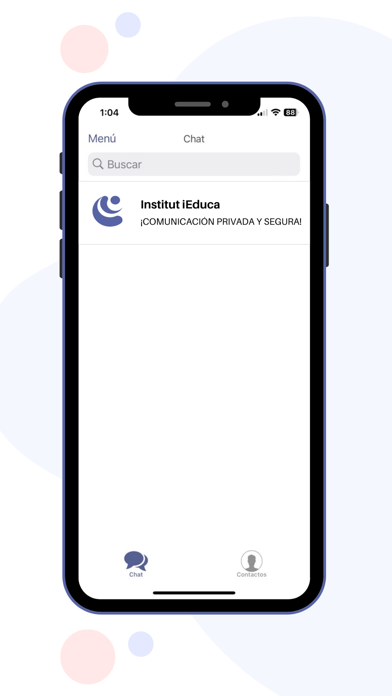
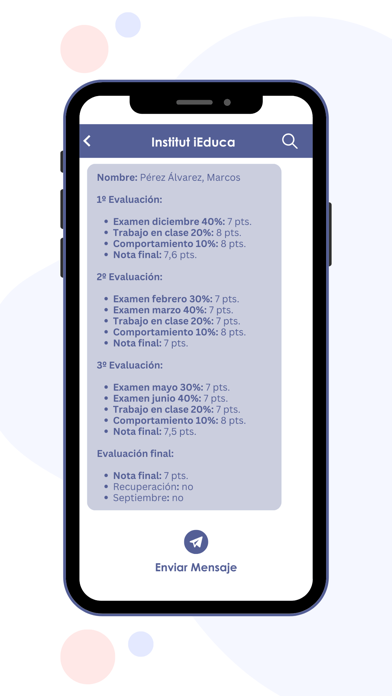

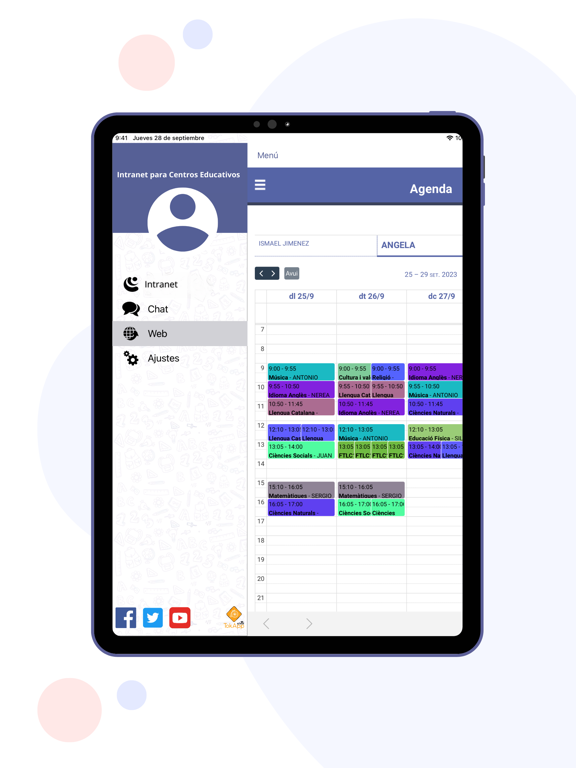
iPad screenshots
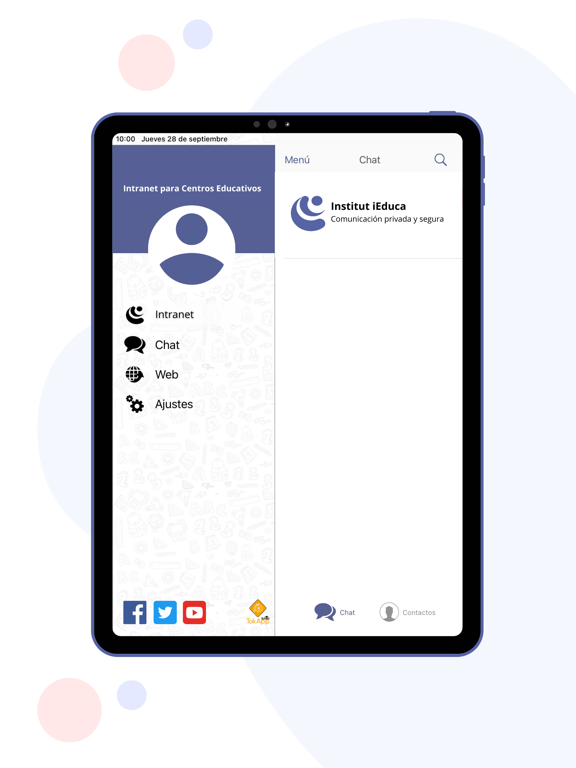
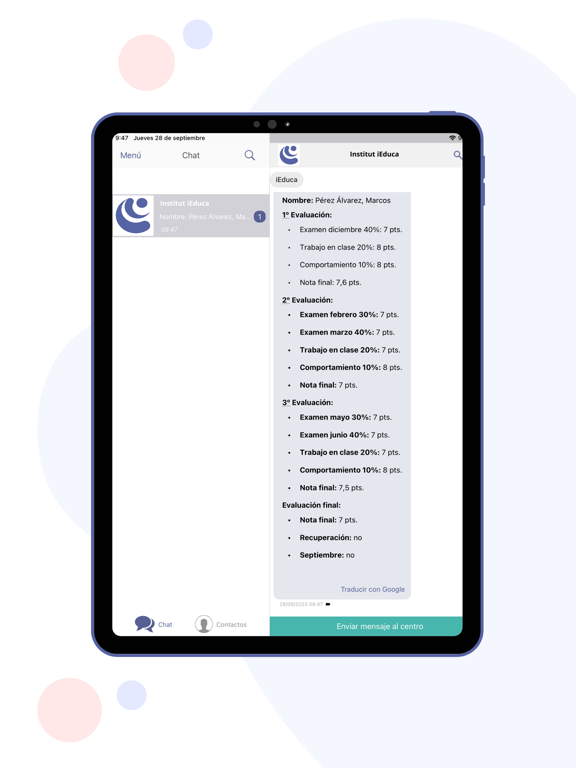

Icon palette
About this app
DESCRIPCIÓN: ¿Eres profesor/a o madre/padre? iEduca TokApp es la aplicación gratuita para móviles y tablets de la plataforma de gestión educativa iEduca. iEduca TokApp también es una APP de comunicación que permite a la comunidad educativa mantener una comunicación directa e instantánea con la máxima seguridad y privacidad de los comunicados, aunque no dispongas o utilices la plataforma iEduca. El profesorado podrá visualizar la agenda, los comunicados, consultar las fichas de sus alumnos, controlar la asistencia y comunicarse con toda la comunidad educativa. Las familias podrán acceder a toda la información de sus hijos. Verán la agenda, los horarios y un control de faltas detallado y comunicarse con el centro. 3 en 1: Intranet, notificaciones y chat Envía mensajes sin limitación des de la intranet a las familias Facilidad de uso: entorno intuitivo y ágil para todo tipo …
App details
What you can learn from iEduca TokApp
Every shipping app on the App Store has gone through the same decisions you're working through right now: which screenshot goes first, what caption sits over it, which device frame to show, what color the background should be. The 8 screenshots above are iEduca TokApp's answers to those questions — they're public, they're real, and they made it through Apple's review.
Notice the first screenshot in particular. It's the one users see in search results and on the product page, and it's where most apps spend their best caption and tightest design. Look at the proportion of background to phone, where the text sits, what one thing the image is trying to communicate.
Want to see how other Education apps approach the same problem? Browse more Education apps in the showcase.
Take what works into your own screenshots
Open LaunchShots and design your App Store & Google Play screenshots — pick a device frame, drop captions, ship in minutes. Free, in your browser.
Open the screenshot editor →