Chart position — tracked daily by LaunchShots
Screenshot style breakdown
Sampled from 4 of Pocket Curator's App Store screenshots — background, accent and theme, measured by LaunchShots (not something Apple publishes).
#242424 bg
#424242
#BC4454 accent
#FFFFFF text
Screenshots
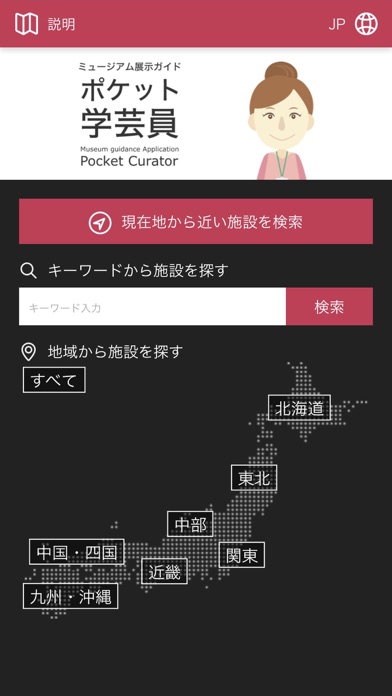
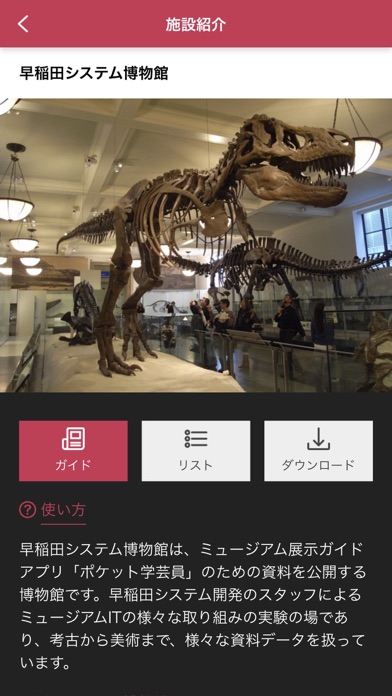
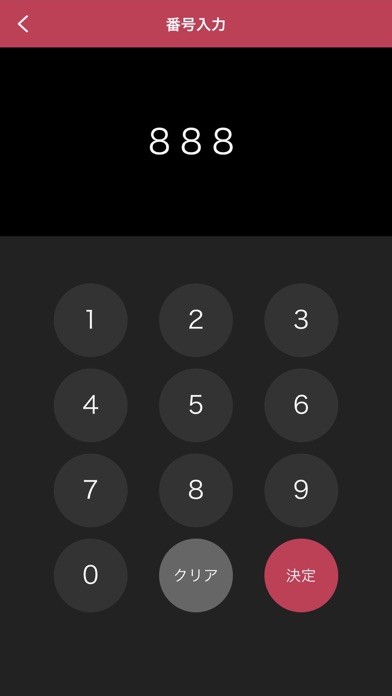
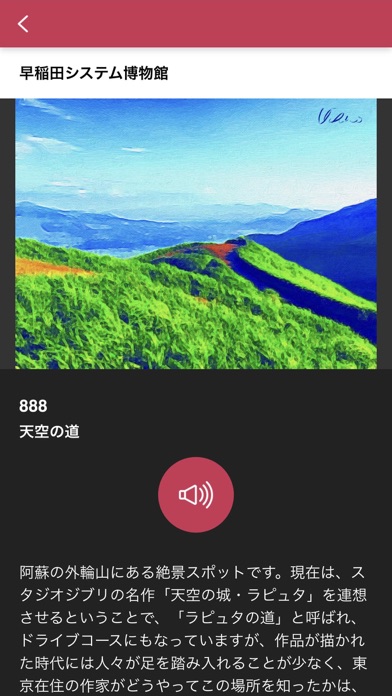
iPad screenshots


Icon palette
About this app
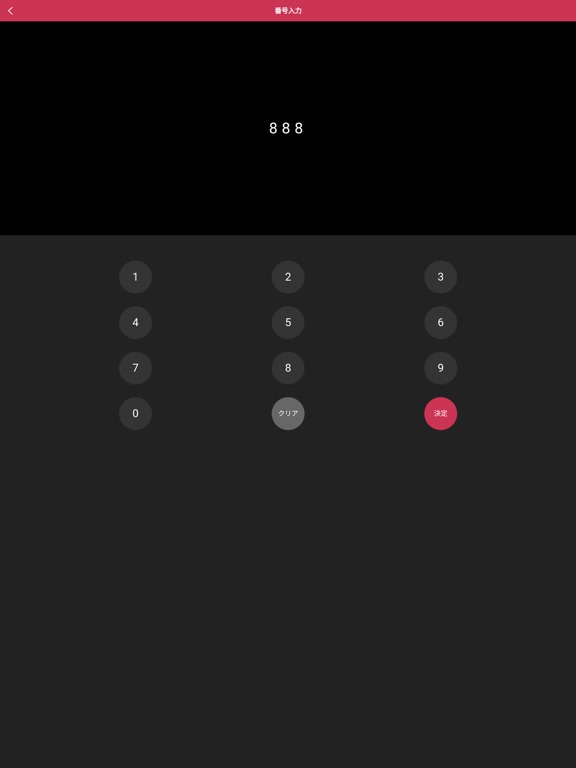
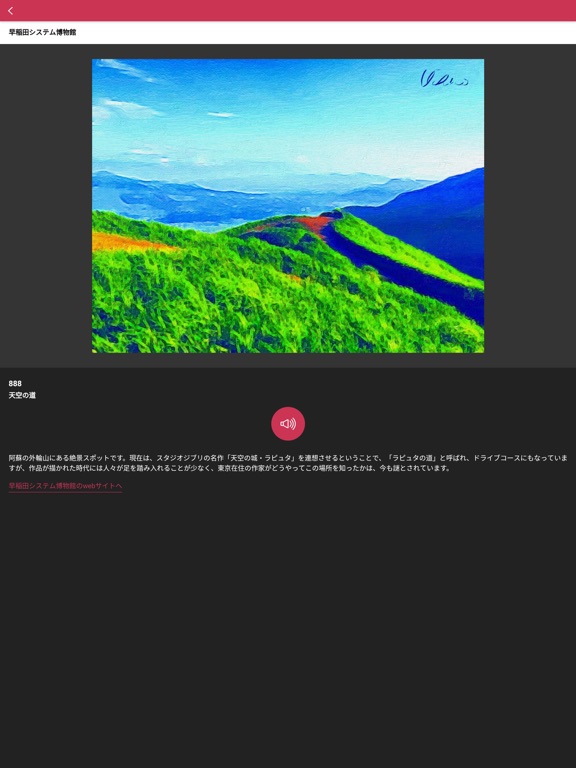
【アプリの概要】 「ポケット学芸員」は、ミュージアムなどの展示をはじめとするさまざまな情報を案内するアプリです。展示の鑑賞、文化財の見学などの際にお楽しみください。 対象物につけられている番号を入力すると、テキストや音声、画像や動画で解説や関連情報を得ることができます。得られる情報の種類は、館によって異なります。 【ご注意事項】 「ポケット学芸員」に掲載される画像、音声、動画、解説文その他のデータ類の著作権は、情報を提供する機関、施設に帰属します。アプリ利用者は閲覧・視聴以外の目的で使用することはできませんのでご注意ください。 「ポケット学芸員」はインターネットを通じて情報を取得します。インターネットに接続できる環境でご使用ください。 ミュージアムの展示室などで使用する場合には、音漏れなどで周囲に迷惑がかからないよう、音量を小さめにするか、イヤホンを使用するなどのご配慮をお願いします。 【使い方】 1. 言語を選択する(初期状態では日本語になっています) 2. 施設を選択する(施設の解説が表示さ…
App details
What you can learn from Pocket Curator
Every shipping app on the App Store has gone through the same decisions you're working through right now: which screenshot goes first, what caption sits over it, which device frame to show, what color the background should be. The 8 screenshots above are Pocket Curator's answers to those questions — they're public, they're real, and they made it through Apple's review.
What the numbers say: Pocket Curator runs a dark set with one background colour (#242424) carried across every screenshot — the listing reads as a single poster when the shots sit side by side in search results. The accent colour we picked up, #BC4454, is the one to reuse for badges, arrows and highlighted words if you borrow this look. Hit Use this style to open the editor with these exact colours and drop your own screenshot in.
Notice the first screenshot in particular. It's the one users see in search results and on the product page, and it's where most apps spend their best caption and tightest design. Look at the proportion of background to phone, where the text sits, what one thing the image is trying to communicate.
Want to see how other Education apps approach the same problem? Browse more Education apps in the showcase.
Take what works into your own screenshots
Open LaunchShots and design your App Store & Google Play screenshots — pick a device frame, drop captions, ship in minutes. Free, in your browser.
Open the screenshot editor →Apps with a similar look
Closest background + accent colours among the listings we've analysed — useful when you want to see the same palette handled by a different team.