Screenshot style breakdown
Sampled from 5 of JoinTriage's App Store screenshots — background, accent and theme, measured by LaunchShots (not something Apple publishes).
#FCFCFC bg
#DDDDDD
#EC443C accent
#111111 text
- #3< JoinTriage 237
- #4= JoinTriage 5
Captions read from the screenshots (OCR, may contain small errors): 2 headlines, 3 words on average (longest 3).
Screenshots
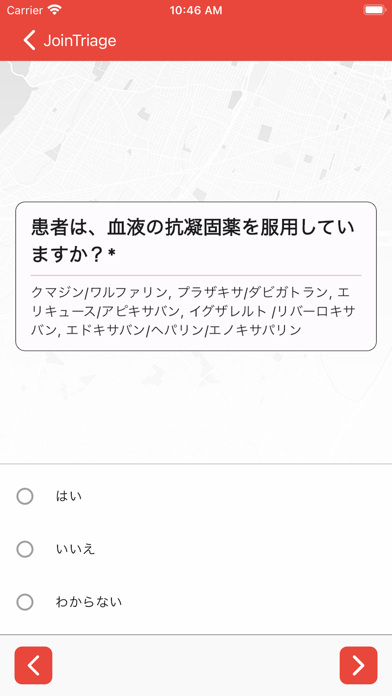

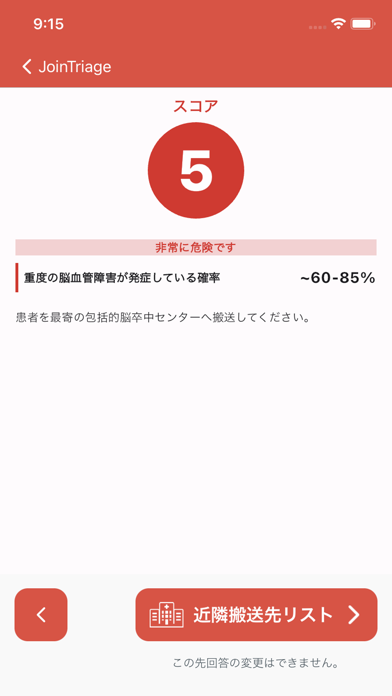

iPad screenshots
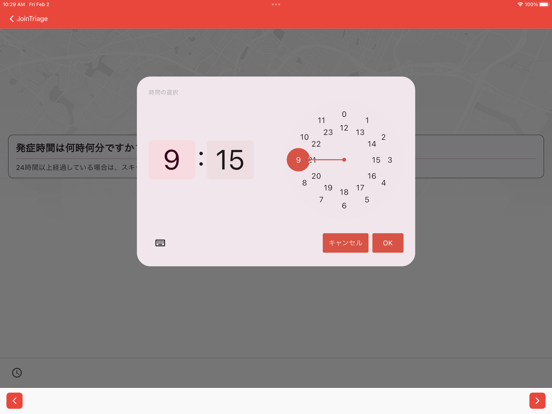
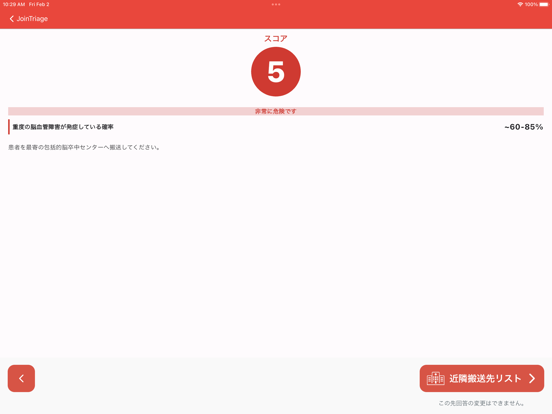
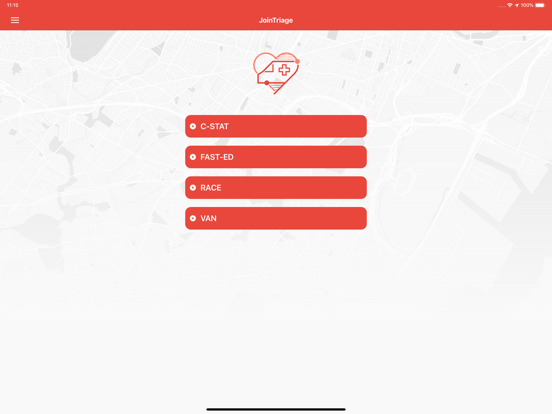
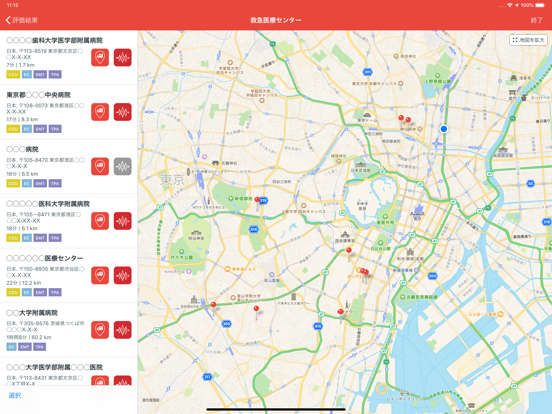
Icon palette
About this app
【免責事項】 JoinTriageの評価結果は、標準的なトリアージスケールに基づき、参考情報として提供しています。評価結果は専門医へ相談の上、検討する必要があります。 発症から治療までの時間を短縮することは、脳卒中や心臓病患者の生存率や予後を大きく改善するために重要です。 JoinTriageは、臨床効果が証明されたアルゴリズムを使用して、瞬時に正確なトリアージを提供します。また、距離や必要な治療法に基づいて適切な搬送先医療機関を救急隊員に推奨し、迅速な搬送を支援します。 JoinTriageは、日本救急医学会の熱中症予防啓発の取り組みの一環として、一般の方でも利用できる「熱中症診断補助スケール」を搭載しています。熱中症の重症度予測スコアを用い、元来判定が難しかった重症度を正確化する取り組みを行っております。取り組みにご協力いただける方は、Join Code「119」をアカウント登録の際に入力してご利用ください ■ご注意事項 ・アプリを利用される前に利用規約をお読みいただき、ご同意された場合のみご利用ください。 ・当アプリのご利用は…
App details
What you can learn from JoinTriage
Every shipping app on the App Store has gone through the same decisions you're working through right now: which screenshot goes first, what caption sits over it, which device frame to show, what color the background should be. The 10 screenshots above are JoinTriage's answers to those questions — they're public, they're real, and they made it through Apple's review.
What the numbers say: JoinTriage runs a mixed light-and-dark set where the background shifts from screenshot to screenshot (first shot #FCFCFC) — each image has to stand on its own, so the captions carry more of the story. The accent colour we picked up, #EC443C, is the one to reuse for badges, arrows and highlighted words if you borrow this look. Hit Use this style to open the editor with these exact colours and drop your own screenshot in.
Notice the first screenshot in particular. It's the one users see in search results and on the product page, and it's where most apps spend their best caption and tightest design. Look at the proportion of background to phone, where the text sits, what one thing the image is trying to communicate.
Want to see how other Medical apps approach the same problem? Browse more Medical apps in the showcase.
Take what works into your own screenshots
Open LaunchShots and design your App Store & Google Play screenshots — pick a device frame, drop captions, ship in minutes. Free, in your browser.
Open the screenshot editor →Apps with a similar look
Closest background + accent colours among the listings we've analysed — useful when you want to see the same palette handled by a different team.