Chart position — tracked daily by LaunchShots
Screenshot style breakdown
Sampled from 6 of RealmCraft: Крафт и Выживание's App Store screenshots — background, accent and theme, measured by LaunchShots (not something Apple publishes).
#244C64 bg
#426579
#94BCFC accent
#FFFFFF text
Screenshots
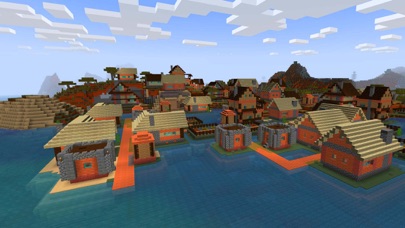

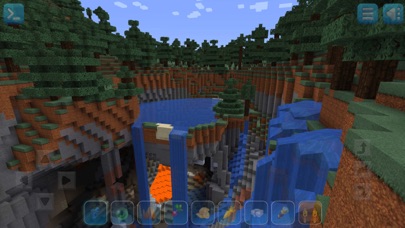
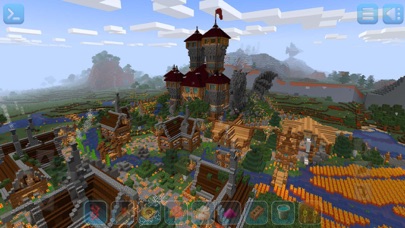
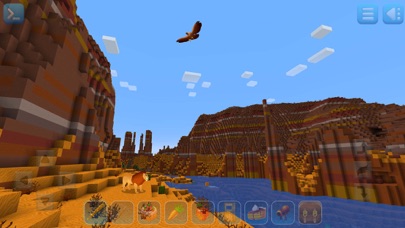
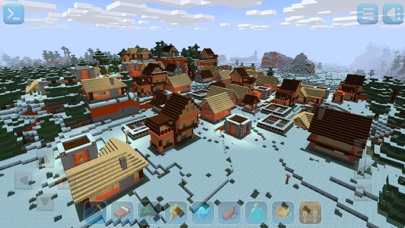
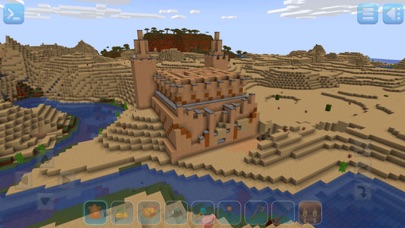
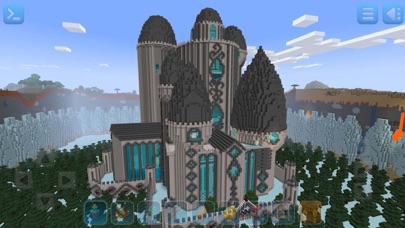
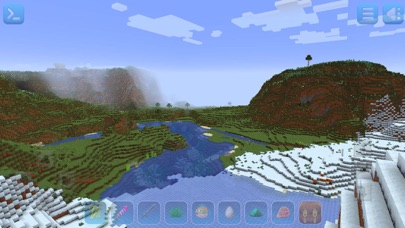

iPad screenshots
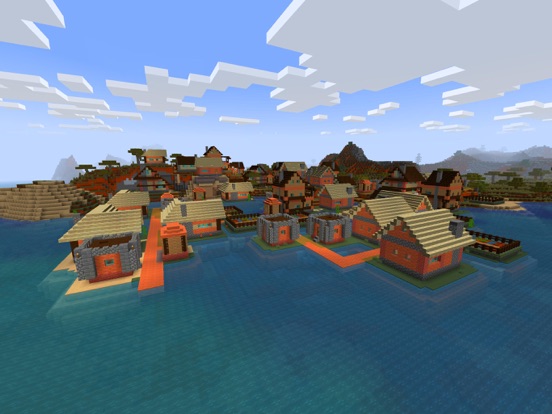
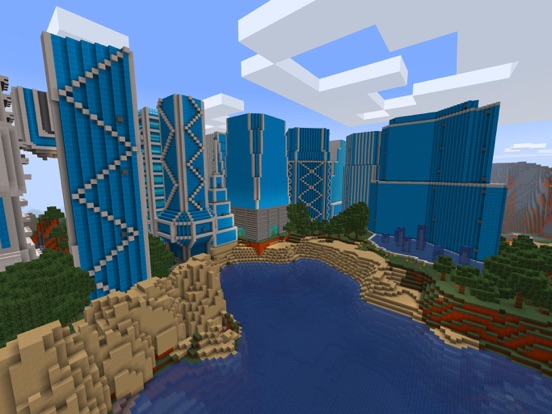
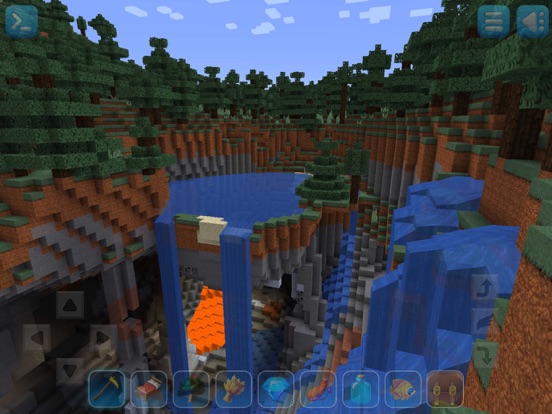
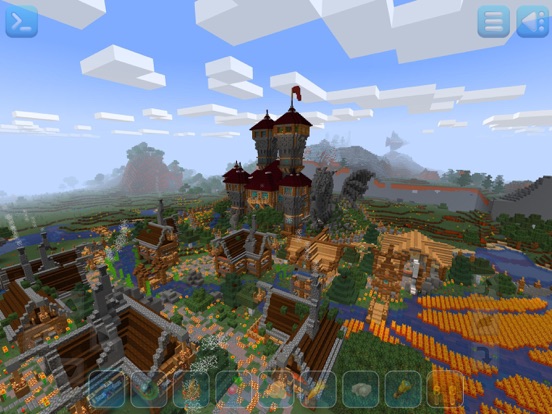
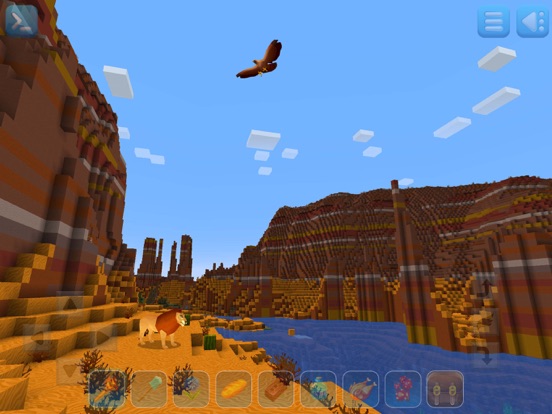
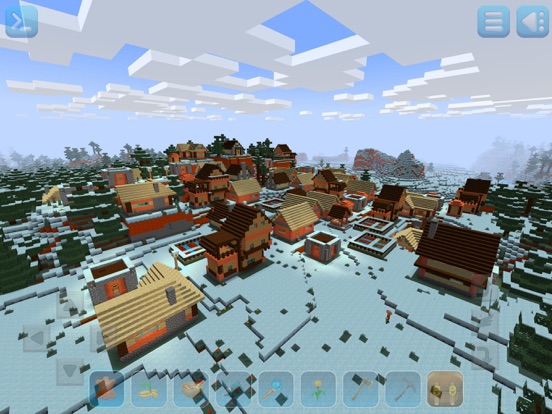
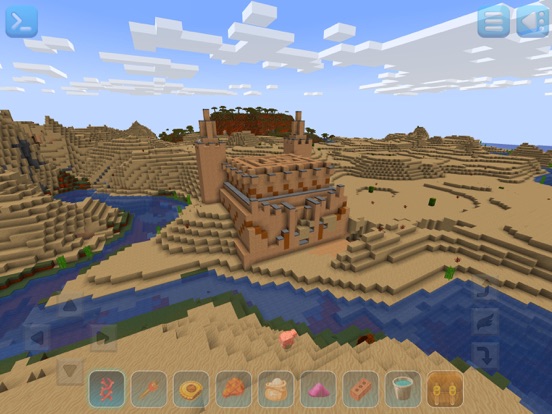
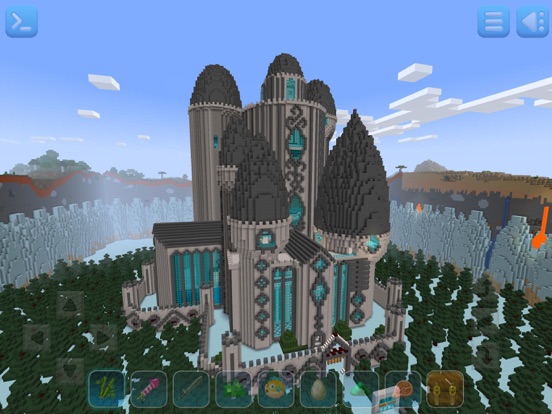


Icon palette
About this app
Добро пожаловать в игру Realmcraft - мир неповторимых приключений которые понравятся каждому! Разрушайте, собирайте, стройте, сражайтесь, исследуйте, выполняйте задания и приглашайте друзей! Игра предлагает два режима: - * Выживание* - * Креатив* - * Миры* - * Мини игры * (егг варс, бед варс. битва снежками) - В режиме ВЫЖИВАНИЯ - игроки должны собирать ресурсы, строить здания, сражаться с врагами, управлять голодом и исследовать миры, чтобы выжить и процветать. - В режиме КРЕАТИВ - игрок фокусируется на крафтинге, добыче новых ресурсов для создания блоков, которые позволят построить самые сложные строения (дома, дворцы, убежища, города), о которых даже никогда и не мечтал!! *** Особенности игры RealmCraft *** • Высокая оптимизация игры и генерация мира под все современные устройства. • Случайно сгенерированные карты с полной свободой действий. • Динамически изменя…
App details
What you can learn from RealmCraft: Крафт и Выживание
Every shipping app on the App Store has gone through the same decisions you're working through right now: which screenshot goes first, what caption sits over it, which device frame to show, what color the background should be. The 20 screenshots above are RealmCraft: Крафт и Выживание's answers to those questions — they're public, they're real, and they made it through Apple's review.
What the numbers say: RealmCraft: Крафт и Выживание runs a mixed light-and-dark set where the background shifts from screenshot to screenshot (first shot #244C64) — each image has to stand on its own, so the captions carry more of the story. The accent colour we picked up, #94BCFC, is the one to reuse for badges, arrows and highlighted words if you borrow this look. Hit Use this style to open the editor with these exact colours and drop your own screenshot in.
Notice the first screenshot in particular. It's the one users see in search results and on the product page, and it's where most apps spend their best caption and tightest design. Look at the proportion of background to phone, where the text sits, what one thing the image is trying to communicate.
Want to see how other Games apps approach the same problem? Browse more Games apps in the showcase.
Take what works into your own screenshots
Open LaunchShots and design your App Store & Google Play screenshots — pick a device frame, drop captions, ship in minutes. Free, in your browser.
Open the screenshot editor →Apps with a similar look
Closest background + accent colours among the listings we've analysed — useful when you want to see the same palette handled by a different team.