Screenshots

Icon palette
About this app
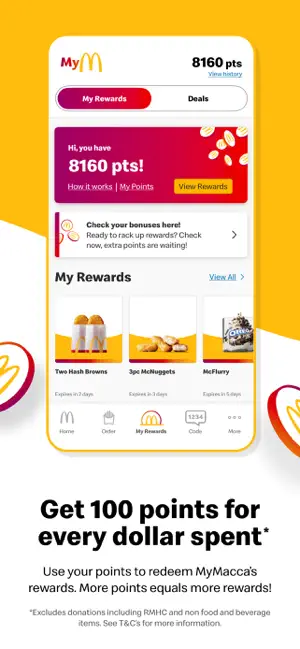
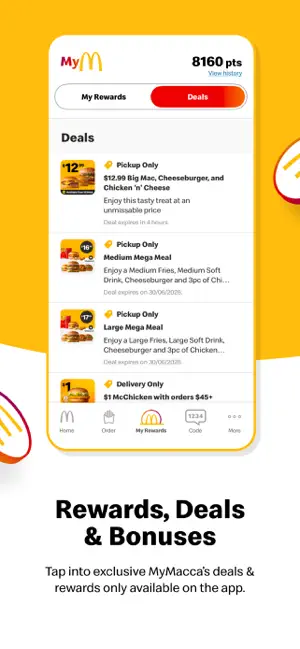
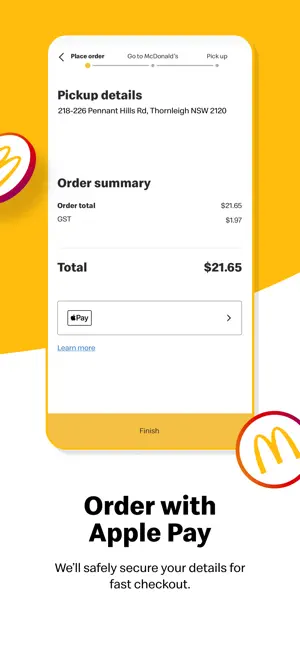
Welcome to MyMacca’s. Get more of what you love, order and pay through the MyMacca’s app to earn points and redeem rewards. MYMACCA’S REWARDS Get rewarded for every order. Get 100 points for every dollar you spend, and use them to redeem rewards. More points = more rewards. ORDER. EARN. ENJOY Earn points automatically when you order & pay on the app. Otherwise, just order as normal at the Drive Thru, Front Counter or Kiosk, and be sure to tell us your MyMacca’s Rewards Code to earn points on your order. EXCLUSIVE DEALS & BONUSES The MyMacca’s app is packed with exclusive deals and bonuses. Unlock bonus points to get rewarded even faster! Get exclusive weekly deals tailored just for you! Register your birthday month with us & we’ll send you a special surprise to help celebrate. All offers & discounts have Terms & Conditions. See in-app for details FAST. EASY. SECURE Order …
App details
What you can learn from MyMacca's
Every shipping app on the App Store has gone through the same decisions you're working through right now: which screenshot goes first, what caption sits over it, which device frame to show, what color the background should be. The 4 screenshots above are MyMacca's's answers to those questions — they're public, they're real, and they made it through Apple's review.
Notice the first screenshot in particular. It's the one users see in search results and on the product page, and it's where most apps spend their best caption and tightest design. Look at the proportion of background to phone, where the text sits, what one thing the image is trying to communicate.
Want to see how other Food & Drink apps approach the same problem? Browse more Food & Drink apps in the showcase.
Take what works into your own screenshots
Open LaunchShots and design your App Store & Google Play screenshots — pick a device frame, drop captions, ship in minutes. Free, in your browser.
Open the screenshot editor →