Chart position — tracked daily by LaunchShots
Screenshot style breakdown
Sampled from 5 of 母子手帳アプリ 母子モ ~電子母子手帳~'s App Store screenshots — background, accent and theme, measured by LaunchShots (not something Apple publishes).
#FCFCFC bg
#DDDDDD
#E4047C accent
#111111 text
- #3\ HOBREHE. /
Captions read from the screenshots (OCR, may contain small errors): 1 headline, 3 words on average (longest 3), mostly ALL CAPS.
Screenshots
Icon palette
About this app
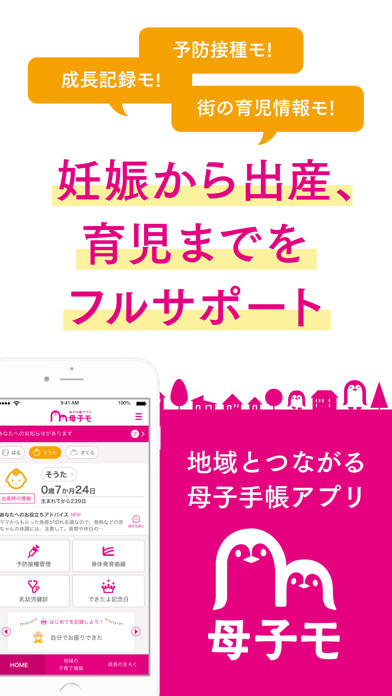
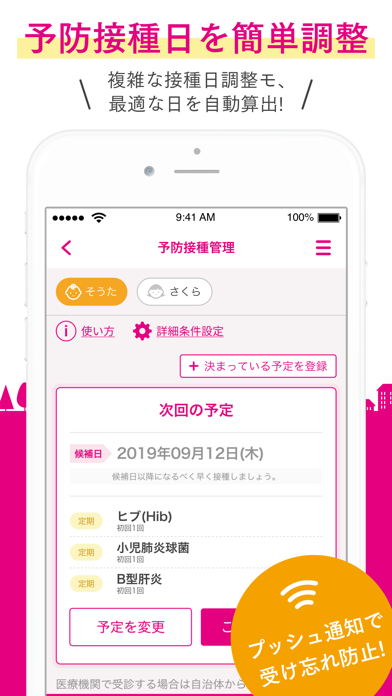
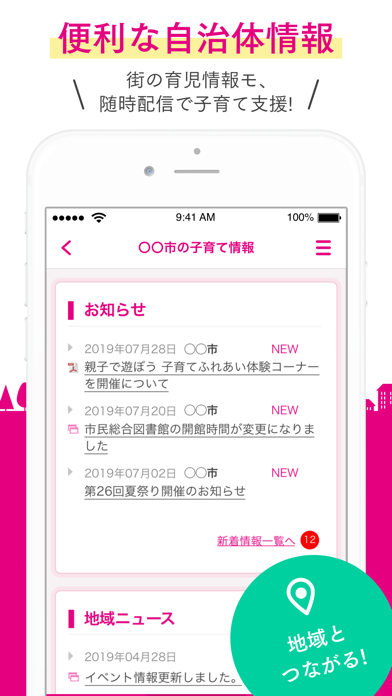
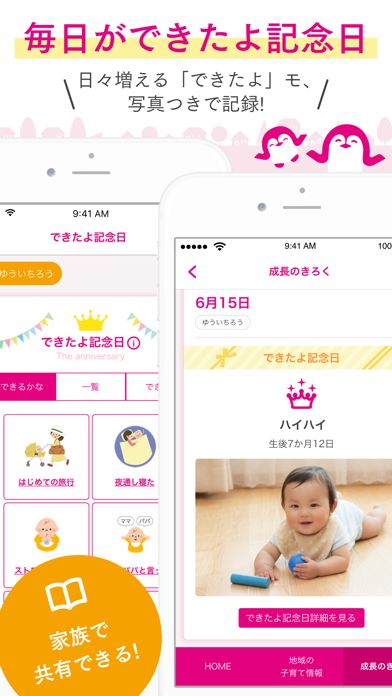
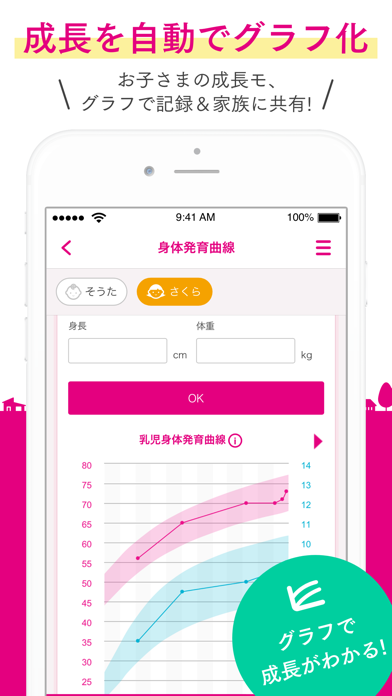
※*※*※*※*※*※*※*※*※*※*※*※*※*※ 予防接種モ!成長記録モ!街の育児情報モ! 妊娠から出産、育児までをフルサポート。 地域とつながる、安心の子育て支援アプリです。 ※*※*※*※*※*※*※*※*※*※*※*※*※*※ □■地域情報■□ *・もう1人じゃない!地域とつながって不安0な育児を・* 不安だらけの妊娠中・子育ても、自治体からの役立つ情報がお手元に届くので、安心して行えます。 お住まいの地域周辺の病院/子育て施設やイベントも、簡単に検索することができて便利です。 □■妊娠中の体重グラフ■□ *・理想体重範囲を表示するので、体重管理の目安に便利・* ママの妊娠中の体重を簡単に記録&自動でグラフ化! 妊娠前の身長/体重に基づき、週数に合わせたママの理想の体重範囲を表示します。 日々の体重増加の目安と管理にご活用ください。 □■予防接種管理■□ *・やることが多くて大変!そんな育児を少しでも楽に・* 複雑で面倒な予防接種スケジューリングも、簡単に計算&管理ができて、悩む必要がありません。 出生日と実際の接種日に応じて最適接種時期を自動で算出し、予定日が近づく…
App details
What you can learn from 母子手帳アプリ 母子モ ~電子母子手帳~
Every shipping app on the App Store has gone through the same decisions you're working through right now: which screenshot goes first, what caption sits over it, which device frame to show, what color the background should be. The 5 screenshots above are 母子手帳アプリ 母子モ ~電子母子手帳~'s answers to those questions — they're public, they're real, and they made it through Apple's review.
What the numbers say: 母子手帳アプリ 母子モ ~電子母子手帳~ runs a light set with one background colour (#FCFCFC) carried across every screenshot — the listing reads as a single poster when the shots sit side by side in search results. The accent colour we picked up, #E4047C, is the one to reuse for badges, arrows and highlighted words if you borrow this look. Hit Use this style to open the editor with these exact colours and drop your own screenshot in.
Notice the first screenshot in particular. It's the one users see in search results and on the product page, and it's where most apps spend their best caption and tightest design. Look at the proportion of background to phone, where the text sits, what one thing the image is trying to communicate.
Want to see how other Medical apps approach the same problem? Browse more Medical apps in the showcase.
Take what works into your own screenshots
Open LaunchShots and design your App Store & Google Play screenshots — pick a device frame, drop captions, ship in minutes. Free, in your browser.
Open the screenshot editor →Apps with a similar look
Closest background + accent colours among the listings we've analysed — useful when you want to see the same palette handled by a different team.