Chart position — tracked daily by LaunchShots
Screenshot changes — detected by LaunchShots
Screenshot style breakdown
Sampled from 6 of バンドルカード|Visaカードに後払いチャージ!Visa対応's App Store screenshots — background, accent and theme, measured by LaunchShots (not something Apple publishes).
#FCFCFC bg
#DDDDDD
#2C247C accent
#111111 text
Reading the caption text from the screenshots in your browser…
Screenshots




Icon palette
About this app
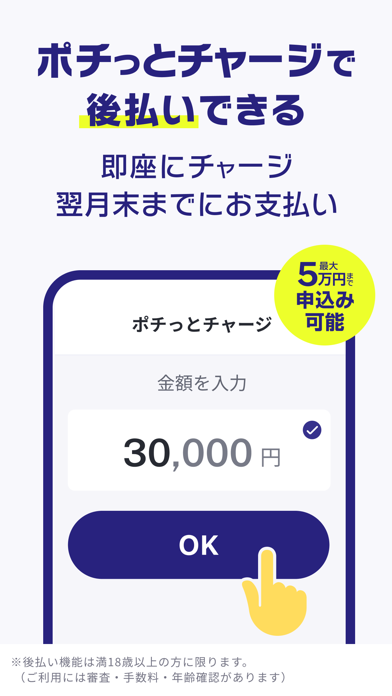
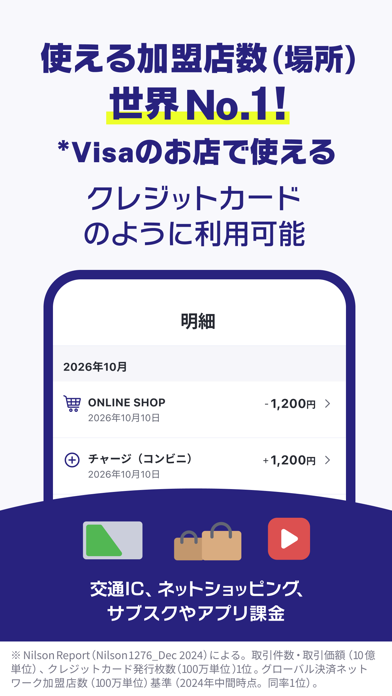
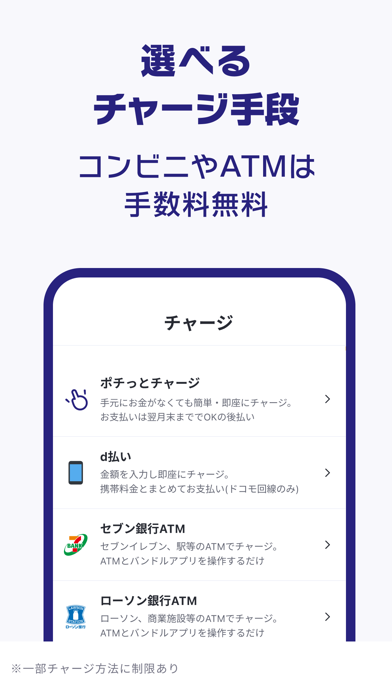
1,500万ダウンロード突破のVisaプリペイドカード 三菱UFJフィナンシャル・グループのカンムが運営! 最短1分・審査なしで、生年月日や電話番号などの登録だけで無料ですぐに使えます。 さらに、後払い機能「ポチっとチャージ」*を使えば、手元にお金がなくてもスマホひとつで即日チャージが可能! 【バンドルカードとは】 アプリから簡単に発行できるVisa対応のプリペイドカードです。 スマホひとつで、チャージ・支払いができるVisaのプリペイドカードアプリ。 プリペイドカードとは あらかじめ入金した金額の範囲内で使えるカードのことです。 (楽天Edy、au PAY、PayPay、Suica、Kyash、WAON、Vプリカ、ソフトバンクカード、Visaプリペなども同じ仕組みです) ネット決済とは Amazonや楽天などのネットショッピング、Netflixなどのサブスク、 メルカリ・ラクマなどのフリマ、App Storeでのお支払いなどを指します。 【Visa × プリペイドカード × 後払いチャージ】 バンドルカードは、 Visaプリペイドカードの「利便性」と「安心感」、 後払いチャージの「柔…
App details
What you can learn from バンドルカード|Visaカードに後払いチャージ!Visa対応
Every shipping app on the App Store has gone through the same decisions you're working through right now: which screenshot goes first, what caption sits over it, which device frame to show, what color the background should be. The 8 screenshots above are バンドルカード|Visaカードに後払いチャージ!Visa対応's answers to those questions — they're public, they're real, and they made it through Apple's review.
What the numbers say: バンドルカード|Visaカードに後払いチャージ!Visa対応 runs a light set with one background colour (#FCFCFC) carried across every screenshot — the listing reads as a single poster when the shots sit side by side in search results. The accent colour we picked up, #2C247C, is the one to reuse for badges, arrows and highlighted words if you borrow this look. Hit Use this style to open the editor with these exact colours and drop your own screenshot in.
Notice the first screenshot in particular. It's the one users see in search results and on the product page, and it's where most apps spend their best caption and tightest design. Look at the proportion of background to phone, where the text sits, what one thing the image is trying to communicate.
Want to see how other Finance apps approach the same problem? Browse more Finance apps in the showcase.
Take what works into your own screenshots
Open LaunchShots and design your App Store & Google Play screenshots — pick a device frame, drop captions, ship in minutes. Free, in your browser.
Open the screenshot editor →Apps with a similar look
Closest background + accent colours among the listings we've analysed — useful when you want to see the same palette handled by a different team.