Chart position — tracked daily by LaunchShots
Screenshot style breakdown
Sampled from 4 of 一起中学学生's App Store screenshots — background, accent and theme, measured by LaunchShots (not something Apple publishes).
#FCFCFC bg
#DDDDDD
#F4B474 accent
#111111 text
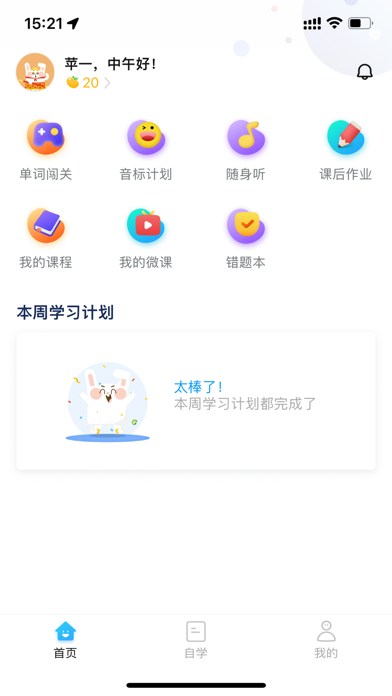
- #1合 首页
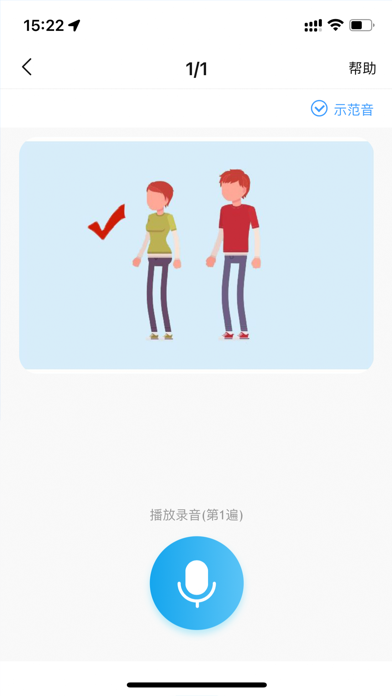
- #3课文 跟 读
Captions read from the screenshots (OCR, may contain small errors): 2 headlines, 2.5 words on average (longest 3).
Screenshots


iPad screenshots


Icon palette
About this app
一起中学是一起教育科技推出的以大数据为驱动的学校智能教育平台。一起中学学生端是专为中学生研发的在线学习APP,以练习为纽带,同步学校教学进度,提供匹配学科能力的素质教育内容,通过大数据和人工智能等前沿技术,帮助学生减负增效,成为学校教育的有益补充,并实现中学阶段的双学科覆盖。 产品特色功能 【查收练习通知】 及时查收老师推荐练习的通知,在线作答,手机完成,随时随地,快速方便; 【错题本】 贴心“错题本”功能,自动收集错题记录,类似题型练习,巩固知识点,摆脱一错再错; 【提分页】 排查薄弱,逐个击破,及时巩固,踏实攻克,高效练习。 【科学护眼】 合理使用电子产品,全方位养成良好习惯; 学生端根据学习时长定时弹出护眼提示,提醒学生休息眼睛、做眼保健操,更有强制提醒护眼模式,进一步保护孩子视力健康。 一起中学-学生端怎么使用? 1.一起中学-学生端要有老师给的老师号才可以加入班级,加入班级后才能使用各项功能; 2.注册一个学生账号,输入自己的名字,根据老师给的号码,加入自己所在的班级; 3.打开一起中学,点击“待完…
App details
What you can learn from 一起中学学生
Every shipping app on the App Store has gone through the same decisions you're working through right now: which screenshot goes first, what caption sits over it, which device frame to show, what color the background should be. The 8 screenshots above are 一起中学学生's answers to those questions — they're public, they're real, and they made it through Apple's review.
What the numbers say: 一起中学学生 runs a light set with one background colour (#FCFCFC) carried across every screenshot — the listing reads as a single poster when the shots sit side by side in search results. The accent colour we picked up, #F4B474, is the one to reuse for badges, arrows and highlighted words if you borrow this look. Hit Use this style to open the editor with these exact colours and drop your own screenshot in.
Notice the first screenshot in particular. It's the one users see in search results and on the product page, and it's where most apps spend their best caption and tightest design. Look at the proportion of background to phone, where the text sits, what one thing the image is trying to communicate.
Want to see how other Education apps approach the same problem? Browse more Education apps in the showcase.
Take what works into your own screenshots
Open LaunchShots and design your App Store & Google Play screenshots — pick a device frame, drop captions, ship in minutes. Free, in your browser.
Open the screenshot editor →Apps with a similar look
Closest background + accent colours among the listings we've analysed — useful when you want to see the same palette handled by a different team.