Screenshot style breakdown
Sampled from 5 of 攻略まとめ&掲示板 for モンスト's App Store screenshots — background, accent and theme, measured by LaunchShots (not something Apple publishes).
#F4F4F4 bg
#D6D6D6
#242C54 accent
#111111 text
Screenshots
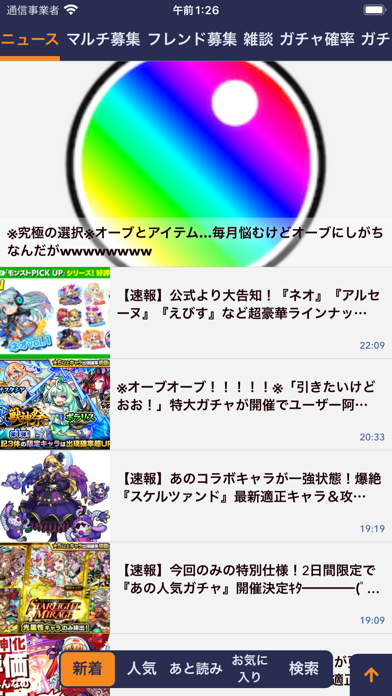
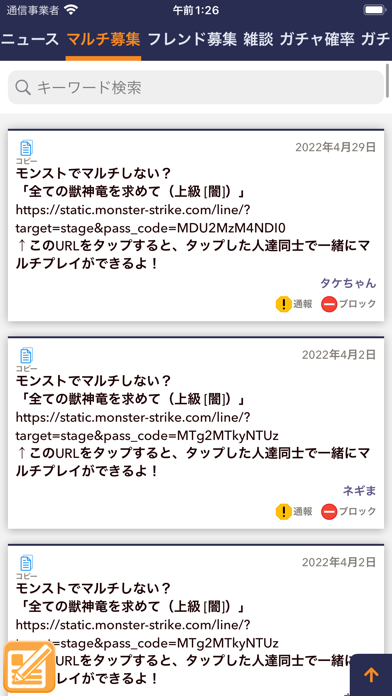
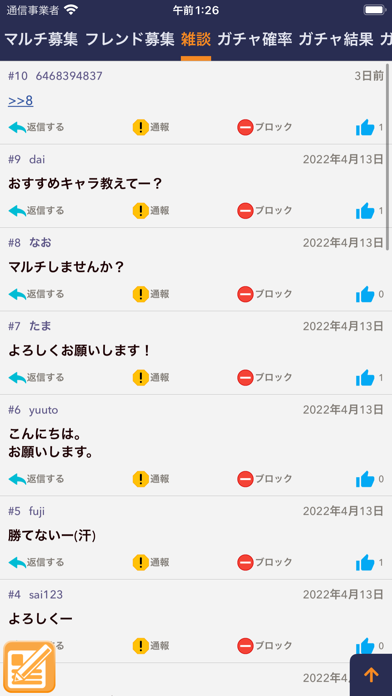
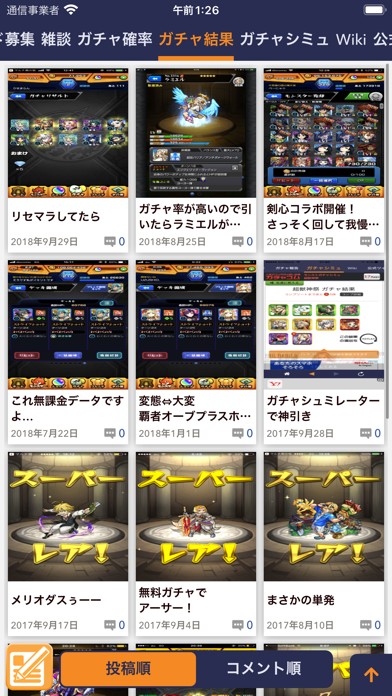
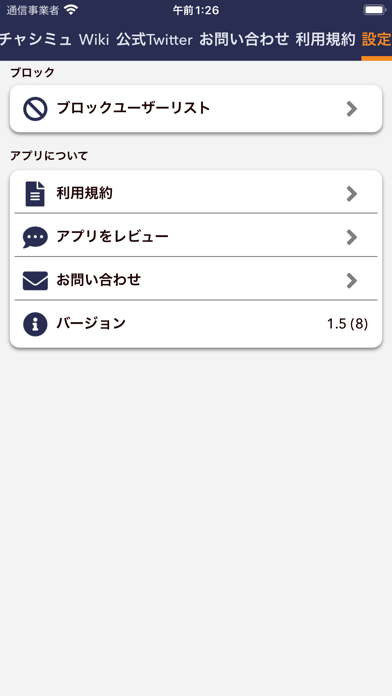
iPad screenshots


Icon palette
About this app
話題の大人気スマホゲーム【モンスターストライク】の攻略・裏技(裏ワザ)情報盛りだくさん! このアプリひとつでモンストを完全網羅!!最速マッチング!! 大人気アプリ【モンスターストライク】がこの攻略アプリで網羅できちゃう! 【アプリの特徴】 ①最新ニュース情報をいち早く配信! ②最新動画情報をいち早く配信! ③掲示板を使って皆で盛り上がろう! ④相談をして仲間にアドバイスをもらおう! ⑤◯秘な裏技(裏ワザ) 情報! ーーーーーーーーーーーーーーーーーーーーーーーーーーーーーー 【こんな人におすすめ】 ①モンスターストライク(モンスト)がとにかく大好きな人! ②モンスターストライク(モンスト)ゲームにハマってる人! ③モンスターストライク(モンスト)にハマってる人! ④モンスターストライク(モンスト)クイズが大好きな人!! ⑤モンスターストライク(モンスト)を大好きになる人! その他諸々! ーーーーーーーーーーーーーーーーーーーーーーーーーーーーーー 【注意点】 当アプリはモンスターストライク(もんすたーすとらいく)の非公式ア…
App details
What you can learn from 攻略まとめ&掲示板 for モンスト
Every shipping app on the App Store has gone through the same decisions you're working through right now: which screenshot goes first, what caption sits over it, which device frame to show, what color the background should be. The 10 screenshots above are 攻略まとめ&掲示板 for モンスト's answers to those questions — they're public, they're real, and they made it through Apple's review.
What the numbers say: 攻略まとめ&掲示板 for モンスト runs a mixed light-and-dark set where the background shifts from screenshot to screenshot (first shot #F4F4F4) — each image has to stand on its own, so the captions carry more of the story. The accent colour we picked up, #242C54, is the one to reuse for badges, arrows and highlighted words if you borrow this look. Hit Use this style to open the editor with these exact colours and drop your own screenshot in.
Notice the first screenshot in particular. It's the one users see in search results and on the product page, and it's where most apps spend their best caption and tightest design. Look at the proportion of background to phone, where the text sits, what one thing the image is trying to communicate.
Want to see how other News apps approach the same problem? Browse more News apps in the showcase.
Take what works into your own screenshots
Open LaunchShots and design your App Store & Google Play screenshots — pick a device frame, drop captions, ship in minutes. Free, in your browser.
Open the screenshot editor →Apps with a similar look
Closest background + accent colours among the listings we've analysed — useful when you want to see the same palette handled by a different team.