Chart position — tracked daily by LaunchShots
Screenshot style breakdown
Sampled from 4 of フォトスキャン by Google フォト's App Store screenshots — background, accent and theme, measured by LaunchShots (not something Apple publishes).
#FCFCFC bg
#DDDDDD
#7C2C1C accent
#111111 text
Screenshots
Icon palette
About this app
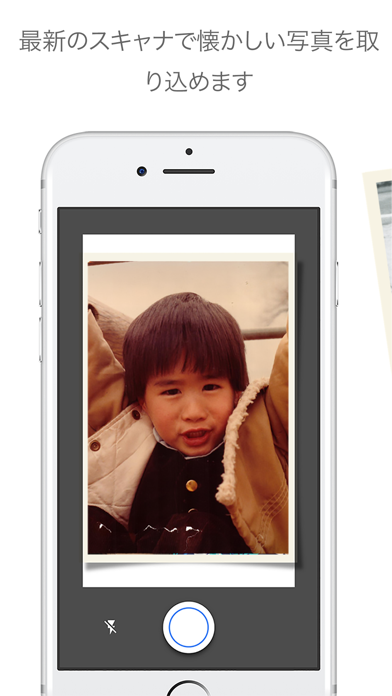
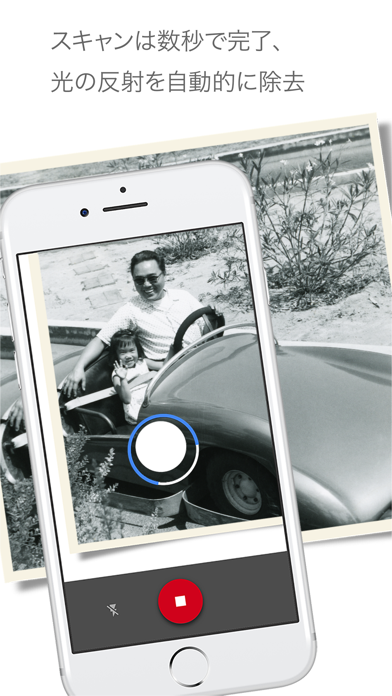
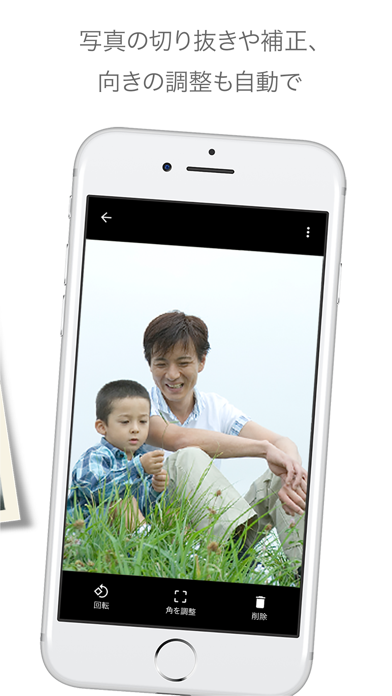
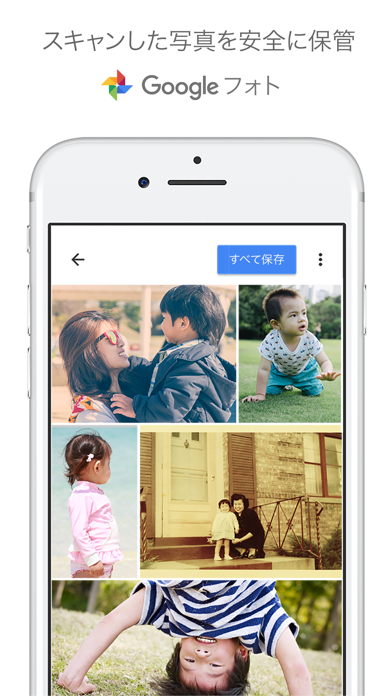
最新のスキャナで懐かしい写真を取り込みましょう。 Google フォトのテクノロジーが詰まったフォトスキャン アプリを使えば、思い出の写真をスマートフォンのカメラでスキャンして保存できます。 完璧な仕上がりに。光の反射も自動で除去 単に写真の写真を撮るのではなく、補正を施したデジタル スキャン画像を撮影条件を問わず作成できます。 – 手順に沿って簡単に画像をスキャンでき、光が反射しても自動的に除去されます – 写真の端を検出して自動的にトリミングします – 直線スキャン、長方形スキャンができ、遠近補正機能もあります – 角度補正機能により、スキャン時の向きにかかわらず写真が正しい向きに保たれます 数秒でスキャン 思い出の写真を手軽にスキャン。写真編集の手間を減らして子供時代などの写真をゆっくり眺められます。 光の反射のないドキュメントや写真の場合は、光の反射除去をオフにすると、より短時間でスキャンできます。 Google フォトで写真を安全に保存。検索も可能 スキャンした画像は Google フォト アプリでのバックアップで…
App details
What you can learn from フォトスキャン by Google フォト
Every shipping app on the App Store has gone through the same decisions you're working through right now: which screenshot goes first, what caption sits over it, which device frame to show, what color the background should be. The 4 screenshots above are フォトスキャン by Google フォト's answers to those questions — they're public, they're real, and they made it through Apple's review.
What the numbers say: フォトスキャン by Google フォト runs a light set with one background colour (#FCFCFC) carried across every screenshot — the listing reads as a single poster when the shots sit side by side in search results. The accent colour we picked up, #7C2C1C, is the one to reuse for badges, arrows and highlighted words if you borrow this look. Hit Use this style to open the editor with these exact colours and drop your own screenshot in.
Notice the first screenshot in particular. It's the one users see in search results and on the product page, and it's where most apps spend their best caption and tightest design. Look at the proportion of background to phone, where the text sits, what one thing the image is trying to communicate.
Want to see how other Photo & Video apps approach the same problem? Browse more Photo & Video apps in the showcase.
Take what works into your own screenshots
Open LaunchShots and design your App Store & Google Play screenshots — pick a device frame, drop captions, ship in minutes. Free, in your browser.
Open the screenshot editor →Apps with a similar look
Closest background + accent colours among the listings we've analysed — useful when you want to see the same palette handled by a different team.