Screenshot style breakdown
Sampled from 6 of DCOM Money Express's App Store screenshots — background, accent and theme, measured by LaunchShots (not something Apple publishes).
#240404 bg
#422727
#F4943C accent
#FFFFFF text
- #1DCOM Money Express
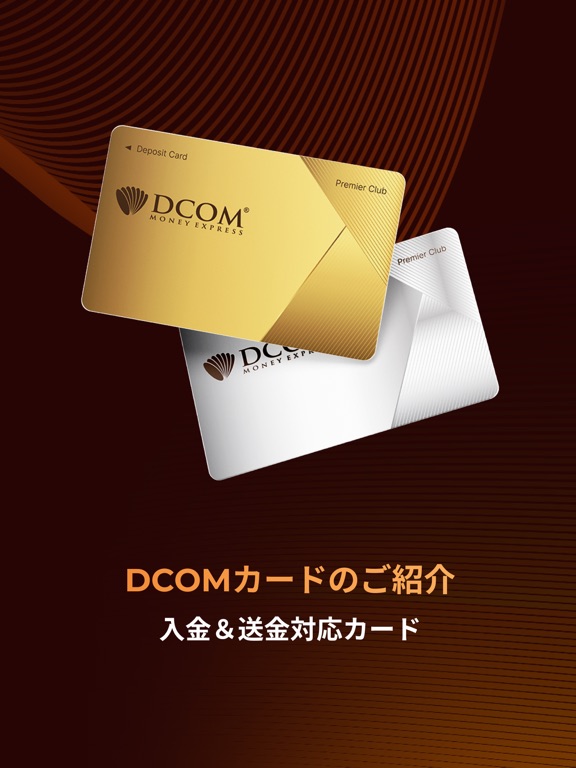
Captions read from the screenshots (OCR, may contain small errors): 1 headline, 3 words on average (longest 3).
Screenshots
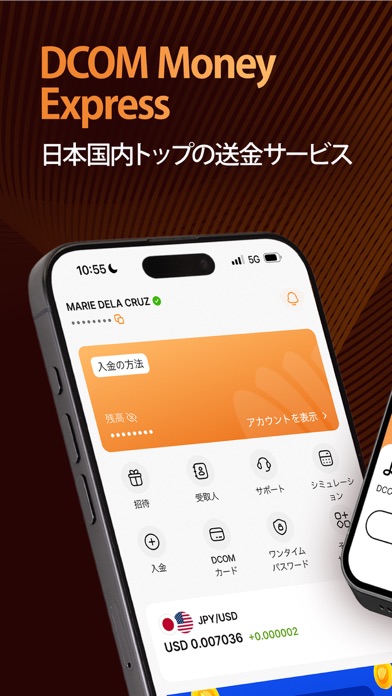
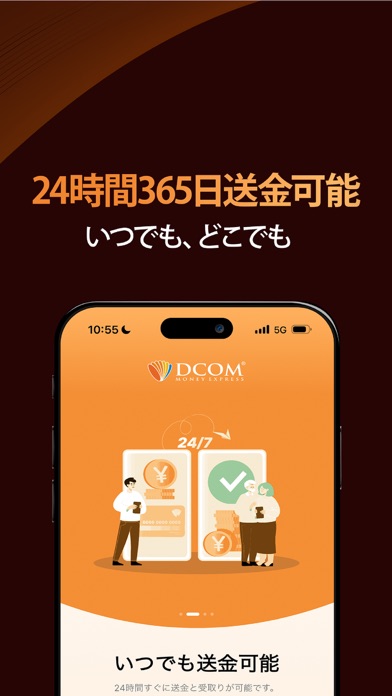
iPad screenshots




Icon palette
About this app
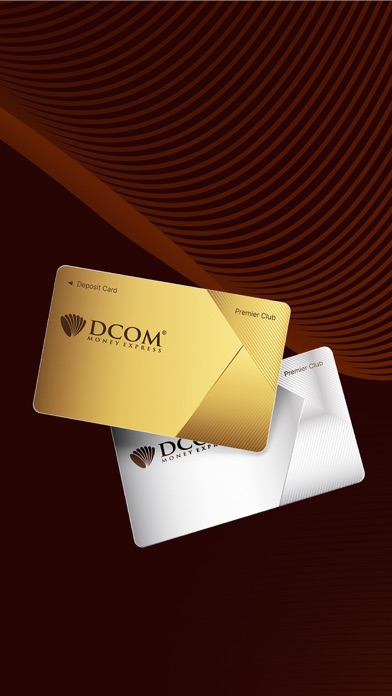
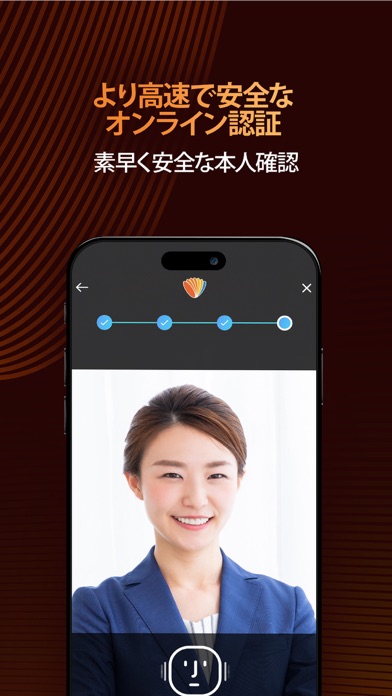
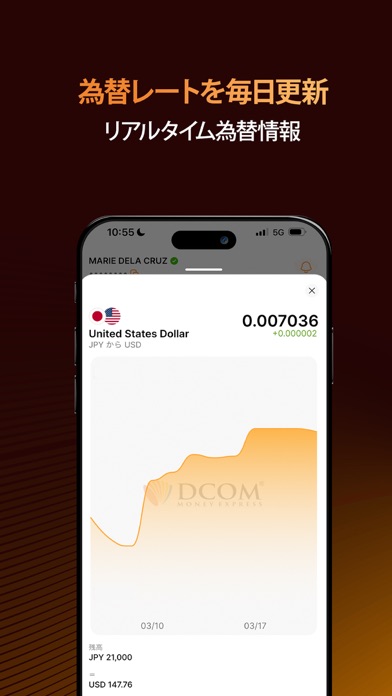
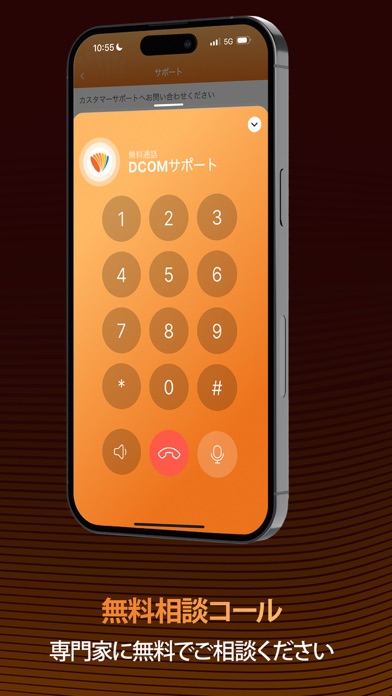
24時間365日、海外送金に対応 100カ国以上へ、いつでもどこでも送金可能。 距離や時間の壁を越えて、大切な人へ想いを届けます。 口座管理を楽に 残高チェック、自動通貨換算、取引履歴の確認、受取人の追加が無制限に可能。 手数料や為替レートもすべて明確に。隠れコストは一切ありません。 日本基準の銀行レベルのセキュリティ 端末・アカウント・取引ごとの多層MFAで徹底保護。 すべてのデータはFSA(金融庁)基準で暗号化。安心してご利用いただけます。 全国で使えるDCOM多機能カード 全国50,000台以上のATMで出金・支払い・ポイント利用OK。 アプリ内でカードへチャージ→すぐに送金可能。受取人数の制限なし! お得な為替レート – 毎日更新 リアルタイムで為替を比較。タイミングを見て、お得に送金できます。 このアプリはこんな方におすすめ 日本に住む外国人の方で、 「かんたん・早い・安心」な海外送金ができます。 母国への送金も、すぐに、スムーズに。 多言語対応の無料カスタマーサポートもご利用いただけます。 最先端のテクノロジー ピーク時…
App details
What you can learn from DCOM Money Express
Every shipping app on the App Store has gone through the same decisions you're working through right now: which screenshot goes first, what caption sits over it, which device frame to show, what color the background should be. The 15 screenshots above are DCOM Money Express's answers to those questions — they're public, they're real, and they made it through Apple's review.
What the numbers say: DCOM Money Express runs a dark set with one background colour (#240404) carried across every screenshot — the listing reads as a single poster when the shots sit side by side in search results. The accent colour we picked up, #F4943C, is the one to reuse for badges, arrows and highlighted words if you borrow this look. Hit Use this style to open the editor with these exact colours and drop your own screenshot in.
Notice the first screenshot in particular. It's the one users see in search results and on the product page, and it's where most apps spend their best caption and tightest design. Look at the proportion of background to phone, where the text sits, what one thing the image is trying to communicate.
Want to see how other Finance apps approach the same problem? Browse more Finance apps in the showcase.
Take what works into your own screenshots
Open LaunchShots and design your App Store & Google Play screenshots — pick a device frame, drop captions, ship in minutes. Free, in your browser.
Open the screenshot editor →Apps with a similar look
Closest background + accent colours among the listings we've analysed — useful when you want to see the same palette handled by a different team.