Chart position — tracked daily by LaunchShots
Screenshot style breakdown
Sampled from 5 of Fanicon's App Store screenshots — background, accent and theme, measured by LaunchShots (not something Apple publishes).
#040C0C bg
#272E2E
#FC7C3C accent
#FFFFFF text
Reading the caption text from the screenshots in your browser…
Screenshots

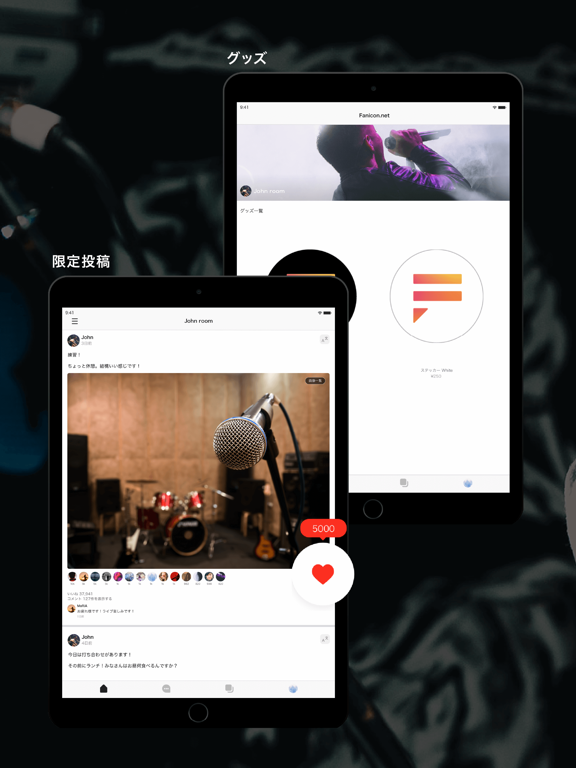
iPad screenshots
Icon palette
About this app
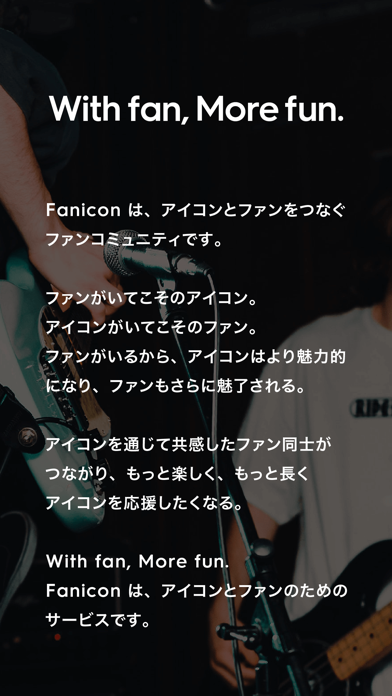
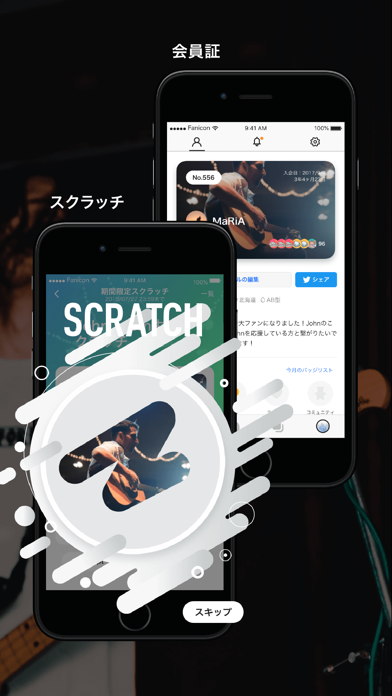
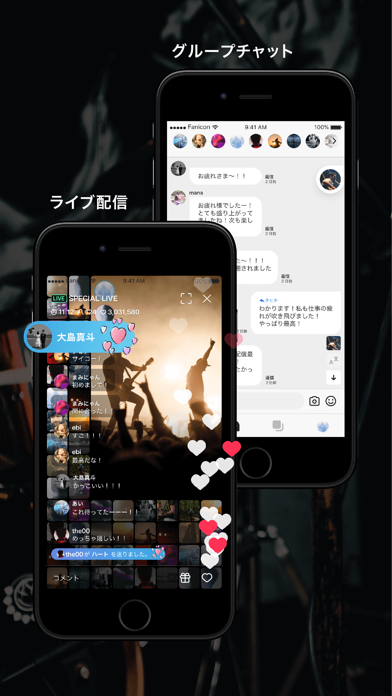
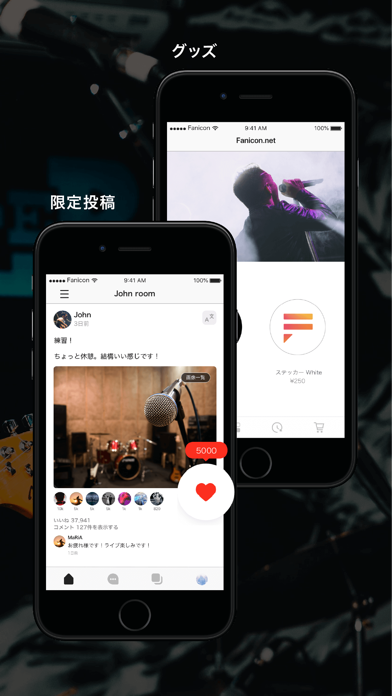
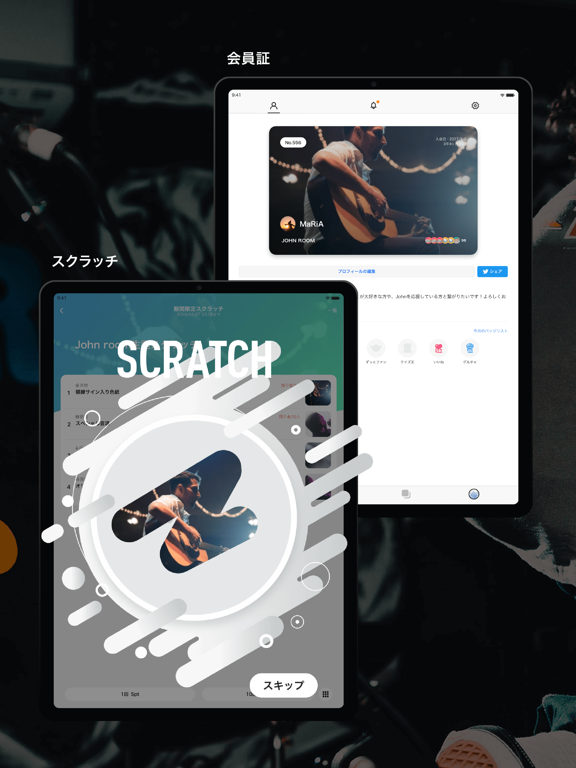
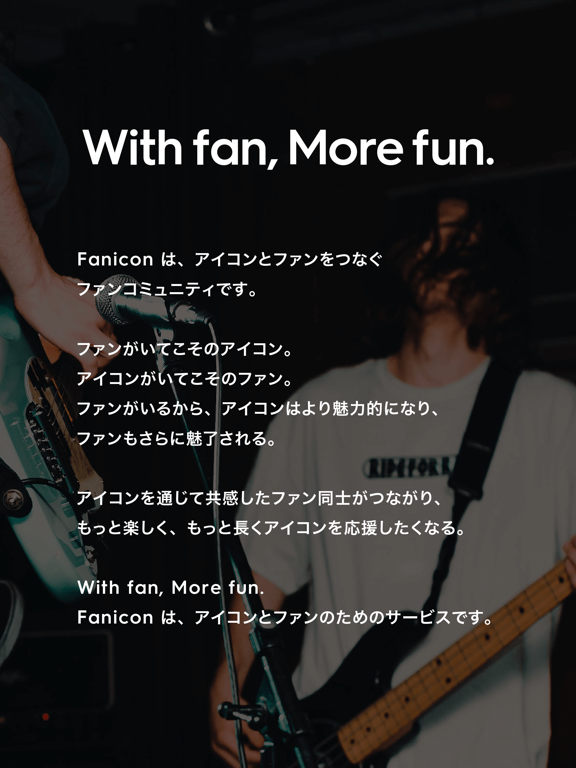
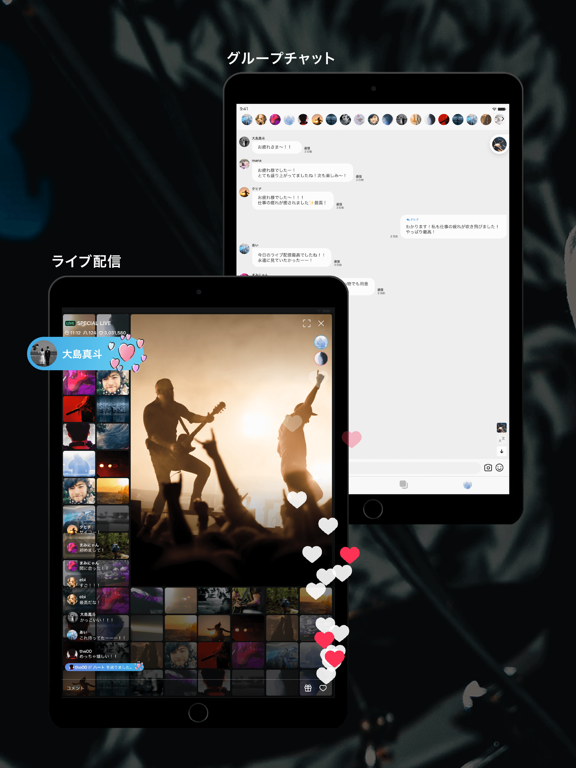
Faniconは、アイコンとファンをつなぐファンコミュニティです。 ファンがいてこそのアイコン。アイコンがいてこそのファン。 ファンがいるから、アイコンはより魅力的になり、ファンもさらに魅了される。 アイコンを通じて共感したファン同士がつながり、 もっと楽しく、もっと長くアイコンを応援したくなる。 With fan, More fun. Fanicon は、アイコンとファンのためのサービスです。 購入後はiTunesアカウントからの支払になります。定期購読は月ごとの自動更新です。期限終了の24時間前までに停止しない場合、24時間以内に自動更新されます。期間終了の24時間以上前であればいつでも自動更新の停止が可能です。自動更新の停止や変更はiTunesアカウントの設定から対応してください。実際の手順はアプリ設定の「解約について」から確認できます。利用中の有料会員のキャンセルは、契約期間が終わった後にキャンセル処理が行われます。有料会員になる際、キャンペーン等で提供された無料期間が残っていてもその無料期間は失効します。 □ファニポイント一覧 5ファニポ…
App details
What you can learn from Fanicon
Every shipping app on the App Store has gone through the same decisions you're working through right now: which screenshot goes first, what caption sits over it, which device frame to show, what color the background should be. The 10 screenshots above are Fanicon's answers to those questions — they're public, they're real, and they made it through Apple's review.
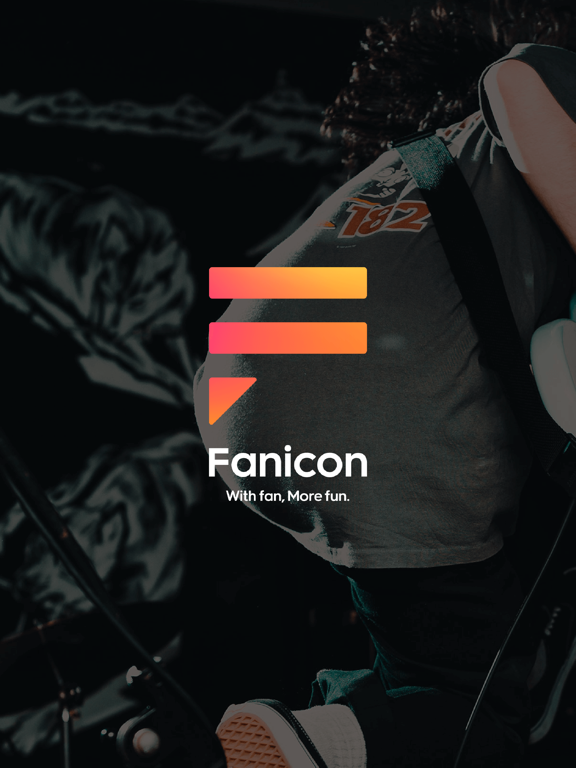
What the numbers say: Fanicon runs a dark set with one background colour (#040C0C) carried across every screenshot — the listing reads as a single poster when the shots sit side by side in search results. The accent colour we picked up, #FC7C3C, is the one to reuse for badges, arrows and highlighted words if you borrow this look. Hit Use this style to open the editor with these exact colours and drop your own screenshot in.
Notice the first screenshot in particular. It's the one users see in search results and on the product page, and it's where most apps spend their best caption and tightest design. Look at the proportion of background to phone, where the text sits, what one thing the image is trying to communicate.
Want to see how other Entertainment apps approach the same problem? Browse more Entertainment apps in the showcase.
Take what works into your own screenshots
Open LaunchShots and design your App Store & Google Play screenshots — pick a device frame, drop captions, ship in minutes. Free, in your browser.
Open the screenshot editor →Apps with a similar look
Closest background + accent colours among the listings we've analysed — useful when you want to see the same palette handled by a different team.