Chart position — tracked daily by LaunchShots
Screenshot style breakdown
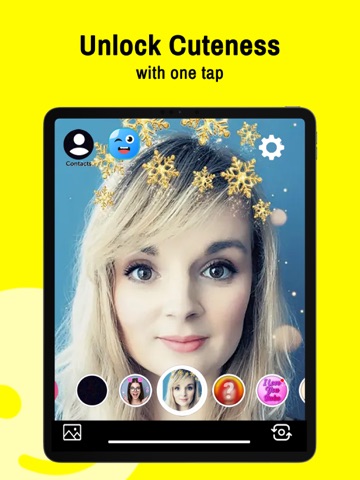
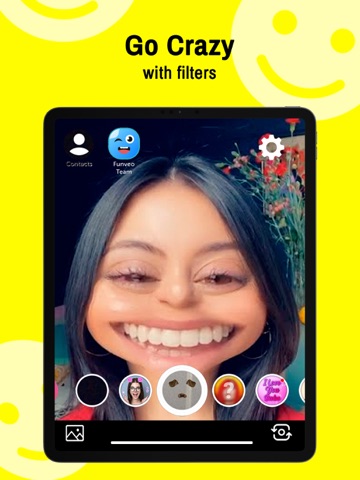
Sampled from 6 of Funveo: Face Swap и Фильтры's App Store screenshots — background, accent and theme, measured by LaunchShots (not something Apple publishes).
#FCFC04 bg
#DDDD03
#B4B424 accent
#111111 text
Screenshots



iPad screenshots

Icon palette
About this app
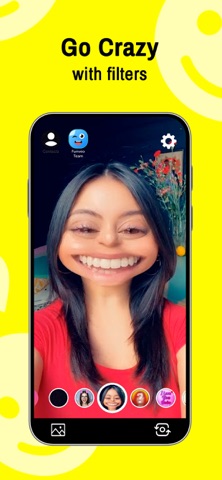
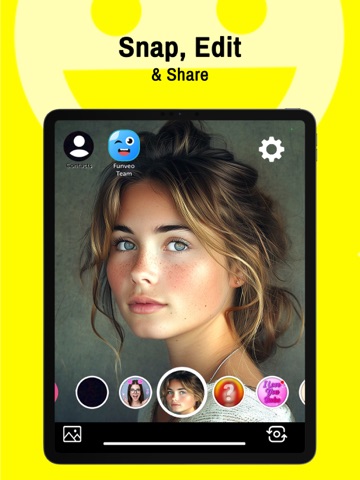
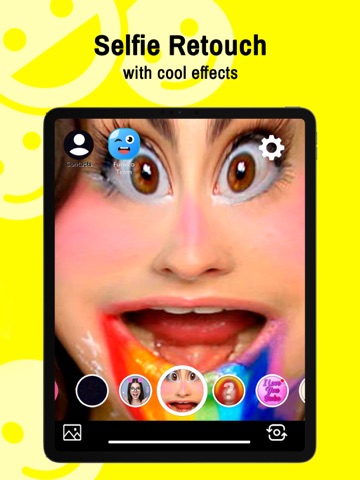
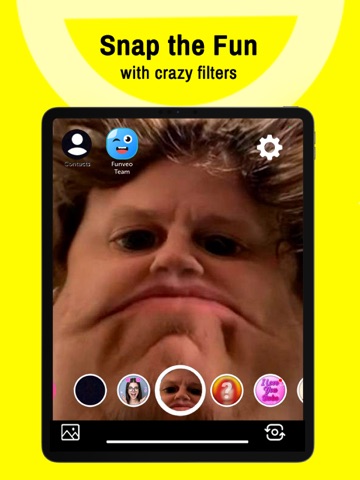
Swap лицом: Смешные фотофильтры дают вам доступ к десяткам и десяткам лицевых фильтров. Хотите быть Санта-Клаусом? Сделанный. Хотите быть вампиром DJ? Мы тоже там охватывали. Swap Face предлагает одно из самых крутых селфи, смешных фильтров и видео переживающих голоса, которые существуют сегодня. В самых моментах вы можете преобразовать любой скучный день или разговор в яркий опыт, используя смешные фильтры для лица, полные творчества и воображения. Начните удивлять своих друзей, семьи, коллеги и раздавить в социальных сетях и посланниках с нашей огромной линейкой Face Filters, голосовых и веселых масок. Вот еще несколько причин, по которым вы должны иметь помещение лица: - Вы мгновенно стали круто на всех социальных платформах - Вы можете стрелять, сохранить и поделиться своими фото- и видеофильмитыми фильтрами, где бы ни были. - Вы получаете доступ к тоннам фильтров и масок, и мы по…
App details
What you can learn from Funveo: Face Swap и Фильтры
Every shipping app on the App Store has gone through the same decisions you're working through right now: which screenshot goes first, what caption sits over it, which device frame to show, what color the background should be. The 12 screenshots above are Funveo: Face Swap и Фильтры's answers to those questions — they're public, they're real, and they made it through Apple's review.
What the numbers say: Funveo: Face Swap и Фильтры runs a light set with one background colour (#FCFC04) carried across every screenshot — the listing reads as a single poster when the shots sit side by side in search results. The accent colour we picked up, #B4B424, is the one to reuse for badges, arrows and highlighted words if you borrow this look. Hit Use this style to open the editor with these exact colours and drop your own screenshot in.
Notice the first screenshot in particular. It's the one users see in search results and on the product page, and it's where most apps spend their best caption and tightest design. Look at the proportion of background to phone, where the text sits, what one thing the image is trying to communicate.
Want to see how other Photo & Video apps approach the same problem? Browse more Photo & Video apps in the showcase.
Take what works into your own screenshots
Open LaunchShots and design your App Store & Google Play screenshots — pick a device frame, drop captions, ship in minutes. Free, in your browser.
Open the screenshot editor →Apps with a similar look
Closest background + accent colours among the listings we've analysed — useful when you want to see the same palette handled by a different team.