Chart position — tracked daily by LaunchShots
Screenshot style breakdown
Sampled from 4 of AlipayHK (支付寶香港)'s App Store screenshots — background, accent and theme, measured by LaunchShots (not something Apple publishes).
#04A4EC bg
#27B0EE
#646CEC accent
#FFFFFF text
Screenshots
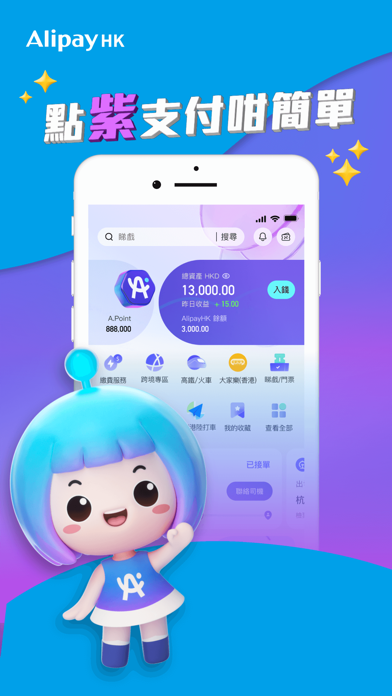
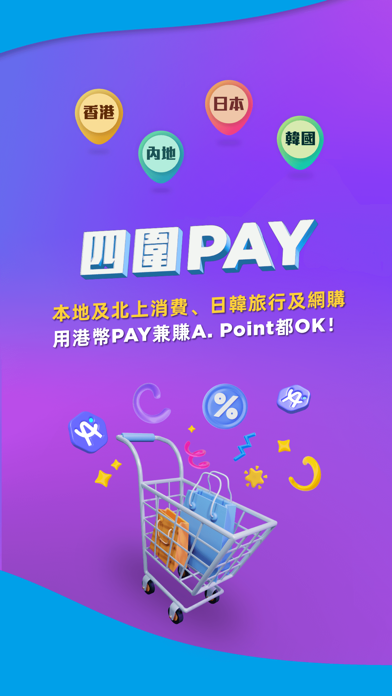
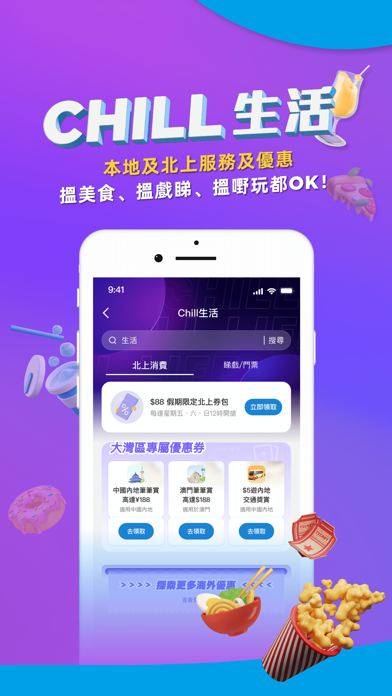
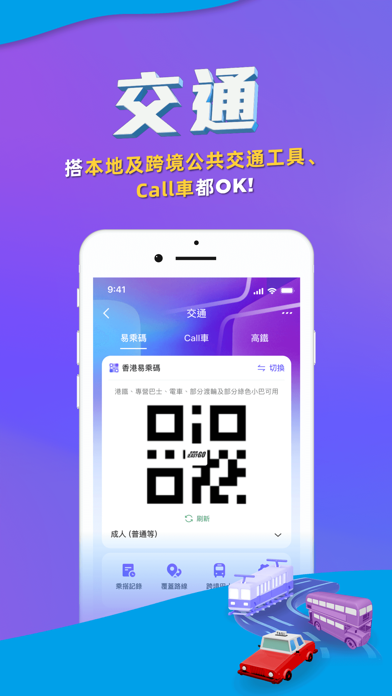
iPad screenshots
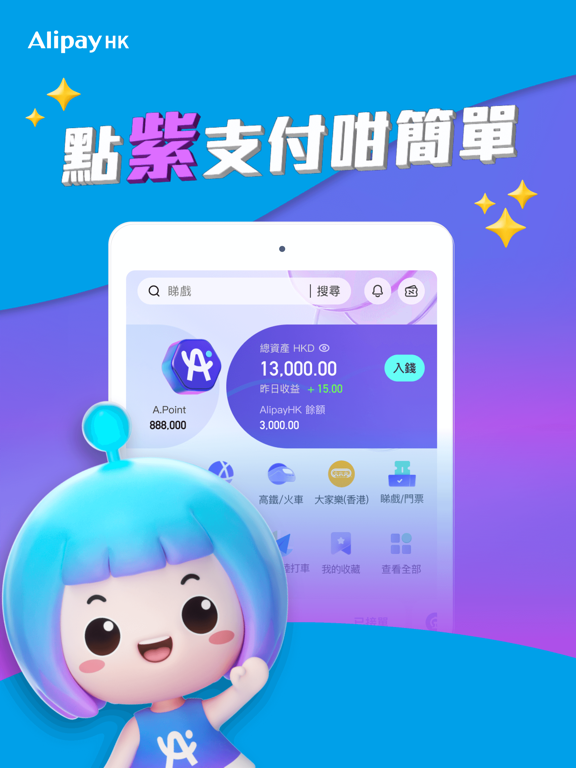
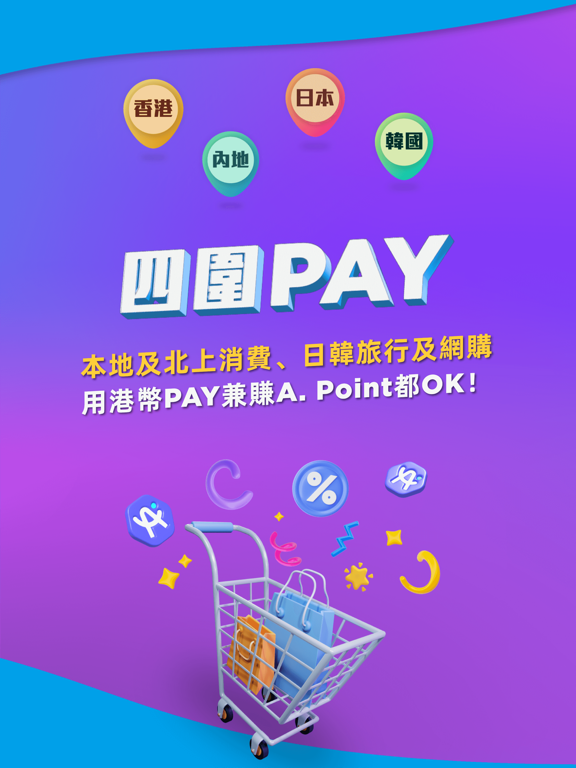
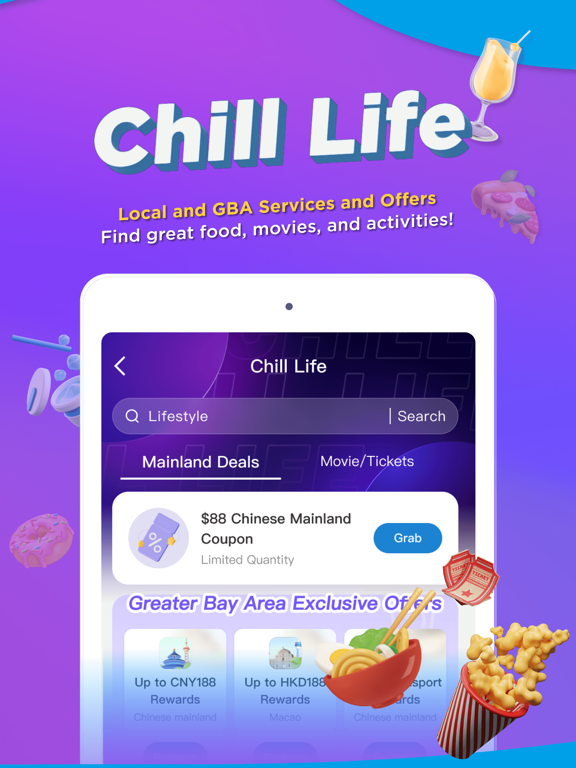

Icon palette
About this app
AlipayHK為用戶帶來「點指支付咁簡單」的電子錢包體驗,只需一個App,就可以滿足你各種支付、優惠和生活所需。 AlipayHK 支付覆蓋廣:現時AlipayHK的支付網絡已覆蓋逾 100,000 間本地線上及線下商戶,包括大型連鎖店、便利店、超市、街市、食肆、主要網購平台,以及一連串的網上服務和體驗,包括外賣及數碼娛樂等。另外,跨境支付服務已覆蓋幾乎內地所有城市門店、近9成澳門商戶以及日本熱門商圈,同時亦提供優惠匯率。 一App在手輕鬆出行: 作為全港首個在港鐵(重鐵網絡)提供二維碼支付的電子錢包,AlipayHK的公共交通支付網絡現已覆蓋的士、九巴、城巴、新巴、龍運巴士、新大嶼山巴士、指定綠色專線小巴及渡海小輪路線,並預計會陸續推行至香港電車。 提供各類生活服務功能和優惠: AlipayHK的服務範圍涵蓋各種生活繳費,包括政府賬單、電費、煤氣費、流動電話費、寬頻、收費電視甚至培訓機構費用等。 除了龐大的全場景支付網絡,AlipayHK 亦有支付以外的營銷功能和優惠,用戶可以在App內領取不同類型的優惠券,參與步行挑戰(通過連接Apple HealthKit feature…
App details
What you can learn from AlipayHK (支付寶香港)
Every shipping app on the App Store has gone through the same decisions you're working through right now: which screenshot goes first, what caption sits over it, which device frame to show, what color the background should be. The 8 screenshots above are AlipayHK (支付寶香港)'s answers to those questions — they're public, they're real, and they made it through Apple's review.
What the numbers say: AlipayHK (支付寶香港) runs a dark set with one background colour (#04A4EC) carried across every screenshot — the listing reads as a single poster when the shots sit side by side in search results. The accent colour we picked up, #646CEC, is the one to reuse for badges, arrows and highlighted words if you borrow this look. Hit Use this style to open the editor with these exact colours and drop your own screenshot in.
Notice the first screenshot in particular. It's the one users see in search results and on the product page, and it's where most apps spend their best caption and tightest design. Look at the proportion of background to phone, where the text sits, what one thing the image is trying to communicate.
Want to see how other Finance apps approach the same problem? Browse more Finance apps in the showcase.
Take what works into your own screenshots
Open LaunchShots and design your App Store & Google Play screenshots — pick a device frame, drop captions, ship in minutes. Free, in your browser.
Open the screenshot editor →Apps with a similar look
Closest background + accent colours among the listings we've analysed — useful when you want to see the same palette handled by a different team.