Screenshot style breakdown
Sampled from 6 of atone (アトネ) - カードがいらない後払い's App Store screenshots — background, accent and theme, measured by LaunchShots (not something Apple publishes).
#4CACE4 bg
#4297C8
#FCF404 accent
#111111 text
Screenshots

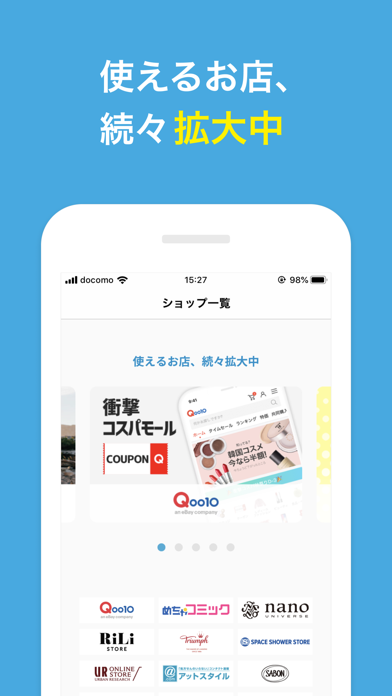
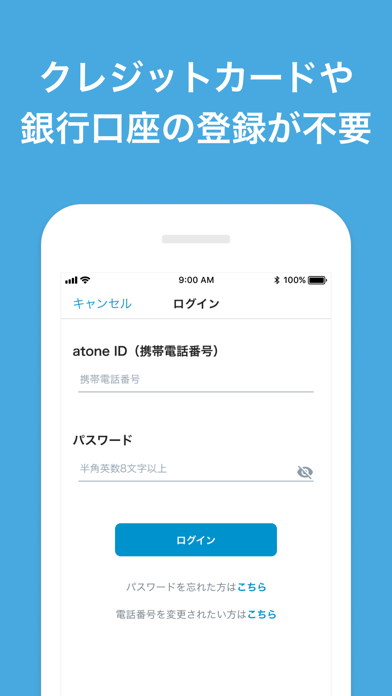
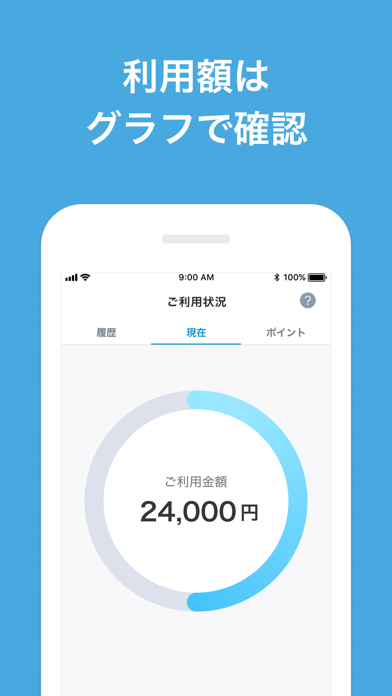
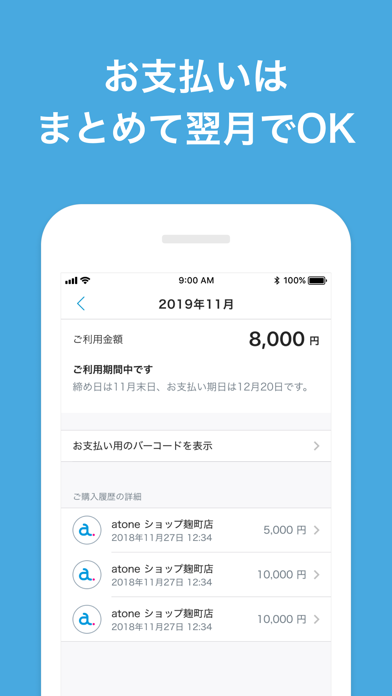

Icon palette
About this app
※コード決済(飲食店、実店舗などでのお買い物)は、会員登録して間もないなどご利用履歴が不十分な場合、ご利用いただけません。 https://atone.be/lp/notice/202106_ekyc/ atone はクレジットカードがいらない後払い決済です。 ・カードの登録やチャージ不要。 ・ご利用代金をまとめて翌月にお支払い ・コンビニ払いか口座振替を選べる ・ご利用金額はすぐにアプリで確認 ・ポイントが貯まり、1ポイント1円として使える ・業界No.1カンパニーのネットプロテクションズが提供 ■ atone が使えるお店 こちらをご確認ください https://atone.be/personal/shop/ ■こんな方にオススメ ・クレジットカードは、なんとなく使いたくない →atone は現金派のみなさんにぴったり ・操作が難しくて、自分では覚えられなそう →atone は電話番号を認証するだけで簡単に使える ・目に見えないお買い物って、なんだか不安 →atone は商品が届いてから代金後払いなので安心 ■ atone の使い方 ネットショップで使う ・お支払い方法で atone を選択 ・携帯番号とパスワードでログイ…
App details
What you can learn from atone (アトネ) - カードがいらない後払い
Every shipping app on the App Store has gone through the same decisions you're working through right now: which screenshot goes first, what caption sits over it, which device frame to show, what color the background should be. The 6 screenshots above are atone (アトネ) - カードがいらない後払い's answers to those questions — they're public, they're real, and they made it through Apple's review.
What the numbers say: atone (アトネ) - カードがいらない後払い runs a light set with one background colour (#4CACE4) carried across every screenshot — the listing reads as a single poster when the shots sit side by side in search results. The accent colour we picked up, #FCF404, is the one to reuse for badges, arrows and highlighted words if you borrow this look. Hit Use this style to open the editor with these exact colours and drop your own screenshot in.
Notice the first screenshot in particular. It's the one users see in search results and on the product page, and it's where most apps spend their best caption and tightest design. Look at the proportion of background to phone, where the text sits, what one thing the image is trying to communicate.
Want to see how other Finance apps approach the same problem? Browse more Finance apps in the showcase.
Take what works into your own screenshots
Open LaunchShots and design your App Store & Google Play screenshots — pick a device frame, drop captions, ship in minutes. Free, in your browser.
Open the screenshot editor →Apps with a similar look
Closest background + accent colours among the listings we've analysed — useful when you want to see the same palette handled by a different team.