Screenshot style breakdown
Sampled from 3 of 星座早見AR's App Store screenshots — background, accent and theme, measured by LaunchShots (not something Apple publishes).
#242C44 bg
#42495E
#047CFC accent
#FFFFFF text
Screenshots
Icon palette
About this app
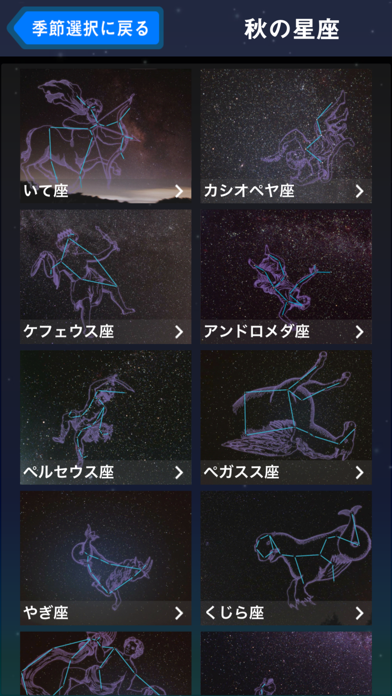
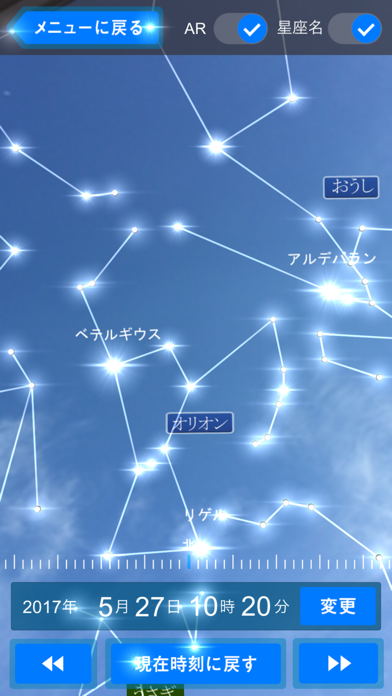
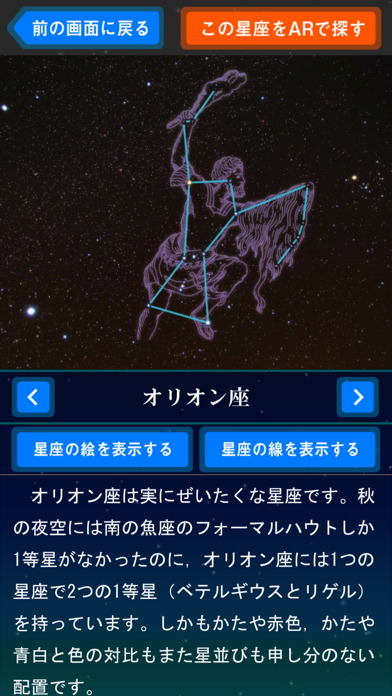
星空にスマートフォンを向けると,その方位にある星座の名前や位置を調べられるAR機能搭載のアプリです。 星座早見表より簡単に星座を見つけることができます。 学校での星座の学習だけでなく,自由研究や旅行の際にも活用できます。 ◆◇ Point1 実際の空と見比べながら星座の観察ができます ◆◇ スマートフォンを向けた方位と高さにある星座が表示されるので,実際の星座と画面を見比べながら体感的に星座を観察できます。 また,ナビゲーション機能があるので,探したい星座をすぐに見つけられます。 ◆◇ Point2 教科書に載っている星座の知識を深めることができます ◆◇ 小学校や中学校の理科の教科書に載っている主な星座の写真やエピソードが載っています。星座への興味・関心を高めるとともに,知識を深めることができます。 また,星座写真のイラストと星座線は,表示/非表示を切り替えられるので,昔の人がどのようにして星座を見立てたかがよくわかります。 ◆◇ Point3 夜間観察の準備が簡単にできます ◆◇ 観測日時を自由に設定できます。 …
App details
What you can learn from 星座早見AR
Every shipping app on the App Store has gone through the same decisions you're working through right now: which screenshot goes first, what caption sits over it, which device frame to show, what color the background should be. The 3 screenshots above are 星座早見AR's answers to those questions — they're public, they're real, and they made it through Apple's review.
What the numbers say: 星座早見AR runs a dark set where the background shifts from screenshot to screenshot (first shot #242C44) — each image has to stand on its own, so the captions carry more of the story. The accent colour we picked up, #047CFC, is the one to reuse for badges, arrows and highlighted words if you borrow this look. Hit Use this style to open the editor with these exact colours and drop your own screenshot in.
Notice the first screenshot in particular. It's the one users see in search results and on the product page, and it's where most apps spend their best caption and tightest design. Look at the proportion of background to phone, where the text sits, what one thing the image is trying to communicate.
Want to see how other Education apps approach the same problem? Browse more Education apps in the showcase.
Take what works into your own screenshots
Open LaunchShots and design your App Store & Google Play screenshots — pick a device frame, drop captions, ship in minutes. Free, in your browser.
Open the screenshot editor →Apps with a similar look
Closest background + accent colours among the listings we've analysed — useful when you want to see the same palette handled by a different team.