Chart position — tracked daily by LaunchShots
Screenshot style breakdown
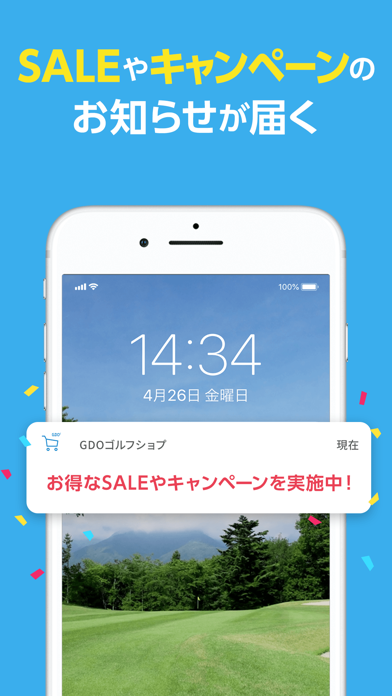
Sampled from 6 of GDOゴルフショップ 人気ゴルフ用品・中古クラブの通販アプリ's App Store screenshots — background, accent and theme, measured by LaunchShots (not something Apple publishes).
#3CACEC bg
#3497CF
#F42C6C accent
#111111 text
Screenshots


Icon palette
About this app
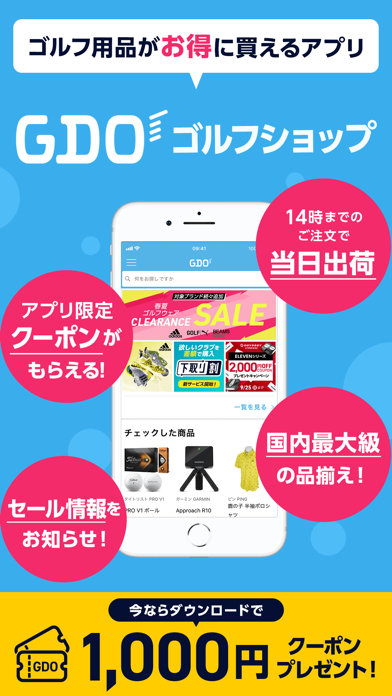
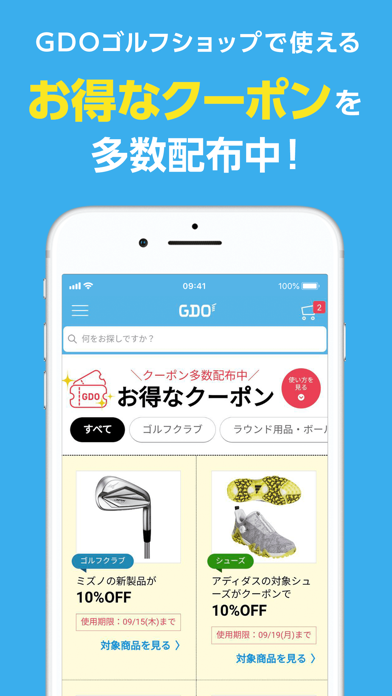
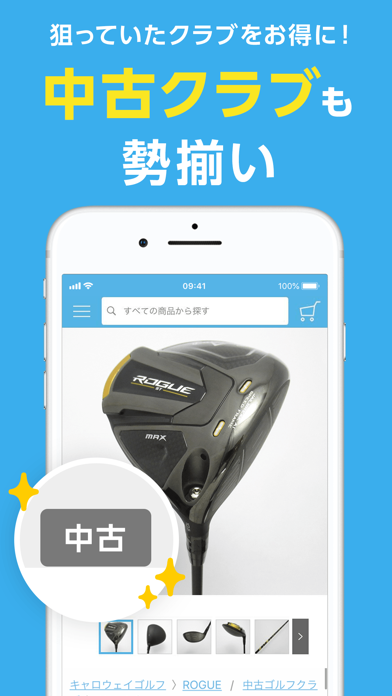
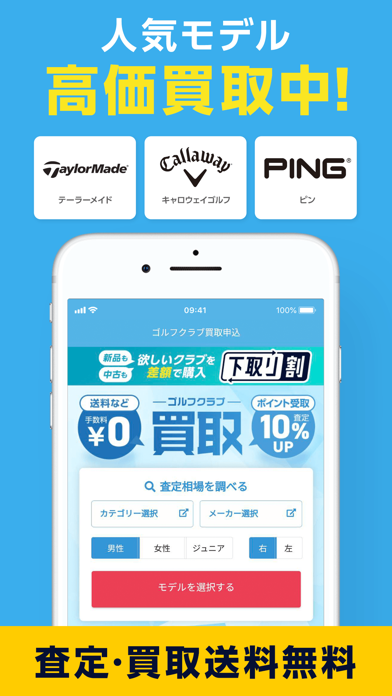
◆GDOゴルフショップの特徴◆ ‐14時までのご注文で当日出荷 ※一部商品を除く ‐ゴルフクラブをお得に買い替え!GDO下取り割で欲しいクラブを差額で購入できます。 ‐スマホで完結!GDOのクラブ買取では人気モデルの買取強化実施中! ‐GDOのTRY SHOTサービスで最新モデルを月々のお支払いで気軽に試すことができます。 ‐中古ゴルフクラブ取り扱い点数4万点以上 ‐ゴルフクラブ選びの参考にしたい!最新クラブの試打レビュー掲載 ‐色々選べる支払い方法(各種クレジットカードの他、代金引換、コンビニ払い、PayPay、AmazonPay、 ペイジー、GDOポイント/クーポン、d払いからお選びいただけます。) ※一部の商品は、特定のお支払い方法でのみご利用いただけます。 ‐セールやクーポンの情報盛りだくさん! ‐お気に入りに気になる商品を登録!在庫わずかや値下げをプッシュ通知でお届け! ‐特集記事ではスコアアップのヒントやコーデのポイント、ゴルフシューズ履き比べ企画など更新中! ◆GDOクラブ会員登録でもっとお得に便利に!◆ ‐GDOクラブに会員登録(無料)いただくと、…
App details
What you can learn from GDOゴルフショップ 人気ゴルフ用品・中古クラブの通販アプリ
Every shipping app on the App Store has gone through the same decisions you're working through right now: which screenshot goes first, what caption sits over it, which device frame to show, what color the background should be. The 7 screenshots above are GDOゴルフショップ 人気ゴルフ用品・中古クラブの通販アプリ's answers to those questions — they're public, they're real, and they made it through Apple's review.
What the numbers say: GDOゴルフショップ 人気ゴルフ用品・中古クラブの通販アプリ runs a light set where the background shifts from screenshot to screenshot (first shot #3CACEC) — each image has to stand on its own, so the captions carry more of the story. The accent colour we picked up, #F42C6C, is the one to reuse for badges, arrows and highlighted words if you borrow this look. Hit Use this style to open the editor with these exact colours and drop your own screenshot in.
Notice the first screenshot in particular. It's the one users see in search results and on the product page, and it's where most apps spend their best caption and tightest design. Look at the proportion of background to phone, where the text sits, what one thing the image is trying to communicate.
Want to see how other Sports apps approach the same problem? Browse more Sports apps in the showcase.
Take what works into your own screenshots
Open LaunchShots and design your App Store & Google Play screenshots — pick a device frame, drop captions, ship in minutes. Free, in your browser.
Open the screenshot editor →Apps with a similar look
Closest background + accent colours among the listings we've analysed — useful when you want to see the same palette handled by a different team.