Chart position — tracked daily by LaunchShots
Screenshot style breakdown
Sampled from 6 of IVA Connect's App Store screenshots — background, accent and theme, measured by LaunchShots (not something Apple publishes).
#04342C bg
#275049
#E4AC94 accent
#FFFFFF text
Screenshots

iPad screenshots


Icon palette
About this app
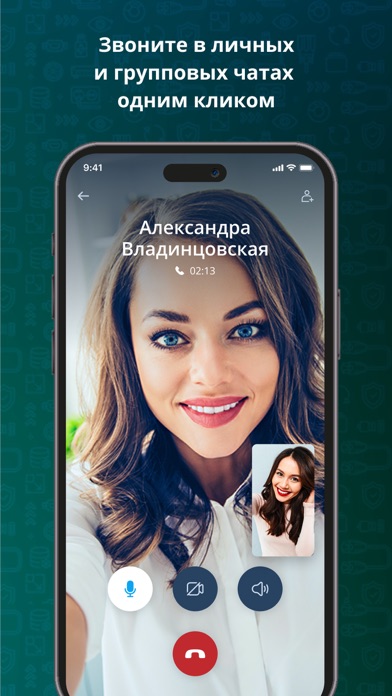
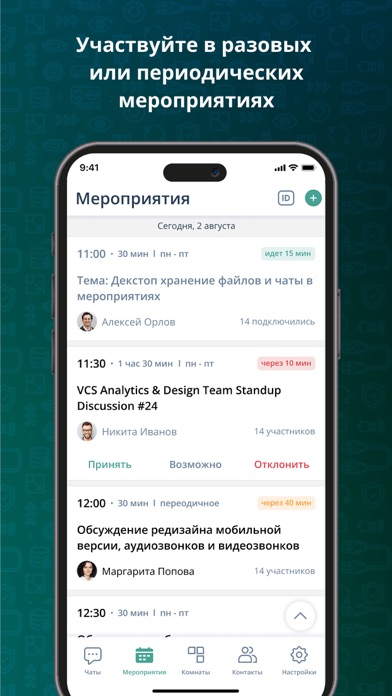
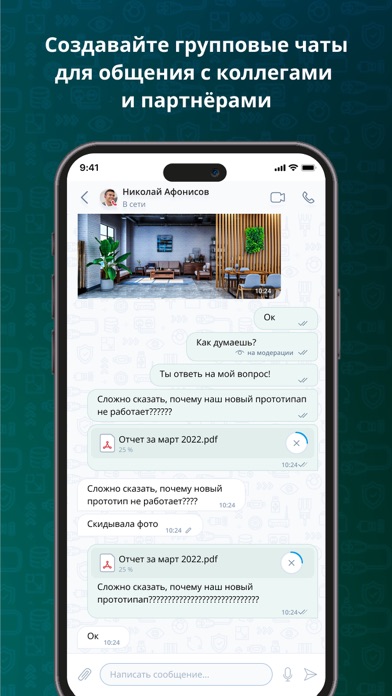
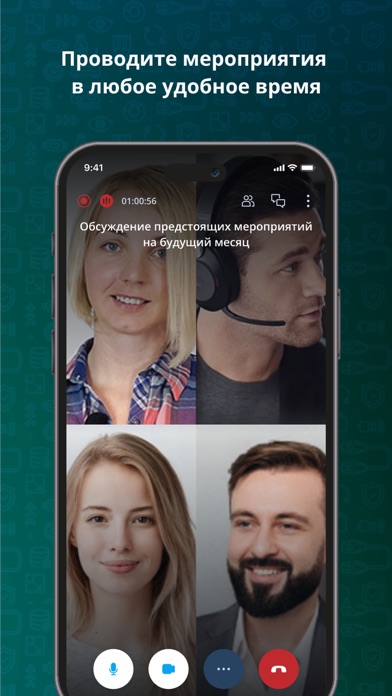
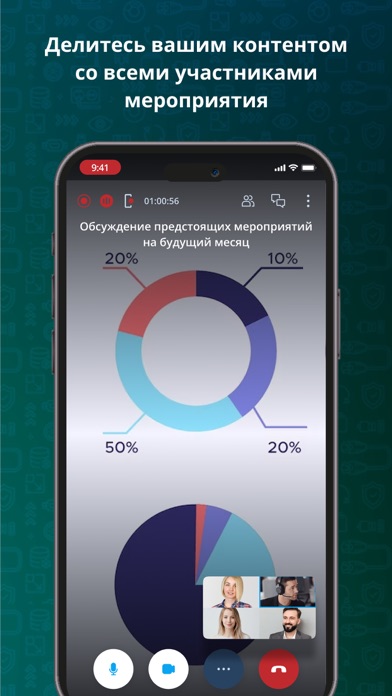
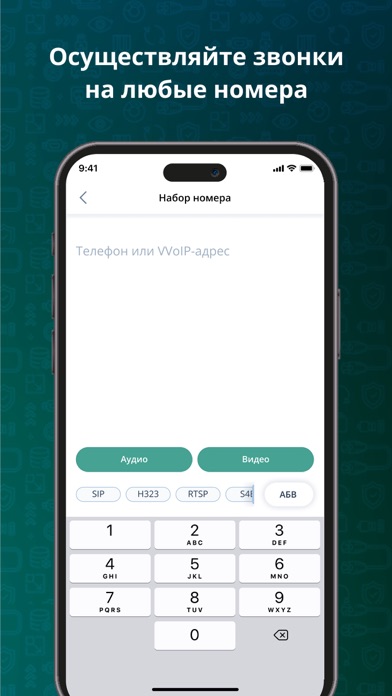
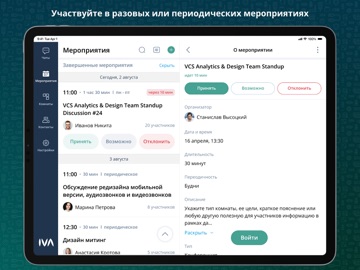
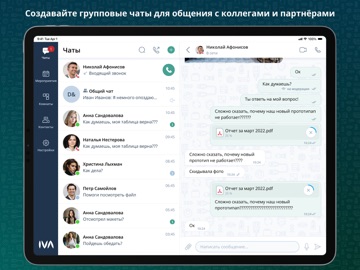
Будьте на связи с коллегами и партнерами 24/7, находясь где угодно! Мы создали IVA Connect, чтобы вам было легко и удобно работать из любой точки мира. Интуитивно понятный пользовательский интерфейс, защищенные каналы связи, чистый звук и высокое качество видео – далеко не полный список преимуществ клиента для сервиса унифицированных коммуникаций IVA MCU. Основные функции и возможности: - P2p и групповые чаты между пользователями - Обмен любыми файлами, включая фото и документы - Голосовые и видео вызовы - Полнофункциональные видеоконференции и виртуальные комнаты - Демонстрация экрана Совместимость: IVA MCU 19.0 или выше. Для подключения к IVA MCU ранних версий необходимо использовать корпоративную версию приложения, входящую в состав сервера унифицированных коммуникаций IVA MCU.
App details
What you can learn from IVA Connect
Every shipping app on the App Store has gone through the same decisions you're working through right now: which screenshot goes first, what caption sits over it, which device frame to show, what color the background should be. The 11 screenshots above are IVA Connect's answers to those questions — they're public, they're real, and they made it through Apple's review.
What the numbers say: IVA Connect runs a mixed light-and-dark set where the background shifts from screenshot to screenshot (first shot #04342C) — each image has to stand on its own, so the captions carry more of the story. The accent colour we picked up, #E4AC94, is the one to reuse for badges, arrows and highlighted words if you borrow this look. Hit Use this style to open the editor with these exact colours and drop your own screenshot in.
Notice the first screenshot in particular. It's the one users see in search results and on the product page, and it's where most apps spend their best caption and tightest design. Look at the proportion of background to phone, where the text sits, what one thing the image is trying to communicate.
Want to see how other Business apps approach the same problem? Browse more Business apps in the showcase.
Take what works into your own screenshots
Open LaunchShots and design your App Store & Google Play screenshots — pick a device frame, drop captions, ship in minutes. Free, in your browser.
Open the screenshot editor →Apps with a similar look
Closest background + accent colours among the listings we've analysed — useful when you want to see the same palette handled by a different team.