Chart position — tracked daily by LaunchShots
Screenshot changes — detected by LaunchShots
Screenshot style breakdown
Sampled from 6 of Schwangerschafts-App | keleya's App Store screenshots — background, accent and theme, measured by LaunchShots (not something Apple publishes).
#FCFCFC bg
#DDDDDD
#844C9C accent
#111111 text
- #1Begleitung durch die Schwangerschaft
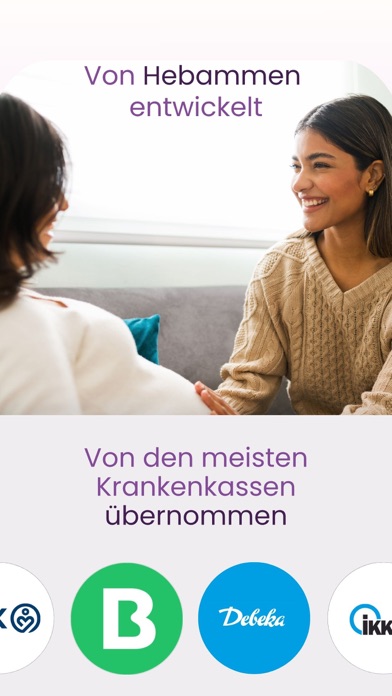
- #2Von Hebammen entwickelt 3
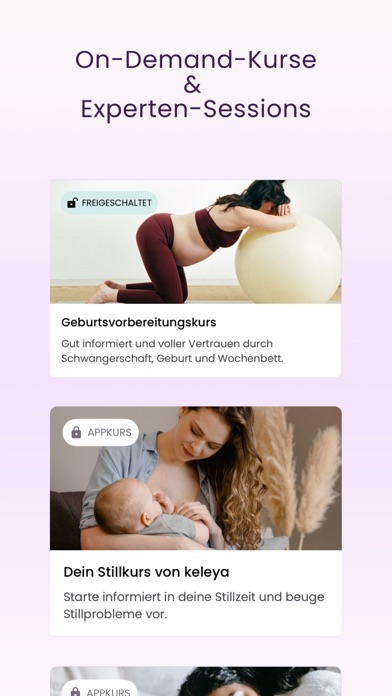
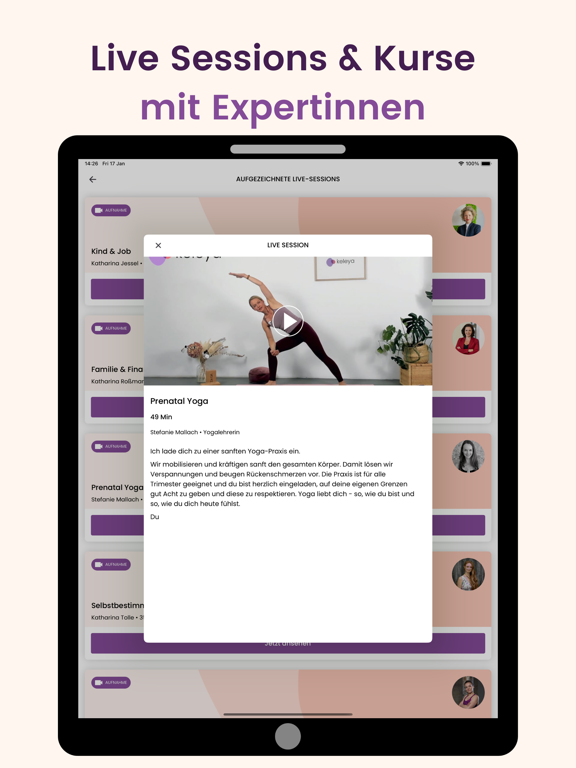
- #3Die einzige App mit Live-Kursen von Hebammen geleitet
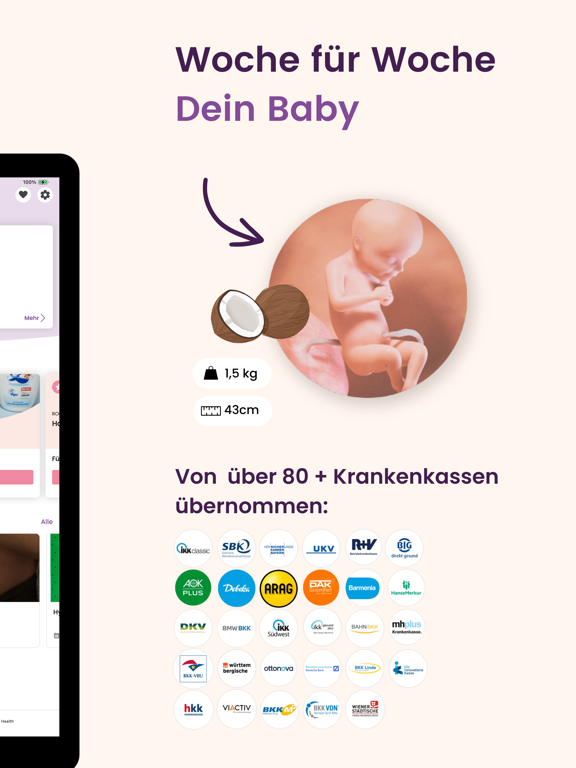
- #4Wöchentlich personalisierte Inhalte
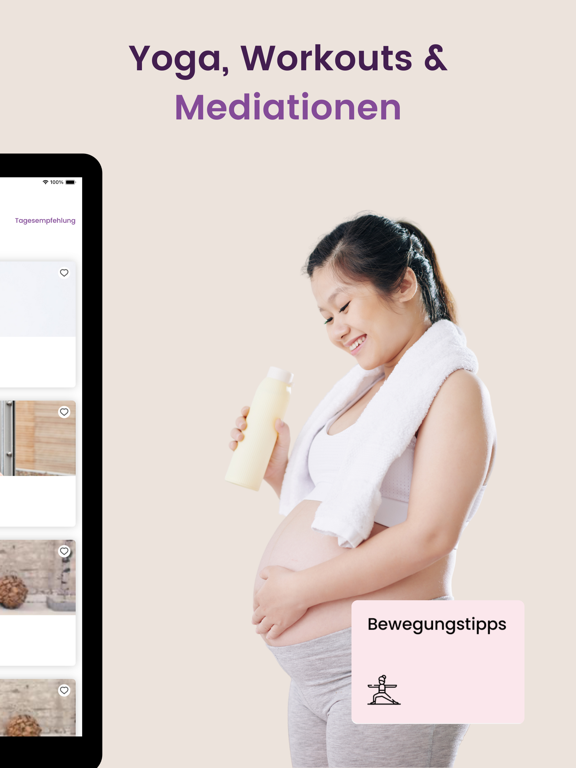
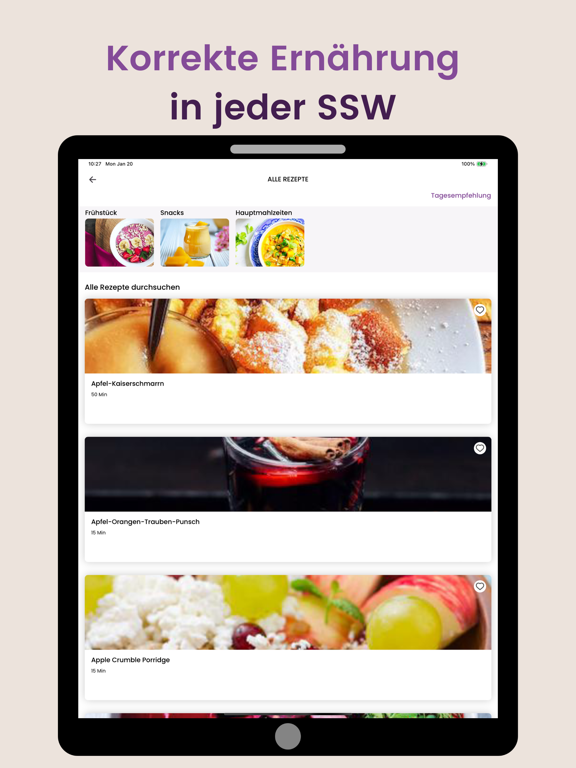
- #5Artikel, Workouts und Rezepte
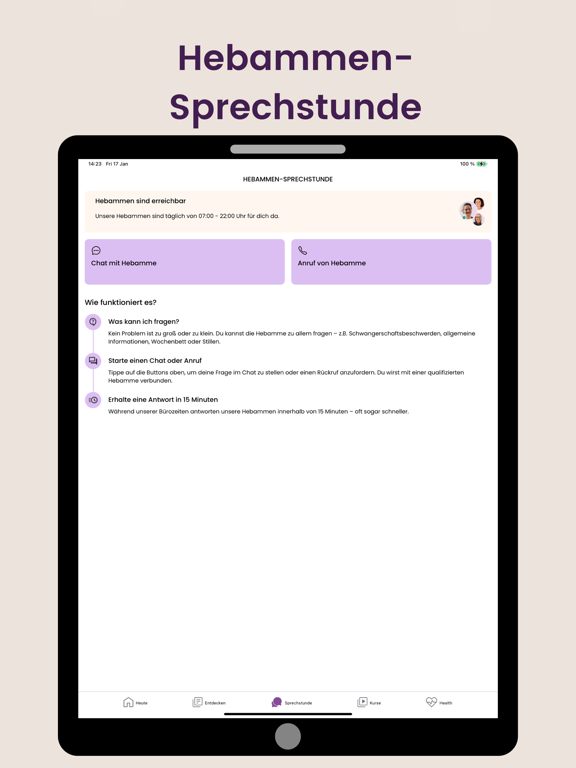
- #6Hebammen Sprechstunde tégl.von7-22h
Captions read from the screenshots (OCR, may contain small errors): 6 headlines, 4.3 words on average (longest 8).
Screenshots




iPad screenshots





Icon palette
About this app
keleya: Die Begleiter auf deiner Reise als werdende und junge Mutter. Ganzheitliches Fachwissen für jede Woche der Schwangerschaft und die ersten zwei Lebensjahre deines Kindes. Live-Sessions, maßgeschneiderte Workouts und ein Geburtsvorbereitungskurs. Von Schwangeren & Mamas geliebt. KOSTENLOSE LEISTUNGEN, DIE VON 80+ KRANKENVERSICHERUNGEN ÜBERNOMMEN WERDEN. DAS BEKOMMST DU IN DER APP: Die größte Auswahl an Schwangerschafts- und Rückbildungsübungen Vollständiger Geburtsvorbereitungskurs (erstattet als Ergänzungsleistung von vielen Krankenkassen) Wöchentliche Updates & Tipps zur Entwicklung von dir und deinem Baby Grafische Einblicke in die Größe deines Babys für jede SSW Live-Sessions mit Expertinnen Schwangerschaftswochen-Kalender Meditationen & Atemübungen Gesunde Rezepte für jede SSW Symptom- & Schwangerschafts-Tracker Expertenwissen von Hebammen, Gynäkologen, Frauenärzten, Präna…
App details
What you can learn from Schwangerschafts-App | keleya
Every shipping app on the App Store has gone through the same decisions you're working through right now: which screenshot goes first, what caption sits over it, which device frame to show, what color the background should be. The 18 screenshots above are Schwangerschafts-App | keleya's answers to those questions — they're public, they're real, and they made it through Apple's review.
What the numbers say: Schwangerschafts-App | keleya runs a light set with one background colour (#FCFCFC) carried across every screenshot — the listing reads as a single poster when the shots sit side by side in search results. The accent colour we picked up, #844C9C, is the one to reuse for badges, arrows and highlighted words if you borrow this look. Hit Use this style to open the editor with these exact colours and drop your own screenshot in.
Notice the first screenshot in particular. It's the one users see in search results and on the product page, and it's where most apps spend their best caption and tightest design. Look at the proportion of background to phone, where the text sits, what one thing the image is trying to communicate.
Want to see how other Medical apps approach the same problem? Browse more Medical apps in the showcase.
Take what works into your own screenshots
Open LaunchShots and design your App Store & Google Play screenshots — pick a device frame, drop captions, ship in minutes. Free, in your browser.
Open the screenshot editor →Apps with a similar look
Closest background + accent colours among the listings we've analysed — useful when you want to see the same palette handled by a different team.